

NoiseTorch suppresses microphone noise in real time on Linux with PulseAudio or PipeWire.
HushMic
HushMic suppresses microphone noise in real time on Linux using a system-wide virtual microphone with PipeWire.
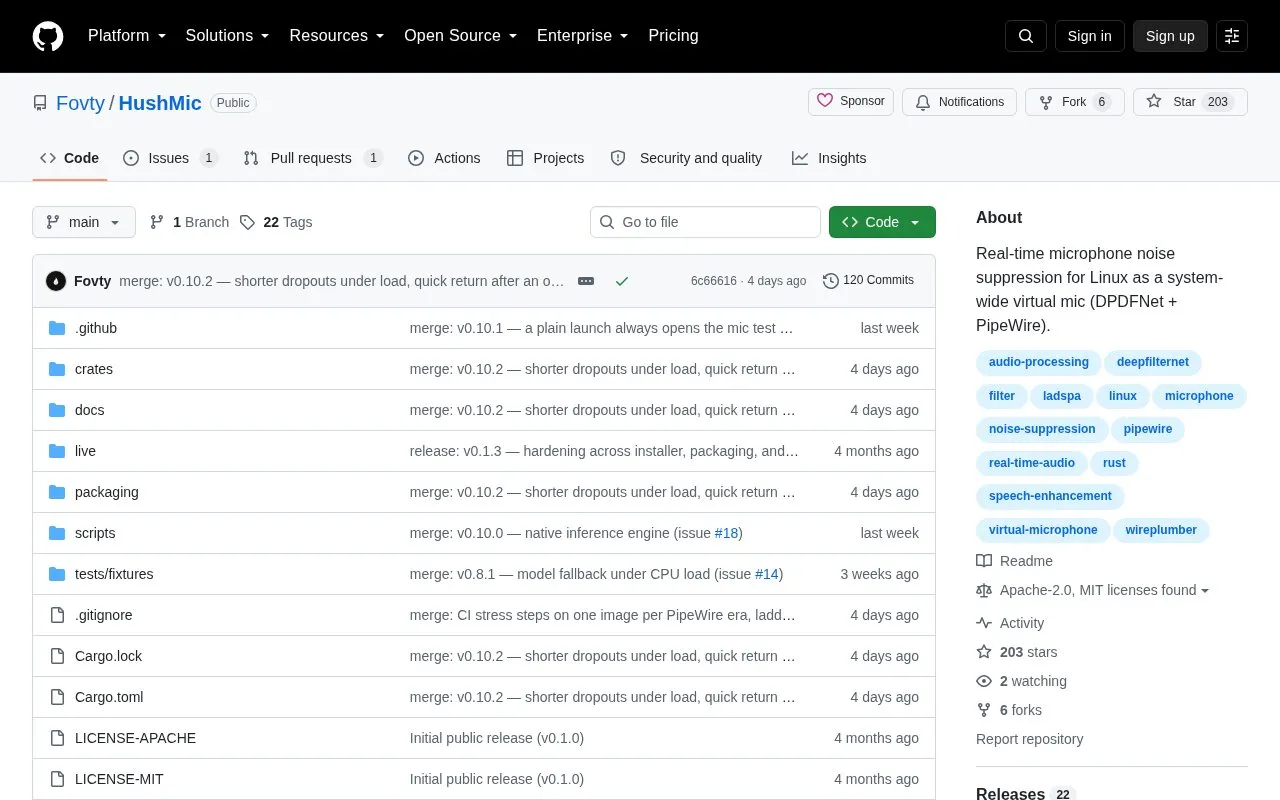
About HushMic
HushMic provides real-time microphone noise suppression on Linux by adding a virtual microphone to PipeWire. It runs the DPDFNet model on the CPU and is selected as the input in apps such as Discord, TeamSpeak, OBS, or a browser to reduce keyboard noise, fan hum, and background chatter. Processing stays on the local machine and adds 80 ms of latency.
Users select their physical microphone in the tray menu, then choose HushMic in each app or enable Set as default microphone. It offers suppress, bypass, and mute modes, quality and light model choices, suppression strength adjustment, and a side-by-side test with 10-second recording. Control is available from the tray menu or terminal commands. It requires Linux on x86-64 with PipeWire and WirePlumber; PulseAudio apps need pipewire-pulse.
Key features
- System-wide PipeWire virtual microphone for denoised voice input
- Removes keyboard noise, fan hum, and background chatter in real time
- Suppress, bypass, and mute modes that switch without reconnecting calls
- Quality and light DPDFNet models with adjustable suppression strength
- Side-by-side mic test with 10-second record and playback
- Terminal commands for status, mode switching, and configuration
Best for: Linux users on PipeWire systems who want reduced background noise in voice calls, streaming, or recording.
Good for
- Runs on CPU with audio staying on the local machine
- Works system-wide by selecting HushMic as input in compatible apps
- Open source with embeddable Rust library and LADSPA plugin
Watch out for
- Requires Linux on x86-64 with PipeWire and WirePlumber
- Adds 80 ms of processing latency
- Tray icon needs StatusNotifierItem support; PulseAudio apps need pipewire-pulse
HushMic at a glance
- Website
- github.com/Fovty/hushmic
- Category
- Software & Utilities › Linux Apps
- Type
- Open-source project
- Pricing
- Not confirmed. Check the site
- Platforms
- Linux
- Open source
- Yes · Source code
- Language
- English
- Last checked
- Oct 5, 2026 · Online when checked
- Listed
- Oct 5, 2026
HushMic alternatives
Tools and sites you could use instead, ranked by how closely they match.

REAL Video Enhancer processes video through interpolation, upscaling, decompression, and denoising on Linux, Windows, and macOS.
Open source
24 alternatives
AudioSource forwards Android microphone audio to PulseAudio through ADB for use as a USB microphone.
Open source
24 alternatives
linux-router turns a Linux computer into a router, supporting internet sharing, Wi-Fi hotspots, IPv6, and virtual machines or containers.
Open source
24 alternatives
auto-cpufreq adjusts CPU speed and power use automatically on Linux systems.
Open source
24 alternatives
The utils repository collects custom scripts and dotfiles, mainly for Linux systems.
Open source
24 alternativesPopular in Linux Apps
Well-known listings from the same topic.
AltBoxaltbox.devThe Levelatorarchive.org/details/conversationsnetwork_org-l…Alacrittyalacritty.orgShellScriptshellscript.shghostwriterghostwriter.kde.orgLibrebootlibreboot.org


HushMic FAQ
How do I use HushMic with other apps?
Pick your microphone in the tray menu, then select HushMic as the input in the app, or enable Set as default microphone for apps that follow the system default.
What are the system requirements?
Linux on x86-64 with PipeWire and WirePlumber; PulseAudio apps need pipewire-pulse.
Can I control HushMic without a tray icon?
Yes, it still runs and the same controls work from a terminal, such as hushmic status, hushmic mode, hushmic toggle, and hushmic config commands.
Is something wrong or out of date?
Tell us and an editor will check it.
Own this website?
Claim this listing
Claim the listing and suggest updates yourself. An editor checks every claim first.