

bandwhich displays current network bandwidth use by process, connection, and remote IP address or hostname in a terminal.
Open source
24 alternativesscreenFetch displays Linux system and theme information in a terminal, with its repository noting the project's current state.
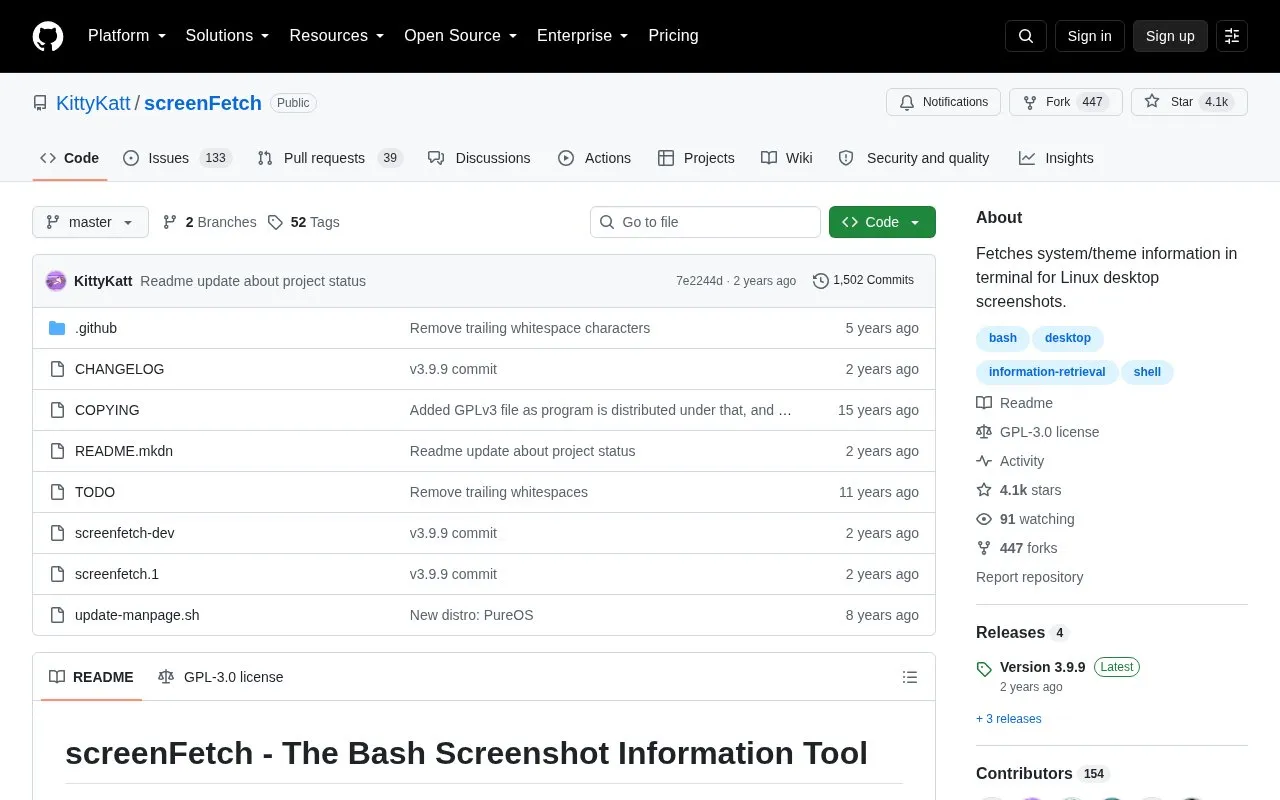
screenFetch is a Bash script that displays Linux system and theme information in a terminal alongside an ASCII distribution logo. It auto-detects the distribution and shows information to the side of the logo for use in desktop screenshots.
The repository includes a notice directing readers to a discussion on the current state of the project. It is run with the screenfetch command and supports command-line options for output format, colors, and screenshots.
Tools and sites you could use instead, ranked by how closely they match.
bandwhich displays current network bandwidth use by process, connection, and remote IP address or hostname in a terminal.
LiveCaptions displays live captions on the Linux desktop, according to its repository.
Archey4 displays system information on Linux as a maintained fork of the original Archey tool.
Zenith displays CPU, GPU, network, and disk metrics in a terminal with zoomable charts.
Macchina displays system information on Linux, macOS, Windows, and other listed platforms.
Macfetch displays system information on macOS as a Neofetch alternative written in Rust.
Well-known listings from the same topic.
Tell us and an editor will check it.
Claim the listing and suggest updates yourself. An editor checks every claim first.


