

The utils repository collects custom scripts and dotfiles, mainly for Linux systems.
Open source
24 alternativesZenith displays CPU, GPU, network, and disk metrics in a terminal with zoomable charts.
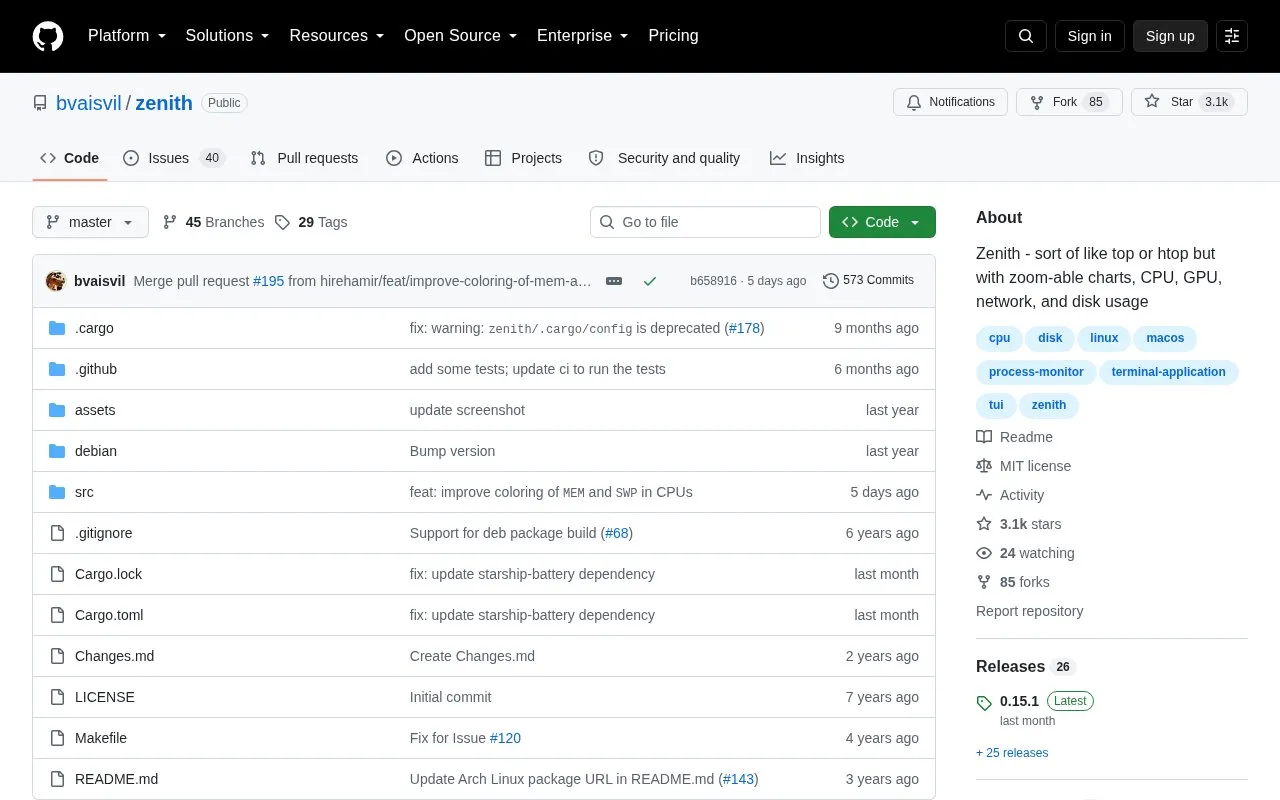
Zenith is an open-source terminal program for monitoring system resources on Linux and macOS, described by its author as similar to top or htop but with zoomable charts. It displays optional CPU, memory, network and disk usage charts, gives quick glances at disk free space, NIC IP addresses and CPU frequency, and includes a top-like filterable process table with per-process disk usage. It can highlight the heaviest users of CPU, memory and disk, change process priority, manage processes with signals, report battery charge state and power use, and retain performance data between runs.
NVIDIA GPU utilization metrics, including per-process GPU usage, are available when the program is built or installed with the nvidia feature; the minimum supported NVIDIA driver version is 418.56. Some capabilities depend on platform or privileges: delay accounting is available on Linux when running with root permissions. Docker support, ZFS pool status, AMD GPU utilization metrics, disk I/O ops and latency metrics, memory pressure support and sensor temperature charts are listed as planned rather than currently available.
Tools and sites you could use instead, ranked by how closely they match.
The utils repository collects custom scripts and dotfiles, mainly for Linux systems.
Heads provides a minimal Linux boot environment running as a coreboot or LinuxBoot ROM payload for laptops, workstations, and servers.
dae provides an eBPF-based transparent proxy solution for Linux, according to its repository description.
bandwhich displays current network bandwidth use by process, connection, and remote IP address or hostname in a terminal.
screenFetch displays Linux system and theme information in a terminal, with its repository noting the project's current state.
WinApps runs Windows applications such as Microsoft Office or Adobe software on Linux and integrates them with GNOME or KDE.
Well-known listings from the same topic.
Tell us and an editor will check it.
Claim the listing and suggest updates yourself. An editor checks every claim first.


