

Curtail compresses PNG, JPEG, WebP, and SVG images, according to its repository description.
FreeOpen source
24 alternativesDiscover adds a Discord overlay to Linux, according to the repository description.
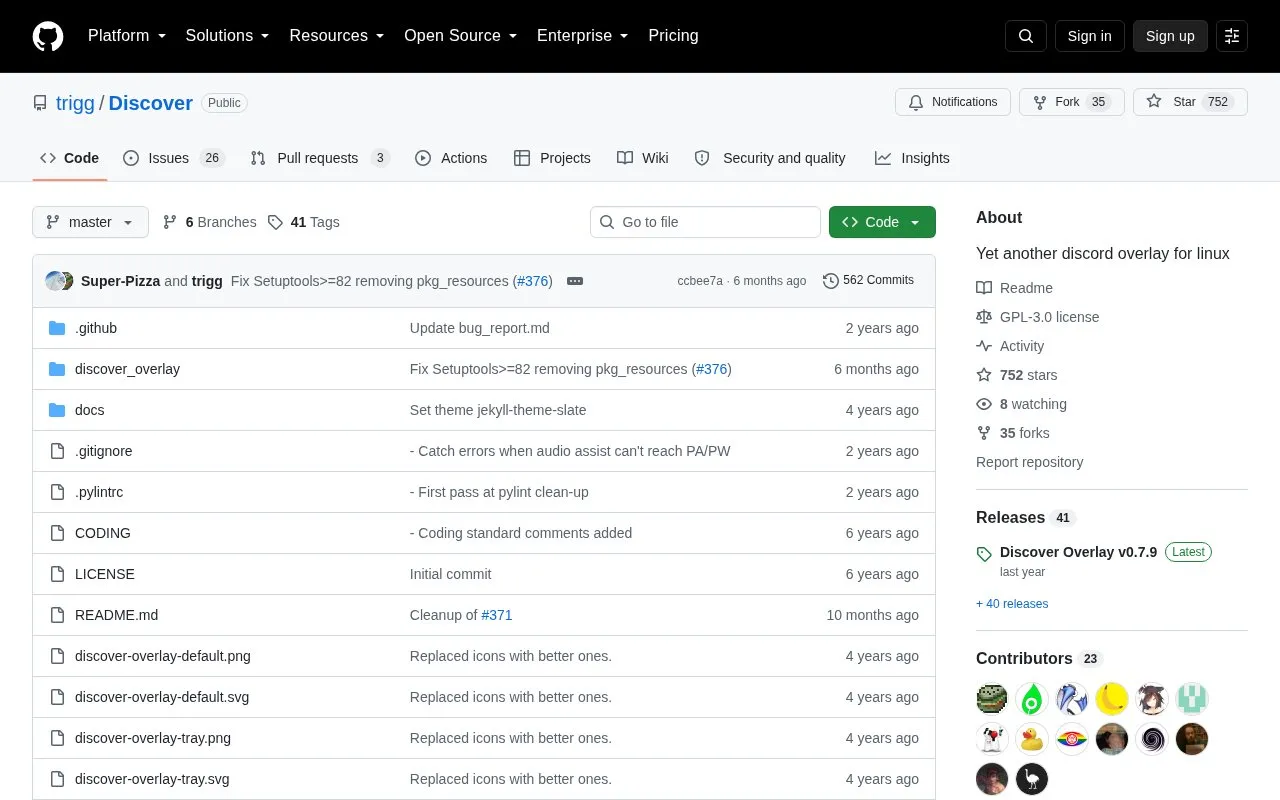
Discover is an open-source Discord overlay for Linux, written in Python 3 using GTK3. It can be configured to show who is currently talking in a Discord voice channel, or to display text and images from a preconfigured channel, and it can be positioned anywhere on screen. The project states support for X11 and wlroots-based environments and describes itself as lighter on system resources than discord-overlay. Its stated motivation is the project's view of shortcomings in Linux support from the official Discord client.
Alongside a graphical configuration window, the overlay can be controlled from the terminal: starting and closing it, hiding and showing overlays, muting, deafening, leaving or joining a voice channel by room ID, and requesting guild and channel lists that are written to a JSON file. Listed installation routes are Flatpak via Flathub, pipx for the stable release, or installing from a cloned repository for the latest testing build.
Tools and sites you could use instead, ranked by how closely they match.
Curtail compresses PNG, JPEG, WebP, and SVG images, according to its repository description.
Use nextcord to integrate Python applications with the Discord API; the project is a maintained fork of discord.py.
REAL Video Enhancer processes video through interpolation, upscaling, decompression, and denoising on Linux, Windows, and macOS.
auto-cpufreq adjusts CPU speed and power use automatically on Linux systems.
ANGRYsearch searches files on Linux and displays results as users type.
Solaar manages Logitech keyboards, mice, and other wireless devices on Linux, including devices connected through Unifying and Bolt receivers.
Well-known listings from the same topic.
Tell us and an editor will check it.
Claim the listing and suggest updates yourself. An editor checks every claim first.


