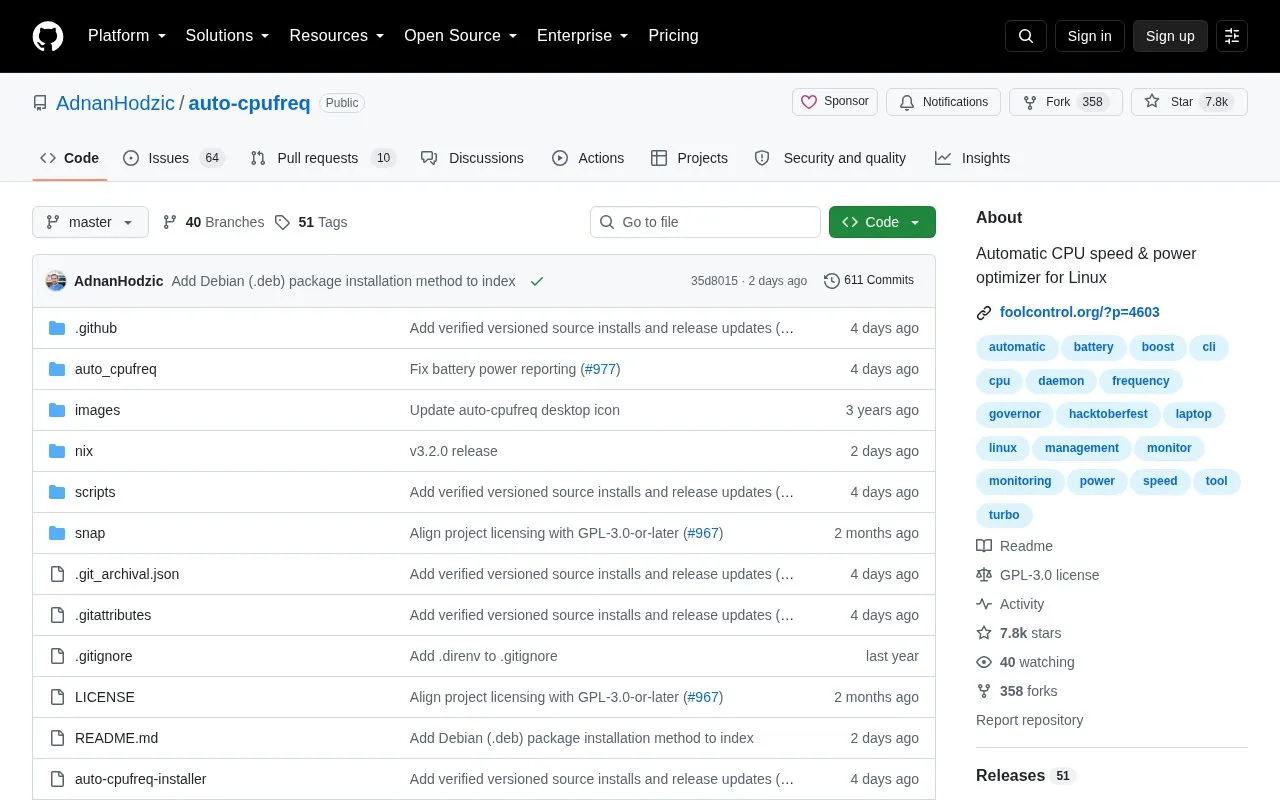
auto-cpufreq is an open-source tool for Linux that automatically changes CPU frequency-related settings based on battery state, CPU usage, CPU temperature, and system load. It reports CPU frequency, usage and temperature for the system and per core, plus battery state and basic system information, and provides command-line options and a graphical interface.
It supports only devices with Intel, AMD, or ARM CPUs and was developed for laptops, though use on desktops or servers is described as possible. It is intended to replace TLP for CPU frequency control, and using both to set frequencies can lead to unwanted results such as overheating.
Key features
Automatically adjusts CPU settings based on battery state and system load
Monitors CPU frequency for system total and per core
Monitors CPU usage for system total and per core
Monitors CPU temperature average and per core
Displays battery state and basic system information
Supports governor override and turbo mode override
Best for: Linux laptop users with Intel, AMD, or ARM CPUs who want automatic CPU frequency management.
Good for
Automates CPU frequency changes rather than requiring manual adjustment
Uses battery state, CPU usage, temperature, and system load as inputs
Does not conflict with thermald, which is recommended to run alongside
Watch out for
Supports only Intel, AMD, or ARM CPUs
Aims to replace TLP; using both to set CPU frequencies can cause overheating
Developed for laptops; desktop and server use is described only as possible
CPUs on Linux laptops can run in an unoptimized manner, such as using the performance governor with turbo boost enabled whether plugged in or not, which negatively impacts battery life.
Can I run auto-cpufreq together with TLP?
auto-cpufreq aims to replace TLP for CPU frequency control, so removing TLP is recommended. Using both for the same functionality can lead to unwanted results like overheating.
Which CPUs and devices are supported?
Only devices with an Intel, AMD, or ARM CPU are supported. The tool was developed for laptops, but running it on desktops or servers to lower power consumption should also be possible.
Is something wrong or out of date?
Tell us and an editor will check it.
Own this website?
Claim the listing and suggest updates yourself. An editor checks every claim first.