AudioSource

github.com/gdzx/audiosource Linux Apps Open-source projectOpen source

AudioSource forwards Android microphone audio to PulseAudio through ADB for use as a USB microphone.

github.com/gdzx/audiosource
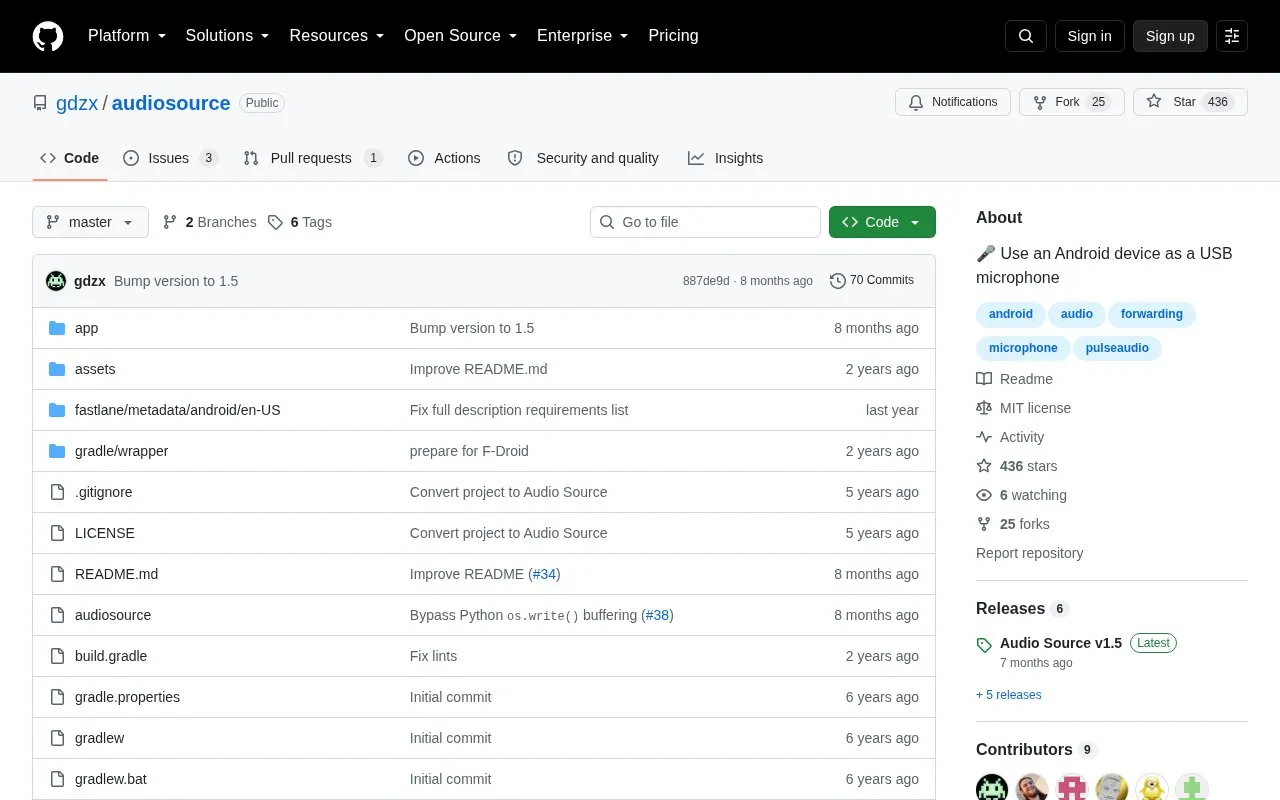
AudioSource homepage screenshot

About AudioSource

AudioSource forwards Android microphone input to the PulseAudio daemon on Linux through ADB, allowing an Android device to act as a USB microphone. It uses an Android app paired with a Python client script on the Linux computer.

It requires Android 4.0 or later, USB debugging enabled, and Linux with adb, pactl and python3 in PATH. It was fully tested only on Android 10, and wireless debugging is noted to increase latency and jitter.

Key features

  • Forwards Android microphone audio to PulseAudio over ADB
  • Starts forwarding with ./audiosource run after USB connection
  • Adjusts input level with volume command, often above 100%
  • Selects device by serial number or ANDROID_SERIAL variable
  • Forwards audio from multiple devices simultaneously
  • Works with PipeWire with PulseAudio support
Best for: Linux users who need to use an Android phone as a wired microphone input.
Good for
  • Installable from F-Droid, release APK, or built from source
  • Supports PulseAudio and PipeWire with PulseAudio support
  • Can handle multiple connected devices at once
Watch out for
  • Fully tested only on Android 10; other versions may vary
  • Wireless debugging increases latency and jitter
  • Requires ADB, PulseAudio tools, Python 3, and USB debugging setup

AudioSource at a glance

Type
Open-source project
Pricing
Not confirmed. Check the site
Platforms
Android, Linux
Open source
Yes · Source code
Language
English
Last checked
Oct 6, 2026 · Online when checked
Listed
Oct 5, 2026

AudioSource alternatives

Tools and sites you could use instead, ranked by how closely they match.

All 24 alternatives

Popular in Linux Apps

Well-known listings from the same topic.

All 222

AudioSource FAQ

How do I start forwarding microphone audio?
Connect the phone by USB, allow USB debugging if requested, run ./audiosource run, then grant microphone permission if requested.
What should I do if the volume is too low?
Run ./audiosource volume 200%, replacing 200% with the desired level; a level above 100% is often needed.
How do I use AudioSource with multiple devices?
Run adb devices to find serial numbers, then run ./audiosource -s SERIAL run or set the ANDROID_SERIAL variable.
Is something wrong or out of date?

Tell us and an editor will check it.

Own this website?

Claim the listing and suggest updates yourself. An editor checks every claim first.

Claim this listing