

Macchina displays system information on Linux, macOS, Windows, and other listed platforms.
Open source
24 alternativesFan Control displays sensor readings and controls fans using configurable behaviors, with configuration saving and multiple platforms listed.
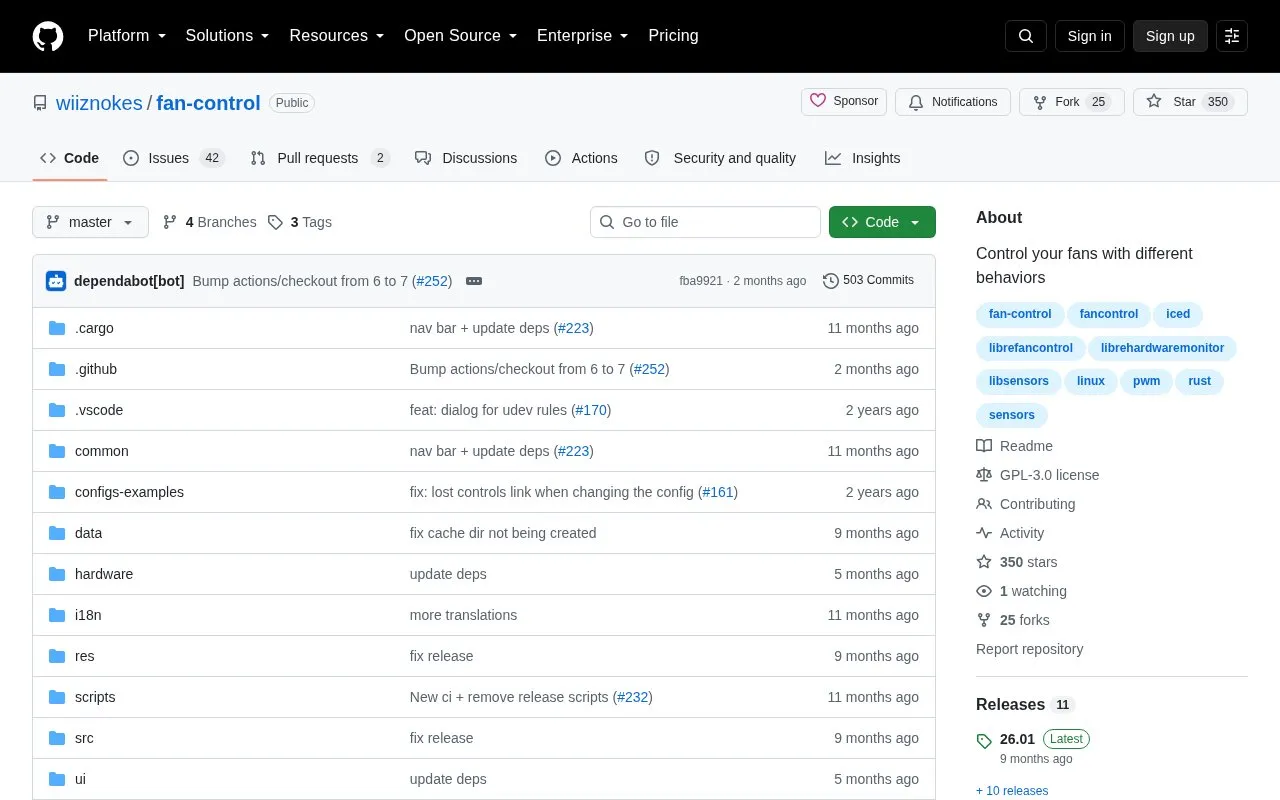
Fan Control displays real-time sensor data and controls fans based on custom behaviors. Users add items in the app, assign a fan in a Control item to a Behavior, and save named configurations for reuse.
It lists support for Linux and Windows. Setup requires extra steps, including a driver and runtime on Windows, and udev rules plus sensor tools such as lm-sensors on Linux for maximum sensor detection.
Tools and sites you could use instead, ranked by how closely they match.
Macchina displays system information on Linux, macOS, Windows, and other listed platforms.
CoolerControl monitors and controls fans and pumps on Linux, with alerts and configuration documentation.
keyd runs as a Linux daemon for remapping keyboard keys and defining custom key behavior.
G-Helper Linux controls ASUS laptop features including fan curves, Aura RGB, MUX, battery limits, and GPU modes on Linux.
rcm manages configuration files and dotfiles through a command-line suite.
bandwhich displays current network bandwidth use by process, connection, and remote IP address or hostname in a terminal.
Well-known listings from the same topic.
Tell us and an editor will check it.
Claim the listing and suggest updates yourself. An editor checks every claim first.


