

Heads provides a minimal Linux boot environment running as a coreboot or LinuxBoot ROM payload for laptops, workstations, and servers.
Open source
24 alternativesG-Helper Linux controls ASUS laptop features including fan curves, Aura RGB, MUX, battery limits, and GPU modes on Linux.
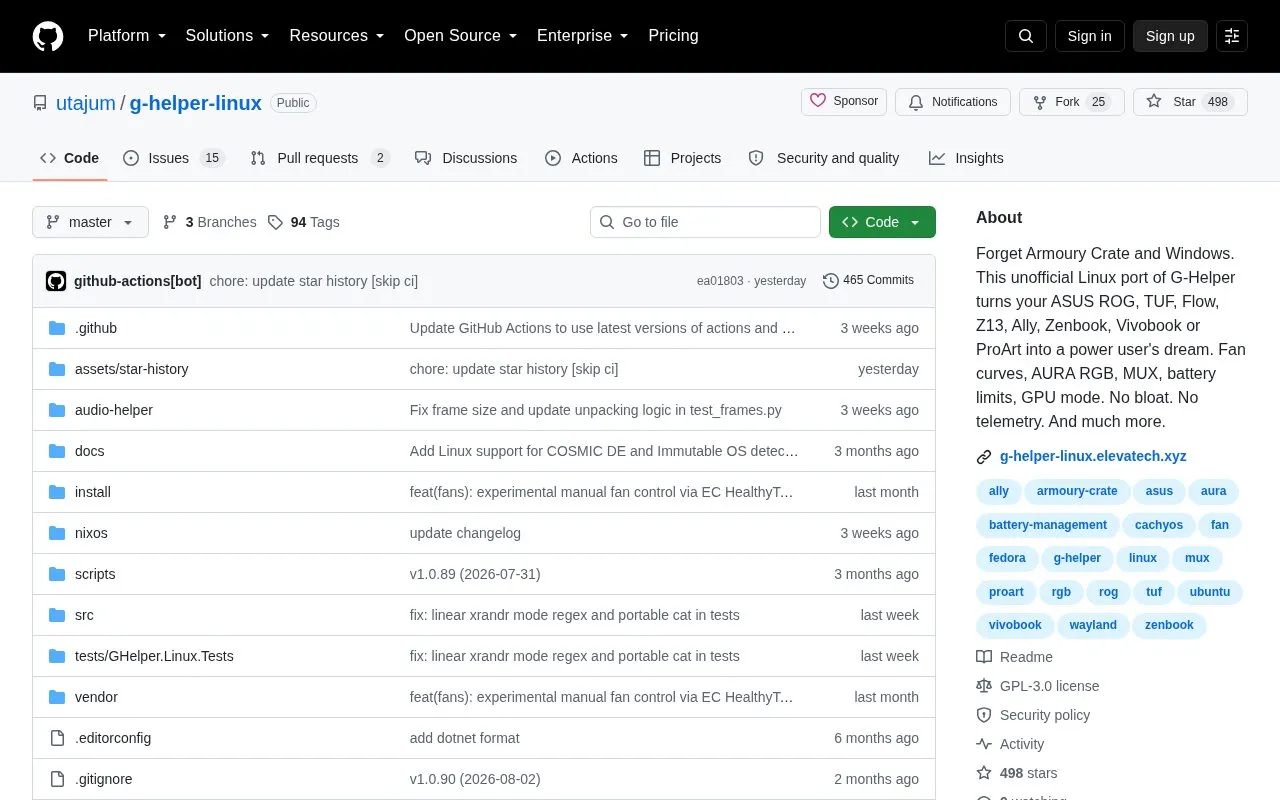
G-Helper Linux is an unofficial Linux port of G-Helper, a control utility originally written for Windows. It is used to manage settings on ASUS laptops, including fan curves, Aura RGB keyboard lighting, MUX and GPU modes, and battery charge limits. The project's README says it was built because asusctl does not cover most of the functionality the original G-Helper offers, and it is tested primarily on KDE. The author states that other desktop environments should also work.
The project also lists experimental support for some Lenovo models (IdeaPad, Legion, LOQ, and Yoga). That support covers performance modes, battery conservation, fan monitoring, power limits, and keyboard backlight through mainline kernel drivers. Power limit control requires kernel 6.17 or later. Switching to the Ultimate GPU mode, which sets the dGPU to drive the display directly, requires a reboot. The homepage states that the software has no telemetry, but this is a claim made by the project and is not independently verified here.
Tools and sites you could use instead, ranked by how closely they match.
Heads provides a minimal Linux boot environment running as a coreboot or LinuxBoot ROM payload for laptops, workstations, and servers.
boxxy isolates misbehaving Linux applications and limits where they can place files.
HeadsetControl shows sidetone and battery status for selected Logitech, SteelSeries, and Corsair headsets on Linux and macOS.
Fan Control displays sensor readings and controls fans using configurable behaviors, with configuration saving and multiple platforms listed.
REAL Video Enhancer processes video through interpolation, upscaling, decompression, and denoising on Linux, Windows, and macOS.
Linux Wi-Fi Hotspot creates wireless hotspots on Linux through a graphical or command-line interface.
Well-known listings from the same topic.
Tell us and an editor will check it.
Claim the listing and suggest updates yourself. An editor checks every claim first.


