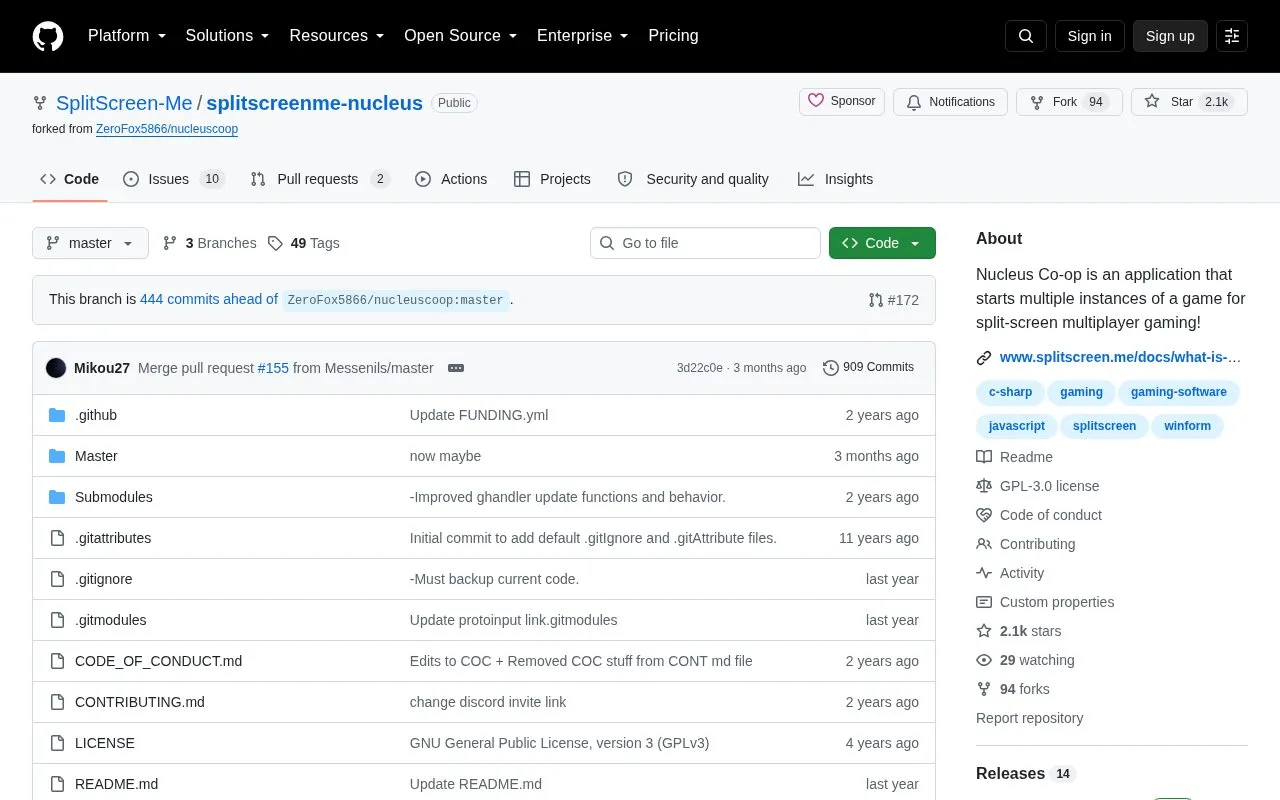
Nucleus Co-op starts multiple instances of a supported game on Windows so several players can play together on one PC with one game copy. It links the instances through LAN or multiplayer emulation, assigns each instance to a specific gamepad, and resizes and positions the windows to create split-screen.
It does not add multiplayer to single-player games; the game must already support LAN, online multiplayer, or connection through mods. Use on Windows requires .NET Framework 4.7.2 or higher and Microsoft Visual C++ 2015-2019 Redistributables for x86 and x64.
Key features
Starts multiple instances of a supported game from one copy
Assigns each instance to a specific gamepad
Connects instances via LAN or multiplayer emulation
Resizes and repositions game windows for split-screen
Supports player nicknames and input order settings
Offers customizable interface with themes and game covers
Best for: Windows PC owners who want to play supported LAN or online multiplayer games in local split-screen on one computer.
Good for
Open source tool for Windows
Designed to work with one PC and one game copy
Includes handler customization and display scaling support
Watch out for
Does not add multiplayer to single-player-only games
Requires existing LAN, online multiplayer, or mod connection
Requires .NET Framework and Visual C++ redistributables
It opens multiple instances of the same game files, assigns each instance to one gamepad, connects them via LAN or multiplayer emulation, and resizes and repositions the windows for split-screen play.
Can it add co-op to a single-player game?
No. The game needs to already have LAN or online multiplayer, or another way to connect instances, such as through mods.
What is required to run it?
Windows with .NET Framework 4.7.2 or higher and Microsoft Visual C++ 2015-2019 Redistributable for both x86 and x64, plus Edge WebView2 if the downloader gets stuck on the loading screen.
Is something wrong or out of date?
Tell us and an editor will check it.
Own this website?
Claim the listing and suggest updates yourself. An editor checks every claim first.