
Online Photo Editor
Edit photos online with tools for filters, image conversion, charts and route maps.
About Online Photo Editor
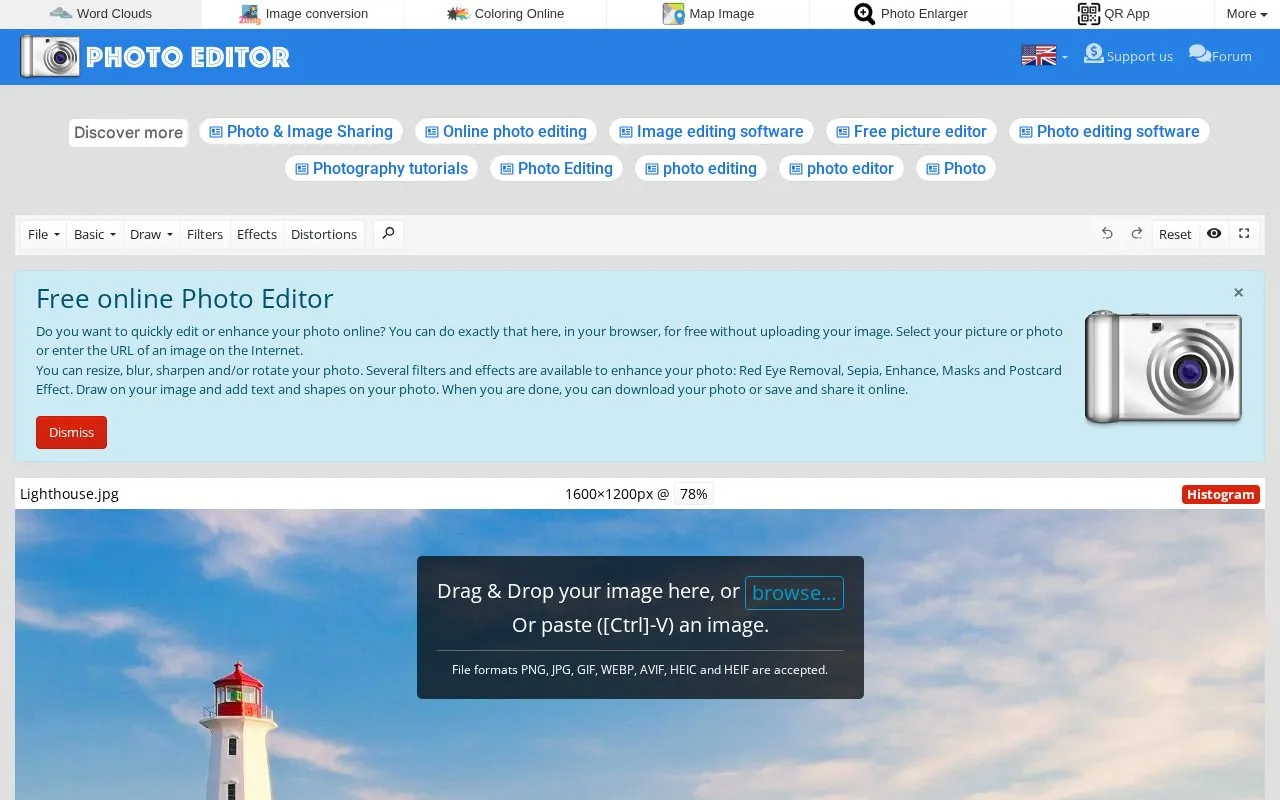
Online Photo Editor provides a browser-based editor for adjusting photos. It supports crop, resize, rotate, flip, blur, sharpen, filters and effects such as sepia, red-eye removal, masks, recoloring, cartoon, oil paint and sketch, plus drawing, text, shapes, borders and frames. Images can be opened from a device or by entering an image URL, and results can be downloaded, saved as JPG, printed, or saved and shared online.
The site states that editing is processed in the browser without uploads or storage and that no registration is required, though entering an image URL and using save and share online options involve external transfer.
Key features
- Crop, resize, rotate, flip, blur and sharpen photos
- Apply filters and effects including sepia, sketch and oil paint
- Remove red eye, autocorrect, recolor and add masks and frames
- Draw on images and add text and shapes
- Open images from device or by image URL
- Save as JPG, download, print, or share online
- States no registration or account is required
- States edits are processed in the browser without uploading the image
- Lists keyboard shortcuts for undo, redo, zoom, save and print
Online Photo Editor at a glance
- Website
- freeonlinephotoeditor.com
- Category
- Design & Creative › Image Creation & Editing
- Type
- Online tool
- Pricing
- Not confirmed. Check the site
- Platforms
- Web
- Open source
- Not stated
- Language
- English
- Last checked
- Oct 5, 2026 · Online when checked
- Listed
- Oct 5, 2026
Popular in Image Creation & Editing
Well-known listings from the same topic.


Online Photo Editor FAQ
Do I need to create an account to use the editor?
Do I have to upload my photo to edit it?
How can I save my edited photo?
Tell us and an editor will check it.
Claim the listing and suggest updates yourself. An editor checks every claim first.