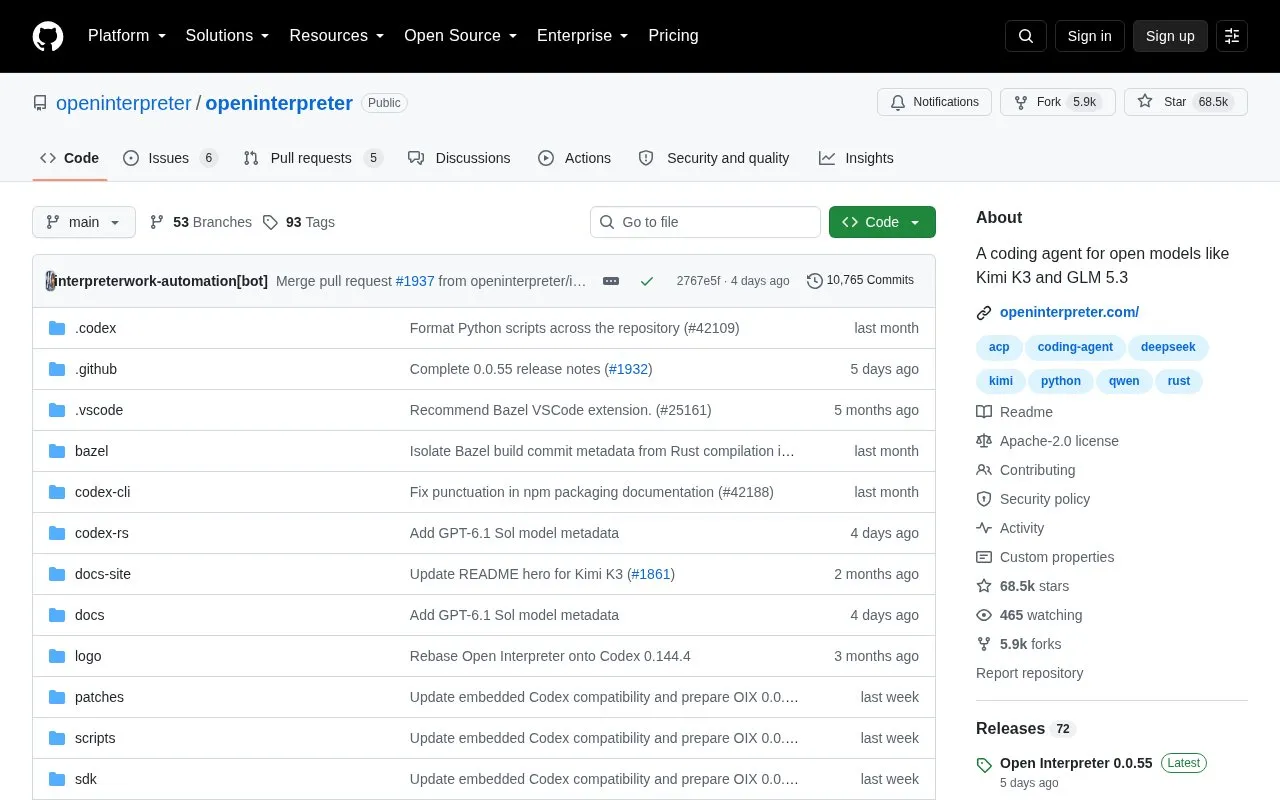
Open Interpreter is an open-source coding agent for open models such as Kimi K3 and GLM 5.3. It is a fork of OpenAI's Codex that emulates agent harnesses for low-cost models.
It starts in the terminal with i or interpreter, runs commands inside native sandboxing on macOS, Linux, and Windows, and works with ACP-compatible editors and the Codex exec protocol. It keeps user-authored data in readable files such as AGENTS.md and shared skills directories, with configuration and runtime state under ~/.openinterpreter.
Key features
Start terminal session with i or interpreter command
Switch active harness with /harness, including kimi-code and others
Switch providers and models from TUI with /model
Run commands inside native sandboxing on macOS, Linux, Windows
Connect to ACP-compatible editors via interpreter acp launch
Operate web and native apps via QA skill using agent-browser, trycua
Best for: Developers who want to use open language models as coding agents in the terminal and existing editor setups.
Good for
Open-source repository
Supports multiple selectable harnesses for different models
Uses shared standards including AGENTS.md, MCP, ACP and Codex exec protocol
On macOS and Linux run curl -fsSL https://www.openinterpreter.com/install | sh, on Windows run irm https://www.openinterpreter.com/install.ps1 | iex, then type i or interpreter in the terminal.
How do I change the active harness?
Use /harness in the TUI to switch between options including native, kimi-code, qwen-code, swe-agent and minimal.
Does it work with the Codex SDK?
Yes, it speaks the same Codex exec protocol and can be used with a one-line binary override setting codexPathOverride to "interpreter".
Is something wrong or out of date?
Tell us and an editor will check it.
Own this website?
Claim the listing and suggest updates yourself. An editor checks every claim first.