

CrowBook converts books written in Markdown into HTML, LaTeX, PDF, and EPUB formats.
Open source
24 alternativesPapeer converts websites and RSS feeds into ebooks or Markdown for e-readers, retaining relevant text and images.
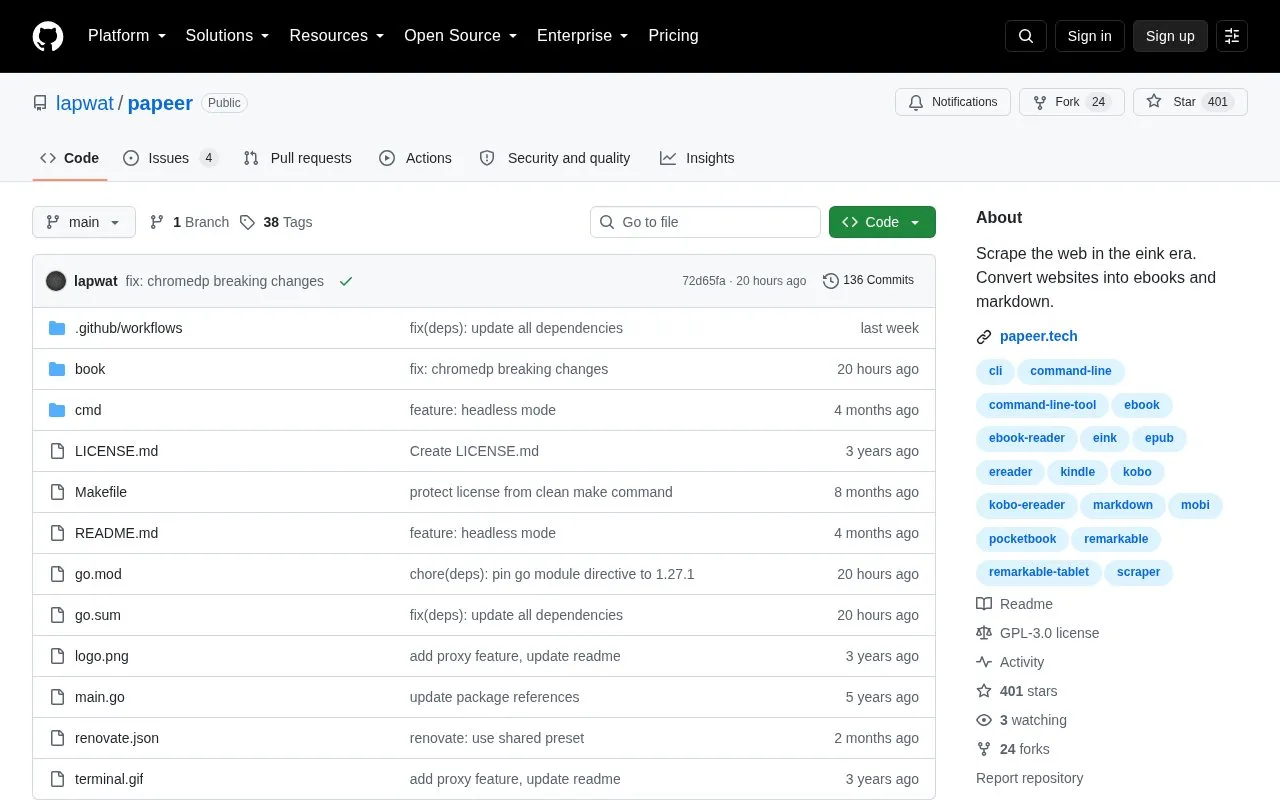
Papeer is a command-line tool that converts websites and RSS feeds into Markdown, HTML, EPUB, or MOBI files for e-readers. It removes ads and menus and keeps formatted text and images, and can handle single pages, chained URLs, or whole sites scraped recursively with a previewable table of contents.
It runs on Windows, macOS, and Linux and can also run as an HTTP proxy. MOBI output requires a separate kindlegen installation, with setup steps provided for Linux only.
Tools and sites you could use instead, ranked by how closely they match.
CrowBook converts books written in Markdown into HTML, LaTeX, PDF, and EPUB formats.
This Telegram bot converts ebooks through a few steps, according to its GitHub repository.
The AbcQuran app provides a free, open-source Quran reader for desktop systems, with streamed recitations.
Dharmik lets readers browse Bhagavad Gita verses, commentaries, and translations, with audio transcriptions in three languages.
This tool translates EPUB files into other languages with Google Translate and supports custom dictionaries.
Quran for Android provides an Android app for reading the Quran, with Madani-based images credited to a separate project.
Well-known listings from the same topic.
Tell us and an editor will check it.
Claim the listing and suggest updates yourself. An editor checks every claim first.


