PCI Lookup
PCI Lookup helps identify PCI vendors and devices to find corresponding driver descriptions.
About PCI Lookup
PCI Lookup helps users identify PCI hardware by looking up vendor and device IDs and their descriptions. Users find the IDs in their system, typically from the Hardware Ids entry in Windows Device Manager, then search them on the site to learn what the hardware is and locate a matching driver. The homepage includes guidance for Windows and links to external Linux walkthroughs on Debian and Red Hat Enterprise wikis.
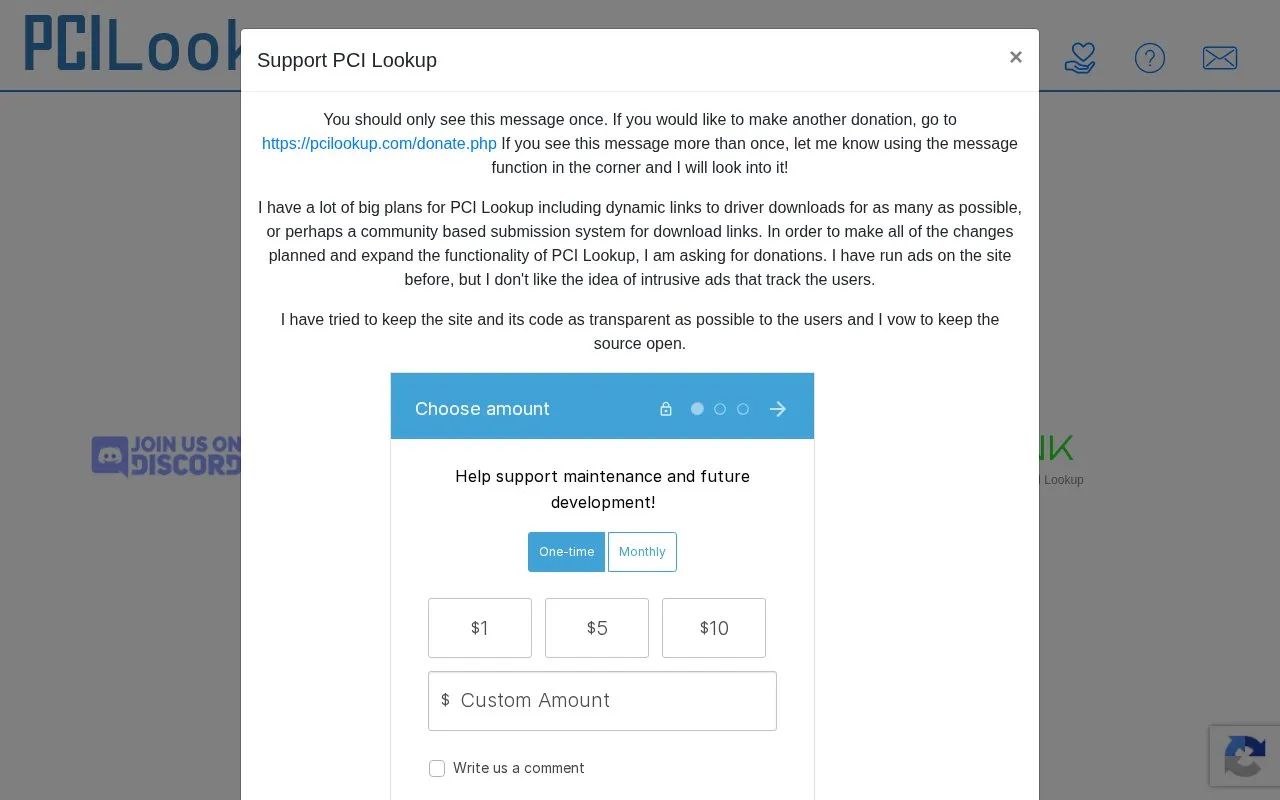
The site describes plans for dynamic driver download links and a community submission system for download links, but the homepage presents these as future plans rather than current features. The site is funded through donations and Patreon, and the pricing is listed as unknown.
Key features
- Vendor ID search using a Vendor box on the home page
- Device ID search using a Device box on the home page
- Step-by-step Windows instructions for reading Hardware Ids in Device Manager
- Explanation of how to read vendor, device and subsystem values in a PCI hardware ID
- Links to external Debian and Red Hat Enterprise walkthroughs for Linux users
- Contact option for questions about identifying hardware
- Gives specific Windows steps for locating a device's Hardware Ids
- Explains how to split a PCI hardware ID into its vendor, device and subsystem parts
- The site owner states a preference for avoiding intrusive ads that track users
- Driver download links and community submissions are described as plans, not current features
- Linux guidance on the homepage consists of links to external wikis rather than on-site steps
- The homepage asks for donations and patron support to fund planned changes
PCI Lookup at a glance
- Website
- pcilookup.com
- Category
- Software & Utilities › Hardware & Diagnostics
- Type
- Website
- Pricing
- Not confirmed. Check the site
- Platforms
- Linux, Web, Windows
- Open source
- Not stated
- Last checked
- Oct 6, 2026 · Online when checked
- Listed
- Oct 5, 2026
Popular in Hardware & Diagnostics
Well-known listings from the same topic.


PCI Lookup FAQ
Where do I find the Vendor and Device IDs in Windows?
How do I search for the IDs once I have them?
Tell us and an editor will check it.
Claim the listing and suggest updates yourself. An editor checks every claim first.