
PDF Bot
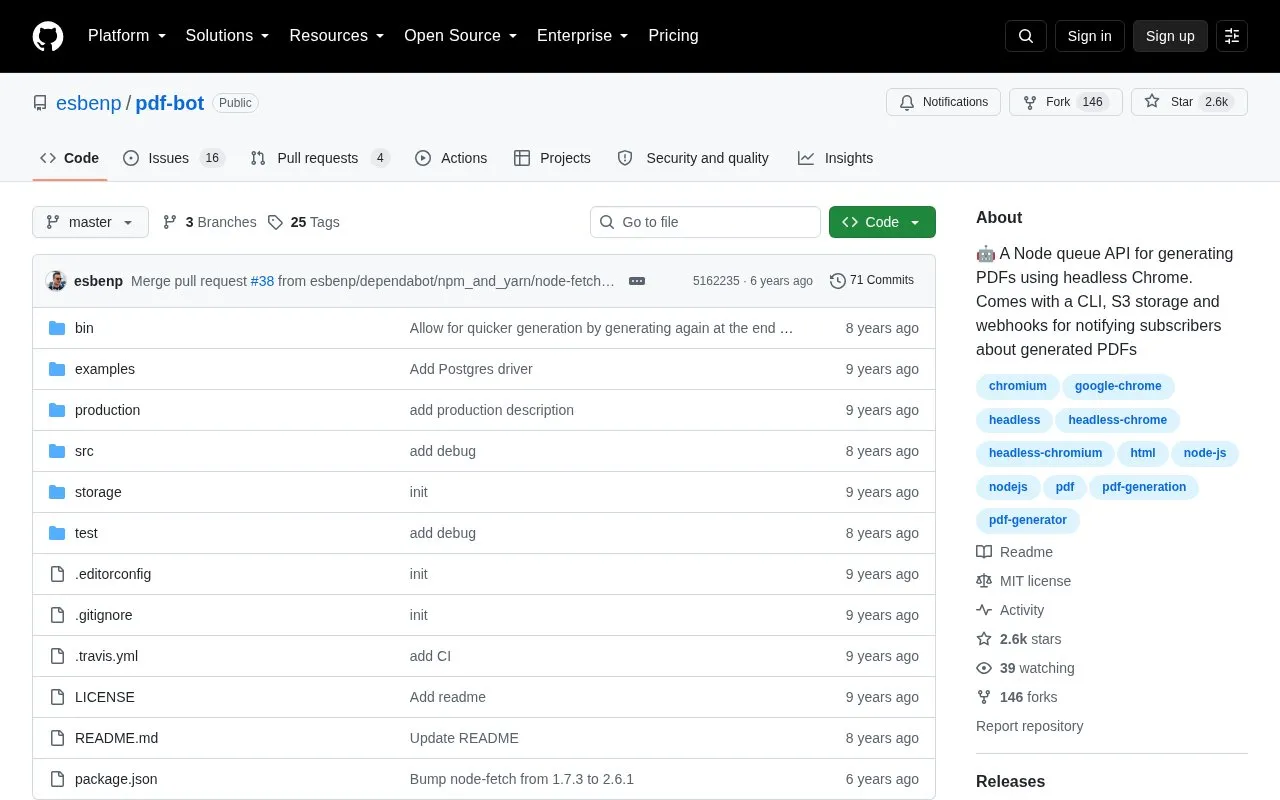
Generate PDFs through a Node.js queue API with PDF Bot, which supports a CLI, S3 storage, and webhooks.
About PDF Bot
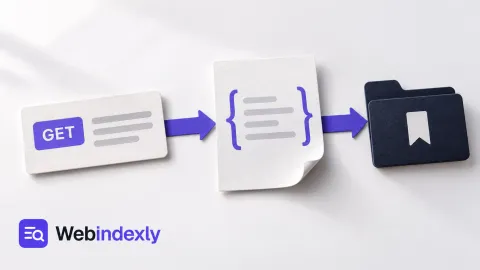
PDF Bot is a Node.js microservice that you install on your own server to generate PDFs with headless Chrome. Your application sends it a URL through the API or CLI, and it places the job in a queue. When a PDF is ready, the file location is sent back to your application by webhook. S3 storage is supported for saving the files. It suits developers whose application creates documents such as invoices.
Pricing is not clearly stated.
Key features
- Queue-based API for PDF jobs
- Command-line interface (CLI)
- S3 storage for PDFs
- Webhook notifications when a PDF is ready
- Automatic retries for failed PDFs and webhook pings
Best for: Developers who need to turn URLs into PDFs on a server they run, for example an app that creates invoices.
Watch out for
- Needs Node.js v6 or later on a server you run
- Needs an access token and webhook configuration
PDF Bot at a glance
- Website
- github.com/esbenp/pdf-bot
- Category
- Development › APIs & Databases
- Type
- App
- Pricing
- Not confirmed. Check the site
- Details verified
- Oct 22, 2026 · Official source
- Open source
- Yes · Source code
- Language
- English
- Last checked
- Oct 5, 2026 · Online when checked
- Listed
- Oct 5, 2026
Guides for APIs & Databases
PDF Bot alternatives
Tools and sites you could use instead, ranked by how closely they match.

For lakehouse architectures, Delta Lake provides an open-source storage framework with support for engines including Spark, Trino, and Hive.
Open source
24 alternatives
Store key-value data in React Native apps with MMKV, a storage library for the framework.
Open source
24 alternatives
PocketBase provides an open-source backend in a single file with a realtime database, authentication, and file storage.
Open source
24 alternatives
Vector search and storage are the focus of VectorDB, a Python vector database project.
Open source
24 alternatives
Microlink SDK provides a Node.js and browser package for screenshots, PDFs, metadata, scraping, and search through its API.

Create Telegram bots using the Telegram Bot API HTTP server in this repository.
Open source
24 alternativesPopular in APIs & Databases
Well-known listings from the same topic.
API3api3.orgTwiliotwilio.comDB Browsersqlitebrowser.orgBrunousebruno.comGelgeldata.comMeilisearchmeilisearch.com


PDF Bot FAQ
How do I install PDF Bot?
Install it with npm using `npm install -g pdf-bot`, then run `pdf-bot install` to answer the setup prompts and create a storage folder.
How are webhook requests checked?
Webhooks use a secret to generate a signature, so your app can check that the request was not changed in transfer.
Is something wrong or out of date?
Tell us and an editor will check it.
Own this website?
Claim this listing
Claim the listing and suggest updates yourself. An editor checks every claim first.