
PDF-XChange Editor
A Windows PDF reader and editor with free annotation features. Licensed editing tools require payment and may add evaluation watermarks when used without a license.
About PDF-XChange Editor
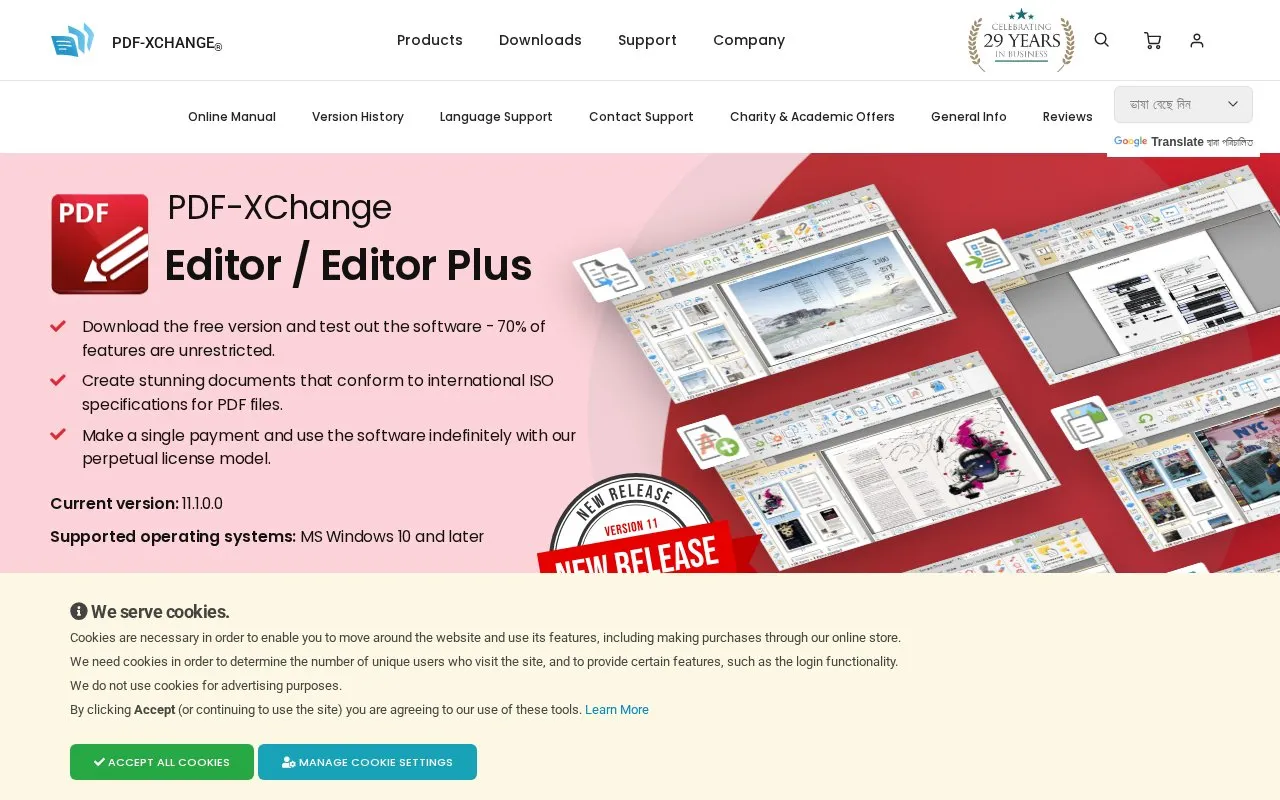
PDF-XChange Editor is a Windows PDF reader and editor for MS Windows 10 and later. The free version includes annotation and 257 free features, while 145 licensed features require a paid license and can add evaluation watermarks when used without one.
The Editor Plus license adds tools that are not unrestricted in the standard Editor license, including fillable-form creation, enhanced OCR, document comparison and form identification. Its AI Assistant analyzes PDFs only when the user provides an API key for OpenAI, Anthropic or Google models.
Key features
- Create PDFs that conform to international ISO specifications
- Create and edit fillable forms with customizable properties (Plus)
- Compare documents and list replacements, insertions and deletions (Plus)
- Convert image-based PDFs to interactive forms (Plus)
- Add placeholders to mark where signatures or initials go
- Analyze PDFs with AI Assistant using user-supplied API key
Best for: Windows users who need free PDF reading and annotation with the option to pay for advanced editing.
Good for
- Free version includes 257 features without a license
- Paid licenses use a perpetual model for indefinite use after single payment
- Offered as installers and portable versions, including ARM64 and 32-bit builds
Watch out for
- Licensed tools require payment and can add evaluation watermarks without a license
- Runs only on Windows 10 and later, with no other platforms listed
- AI Assistant requires a user-provided API key from OpenAI, Anthropic or Google
PDF-XChange Editor at a glance
- Category
- Online Tools › PDF & Document Tools
- Type
- Online tool
- Pricing
- Freemium
- Platforms
- Windows
- Open source
- Not stated
- Last checked
- Oct 7, 2026 · Online when checked
- Listed
- Oct 7, 2026
Guides for PDF & Document Tools
Featured in
 8 sites


Best of
Best Free PDF Editors for Text, Forms and Page Changes
The best free PDF editors depend on what you need to change. I'd start with PDFgear on Windows for existing text, PDF24…
Popular in PDF & Document Tools
Well-known listings from the same topic.
2OCR2ocr.com2PDFConverter2pdfconverter.comAlt Enginesgithub.com/hiroi-sora/Umi-OCR_pluginsBentopdfgithub.com/alam00000/bentopdfOCRToolocrtool.netPDFCoffeepdfcoffee.com


PDF-XChange Editor FAQ
What is the difference between Editor and Editor Plus?
Editor Plus adds enhanced OCR, fillable-form creation and editing, dynamic stamps, document comparison, Identify Forms and Add Placeholder, which are not unrestricted with a standard Editor license.
Will the AI Assistant send my documents to an AI provider?
No. Data will not be processed by AI models unless you provide an AI account API key, which is required for use.
Which operating systems are supported?
MS Windows 10 and later.
Is something wrong or out of date?
Tell us and an editor will check it.
Own this website?
Claim this listing
Claim the listing and suggest updates yourself. An editor checks every claim first.