

PicView
PicView views images on Windows and macOS, with EXIF display, batch resizing, compression, and archive viewing.
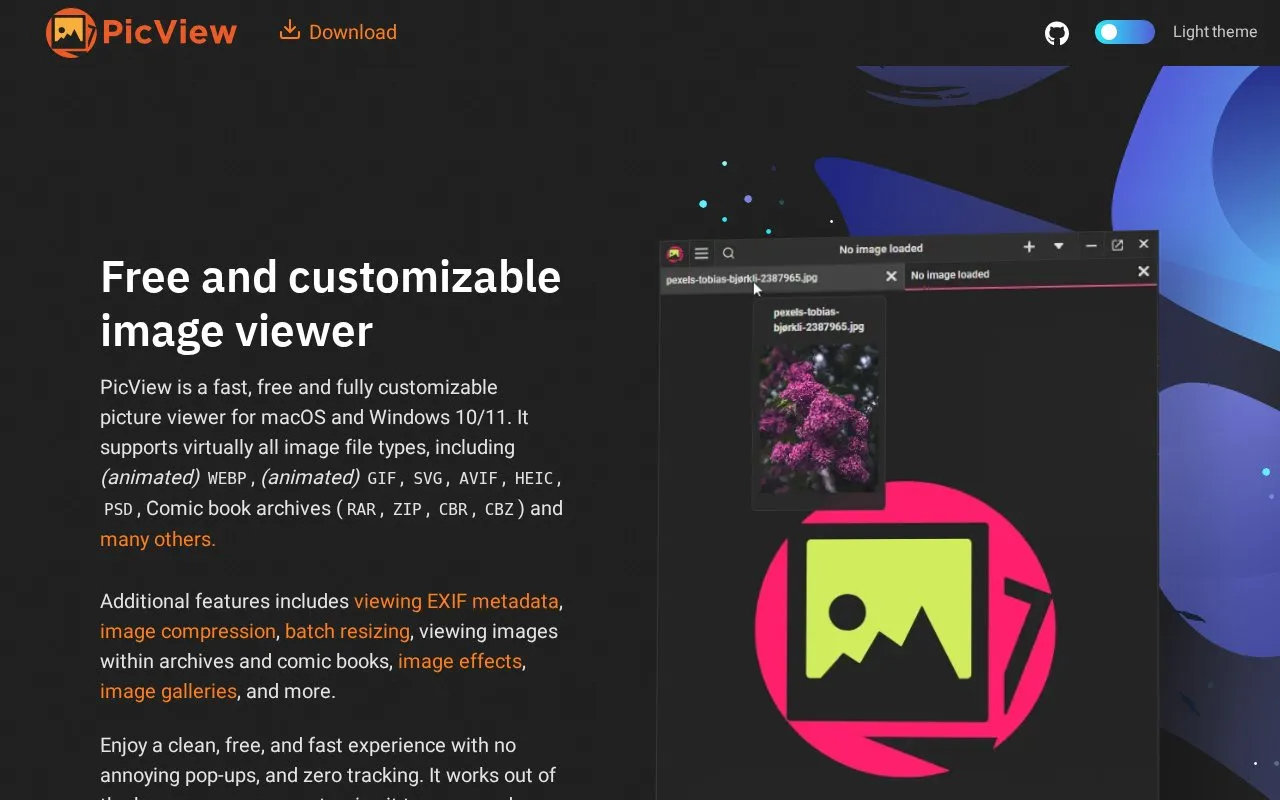
About PicView
PicView is an image viewer for Windows 10/11 and macOS. It opens a wide range of formats, including animated WEBP and GIF, SVG, AVIF, HEIC, PSD, and comic book archives such as CBZ and CBR. It can display EXIF metadata, such as the date taken and GPS location, and it offers image compression, batch resizing, image effects, and galleries.
The homepage describes the viewer as fast, customizable, and free of pop-ups and tracking. Several features depend on conditions. Viewing images inside ZIP, RAR, and similar archives requires 7-Zip or WinRAR to be installed. The map buttons for photos with GPS data open Google or Bing in an external service. Compression can reduce file size at the cost of some quality. The homepage states the tracking claim but does not describe how it was verified. The viewer is available as portable and installable versions.
Key features
- Opens animated WEBP and GIF, SVG, AVIF, HEIC, PSD and comic archives
- Displays EXIF metadata, including date taken and GPS location
- Batch resizes, optimizes and converts many images at the same time
- Generates up to seven resized thumbnails, each saved in its own folder
- Applies image effects with an adjustable intensity slider
- Views images inside ZIP, RAR and CBR archives, with 7-Zip or WinRAR installed
Best for: People who need a fast, customizable viewer for many image and comic book formats on Windows or macOS, with occasional batch resizing or conversion.
Good for
- Available as a portable version that needs no installer and does not write to the registry
- Includes a built-in preloader for quick switching between images
- The interface can be hidden, and the dark and light themes can be switched
Watch out for
- Viewing images inside archives requires 7-Zip or WinRAR to be installed
- Compression can sacrifice some image quality to reduce file size
- Listed platforms are Windows 10/11 and macOS only
PicView at a glance
- Website
- picview.org
- Category
- Online Tools › Image Tools
- Type
- Website
- Pricing
- Not confirmed. Check the site
- Platforms
- macOS, Web, Windows
- Open source
- Not stated
- Language
- English
- Last checked
- Oct 6, 2026 · Online when checked
- Listed
- Oct 5, 2026
Guides for Image Tools

PicView alternatives
Tools and sites you could use instead, ranked by how closely they match.

Bulk Resize Photos resizes a single image or batches of images online without an account.

Imagine provides image and animation viewing software for Windows as a freeware download.
ImageGlass views more than 90 image formats on Windows, macOS, and Linux.

CompressOrDie provides browser-based compression for JPEG, PNG, GIF, WebP, SVG, and JPEG XL images.
Favicon Maker creates SVG and PNG favicons from letters or emoji, with options for fonts and sizes.

ImageGlass is an open-source image viewer that supports formats including WebP, GIF, SVG, AVIF, JXL, and HEIC.
Popular in Image Tools
Well-known listings from the same topic.
CamScannerapps.apple.com/us/app/camscanner-pdf-scanner-a…BeeRefbeeref.orgGreenshotgetgreenshot.orgLightshotapp.prntscr.comnomacsnomacs.orgConverseenconverseen.fasterland.net


PicView FAQ
Can it open images inside comic book archives?
Yes. The homepage says it views images inside archives and comic books, including ZIP, RAR, CBR and CBZ. For RAR-based archives and similar files, 7-Zip or WinRAR must be installed.
Is there a version that does not need to be installed?
Yes. The homepage says PicView is available in portable and installable versions. The portable version requires no installer.
How can I find where a photo was taken?
If the image has GPS coordinates saved in its metadata, click the Google or Bing button to open that location in the respective map service.
Is something wrong or out of date?
Tell us and an editor will check it.
Own this website?
Claim this listing
Claim the listing and suggest updates yourself. An editor checks every claim first.