
Pingo
pingo optimizes PNG, JPEG, WebP, and APNG images using lossless or lossy compression.
About Pingo
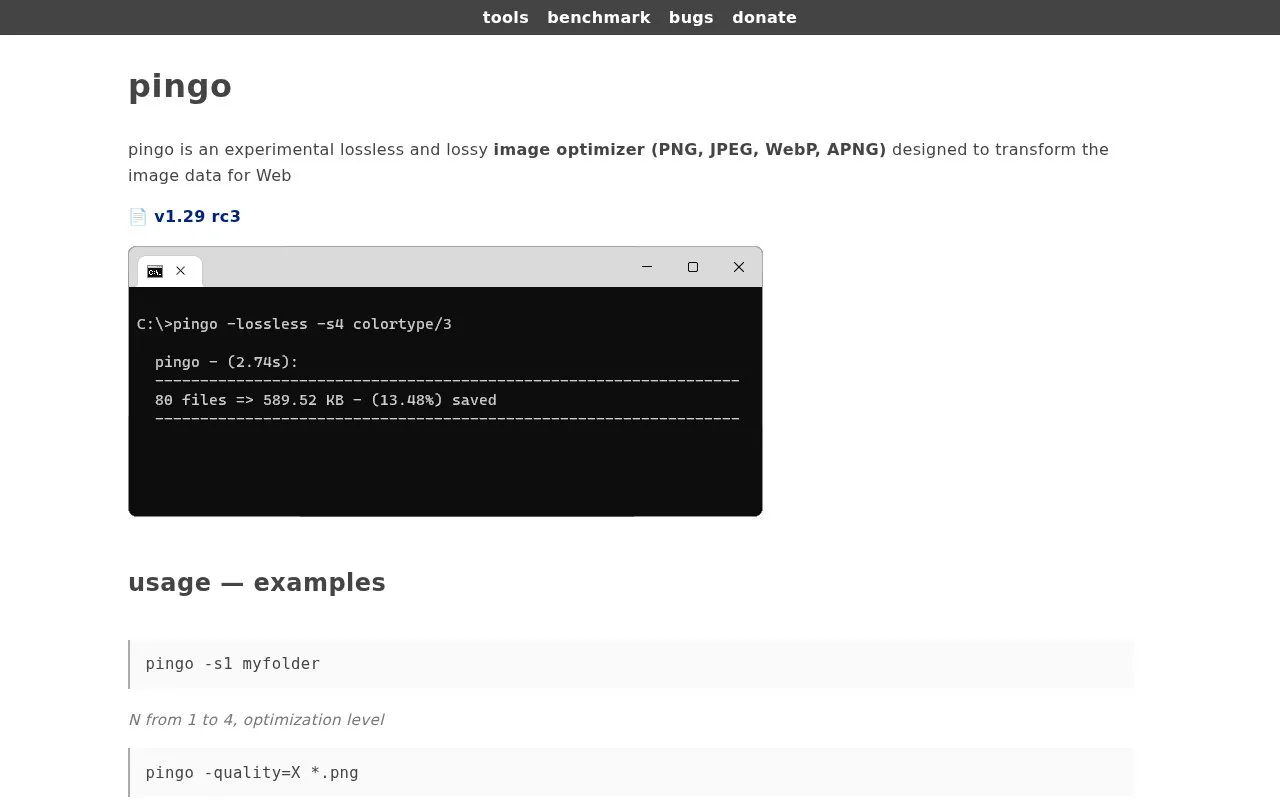
Pingo is an experimental command-line image optimizer for PNG, JPEG, WebP and APNG files, intended to transform image data for the web. It can apply lossless or lossy compression, with optimization levels from 1 to 4 and a lossy quality setting of roughly 60 to 100. PNG input can also be converted to WebP, and lossy mode can be applied to APNG. Runs report input size, output size and processing time.
Key features
- Optimizes PNG, JPEG, WebP and APNG images
- Offers lossless and lossy compression modes
- Optimization levels from -s1 to -s4
- Lossy quality setting of roughly 60 to 100
- Converts PNG input to WebP with -webp
- Prints input size, output size and processing time
Best for: Users who need command-line, private-use optimization of PNG, JPEG, WebP or APNG images for the web.
Good for
- Free to use under the stated license for exclusive private use
- Covers four image formats with both lossless and lossy options
- Reports before-and-after file sizes and processing time per run
Watch out for
- License forbids repackaging, redistributing, reselling or reuse through any other service, even non-commercially
- Download offered is a 64-bit Windows build
- Listed as an experimental tool and at version v1.29 rc3
Pingo at a glance
- Website
- css-ig.net/pingo
- Category
- Online Tools › Image Tools
- Type
- Website
- Pricing
- Not confirmed. Check the site
- Platforms
- Web
- Open source
- Not stated
- Language
- English
- Last checked
- Oct 6, 2026 · Online when checked
- Listed
- Oct 5, 2026
Guides for Image Tools

Pingo alternatives
Tools and sites you could use instead, ranked by how closely they match.

Oxipng optimizes PNG and APNG files with lossless compression, and offers both a command-line interface and a library.
Open source
24 alternatives
TinyPNG compresses AVIF, WebP, PNG, and JPEG images using a lossy image optimization engine.

CompressOrDie provides browser-based compression for JPEG, PNG, GIF, WebP, SVG, and JPEG XL images.
YOGA Image Optimizer converts and optimizes JPEG, PNG, and WebP images.

RIOT optimizes images with batch processing and live comparison for JPEG, PNG, WebP, and GIF formats.
pinga provides a graphical interface for experimental PNG, JPEG, and APNG image optimization.
Free
Popular in Image Tools
Well-known listings from the same topic.
CamScannerapps.apple.com/us/app/camscanner-pdf-scanner-a…BeeRefbeeref.orgGreenshotgetgreenshot.orgLightshotapp.prntscr.comnomacsnomacs.orgConverseenconverseen.fasterland.net


Pingo FAQ
Is pingo free to use?
The license states pingo would be free for use, for exclusive private usage only and at your own risk.
Can I redistribute pingo or include it in another service?
No. Repackaging, redistributing, downloading, reselling or reusing pingo through any other service, including web or GUI wrappers, is not permitted even for non-commercial or non-profit purposes, and this applies to all versions.
Can I use the images pingo produces for any purpose?
Yes. The license states you may use PNG files produced by pingo for whatever purpose.
Is something wrong or out of date?
Tell us and an editor will check it.
Own this website?
Claim this listing
Claim the listing and suggest updates yourself. An editor checks every claim first.