

PixpinApp
PixPin captures screenshots and recordings on Windows and macOS, with OCR, long-page capture, annotations, and GIF export.
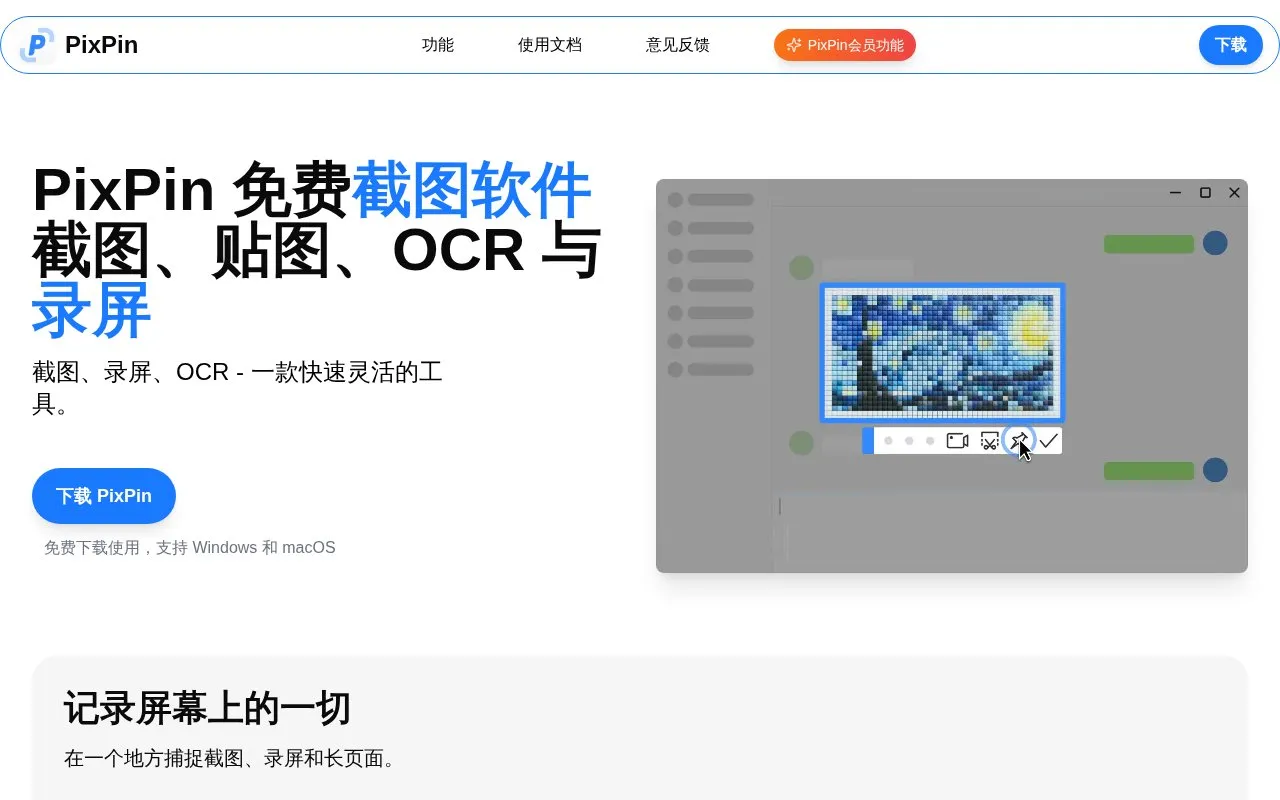
About PixpinApp
PixPin is a screenshot and screen recording tool for Windows and macOS. It captures windows, regions or full screens, supports long-page stitching for pages, chats and documents, and includes annotation tools such as markers, numbering and mosaic for hiding sensitive information. It can also extract text from screenshots or pinned images via OCR and record screen activity as video or GIF with annotations.
The homepage states the software is free to download and use with no registration required, and that it is available in Chinese. Certain capabilities, including quick pin-and-capture via a global mouse shortcut and action recording of keystrokes and clicks, are labeled as PixPin member features on the homepage. Pricing for those member features is not stated.
Key features
- Capture windows, screen regions or full screens
- Long screenshot stitching for pages, chats and documents
- OCR text extraction from screenshots or pinned images
- Screen recording to video or GIF with annotations
- Pin images, text, colors and files on screen
- Annotation with markers, numbering, mosaic and shapes
Best for: Windows and macOS users who need screenshots, long-page capture, OCR and annotated recordings in one tool.
Good for
- Homepage states the software is free to download and use
- Combines screenshots, long capture, OCR, annotation and recording
- No registration required according to the homepage
Watch out for
- Quick pin-and-capture and action recording are labeled as member features
- Pricing for member features is not stated on the homepage
- Homepage and content are in Chinese, and only Windows and macOS are listed
PixpinApp at a glance
- Website
- pixpin.cn
- Category
- Online Tools › Image Tools
- Type
- Online tool
- Pricing
- Not confirmed. Check the site
- Platforms
- macOS, Web, Windows
- Open source
- Not stated
- Language
- Chinese
- Last checked
- Oct 5, 2026 · Online when checked
- Listed
- Oct 5, 2026
Guides for Image Tools

PixpinApp alternatives
Tools and sites you could use instead, ranked by how closely they match.

Capture a screen region, add quick annotations, and save or share the image. Images uploaded through its sharing service are publicly accessible.
Free
7 alternatives
Site-Shot captures website screenshots online and offers an API for automated full-page capture.
Popular in Image Tools
Well-known listings from the same topic.
CamScannerapps.apple.com/us/app/camscanner-pdf-scanner-a…BeeRefbeeref.orgGreenshotgetgreenshot.orgnomacsnomacs.orgConverseenconverseen.fasterland.netStorage Serverpixelunion.eu


PixpinApp FAQ
Is PixPin free?
The homepage says it is free to download and use without registration. Some features, such as quick pin-and-capture and action recording, are labeled as PixPin member features.
Which operating systems does PixPin support?
The homepage lists Windows and macOS. No other platforms are mentioned.
Do I need an account to use PixPin?
The homepage states no registration is required to start using the software.
Is something wrong or out of date?
Tell us and an editor will check it.
Own this website?
Claim this listing
Claim the listing and suggest updates yourself. An editor checks every claim first.