
Plugins
Browse DeaDBeeF player plugins, with a description of the features provided by each component.
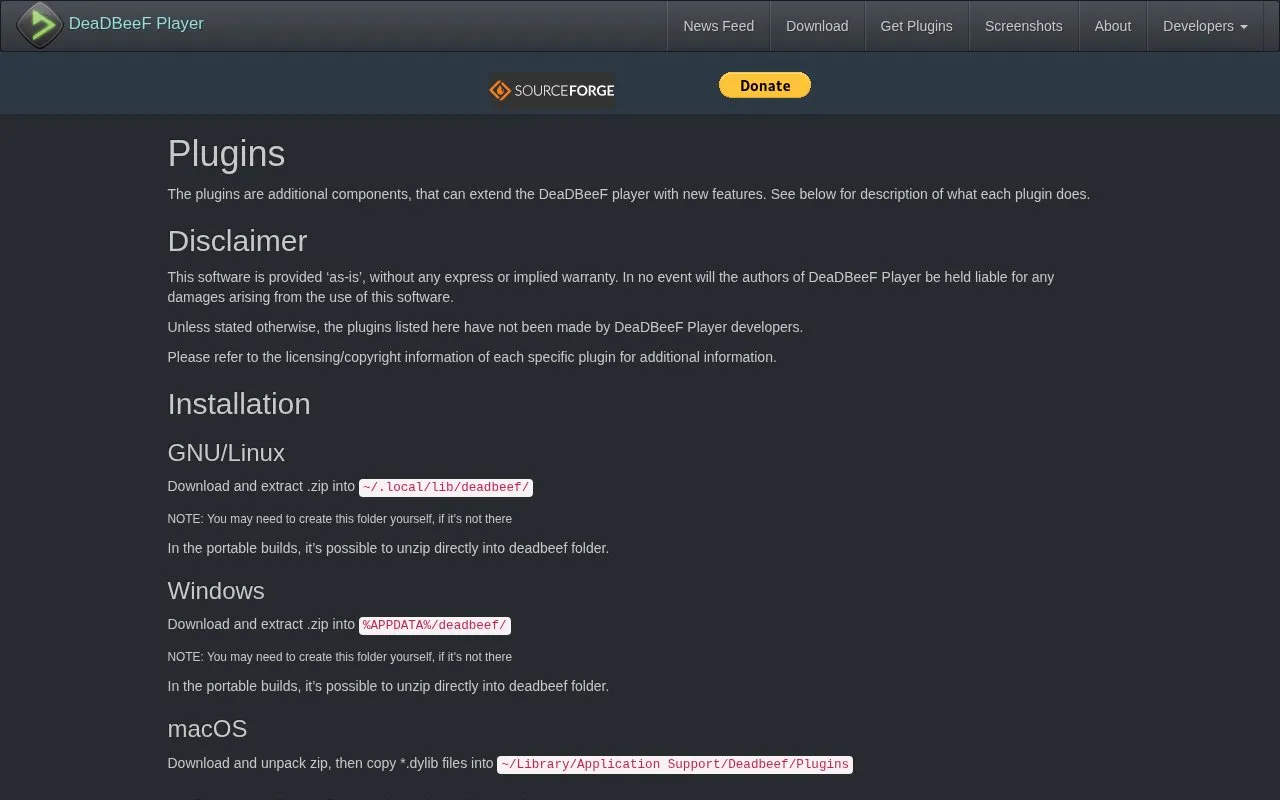
About Plugins
This page lists additional components that extend the DeaDBeeF player with new features, with a description of what each plugin does. Examples include archive playback, headphone crossfeed, clipboard copy of track information, a customizable toolbar, Discord status display, and a file browser. It gives separate installation folders for Linux, Windows, and macOS, including portable-build handling. Unless stated otherwise, the listed plugins were not made by DeaDBeeF Player developers, and the software is provided as-is without warranty. Some items have specific limits, such as operating-system availability or stereo-only operation for the crossfeed effect.
Key features
- Headphone crossfeed effect for stereo sound
- Play files directly from RAR, 7z and gzip archives
- Copy selected track information to clipboard using custom format
- Customizable toolbar widget for GTK UI design mode
- Show current playing track on Discord status
- Simple file browser with path search and cover-art icons
Best for: DeaDBeeF users who want to find and install plugins for their operating system.
Good for
- Lists plugin descriptions and downloads in one place
- Includes separate installation paths for Linux, Windows, and macOS
- Covers varied functions such as archive playback, Discord status, and file browsing
Watch out for
- Provided as-is without express or implied warranty
- Unless stated otherwise, listed plugins were not made by DeaDBeeF developers
- Headphone crossfeed effect only works for stereo sound
Plugins at a glance
- Category
- Software & Utilities › Media Players & Servers
- Type
- Website
- Pricing
- Not confirmed. Check the site
- Platforms
- Linux, macOS, Web, Windows
- Open source
- Not stated
- Language
- English
- Last checked
- Oct 5, 2026 · Online when checked
- Listed
- Oct 5, 2026
Guides for Media Players & Servers
Plugins alternatives
Tools and sites you could use instead, ranked by how closely they match.

Browse components that extend foobar2000 with additional features through the Components Repository.
Browse skins and input, output, and other plugins for XMPlay, a Windows audio player that supports formats including OGG and MP3.

Browse extensions for AIMP, the audio player, on its official add-ons page.

Browse applications for Lyrion Music Server, including player controllers and remote control tools.

Find source code and releases for the DeaDBeeF music player in its GitHub project repository.
Open source
Popular in Media Players & Servers
Well-known listings from the same topic.
Ampacheampache.orgAIMPaimp.ruXbox Kodiapps.microsoft.com/detail/9nblggh4t892Pasta Toolpastatool.comMuseeksmuseeks.ioCaracal Clubcaracal.club


Plugins FAQ
How do I install plugins on Linux?
Download and extract the .zip into ~/.local/lib/deadbeef/, creating the folder if needed. In portable builds, unzip directly into the deadbeef folder.
How do I install plugins on Windows?
Download and extract the .zip into %APPDATA%/deadbeef/, creating the folder if needed. In portable builds, unzip directly into the deadbeef folder.
How do I install plugins on macOS?
Download and unpack the zip, then copy the *.dylib files into ~/Library/Application Support/Deadbeef/Plugins.
Is something wrong or out of date?
Tell us and an editor will check it.
Own this website?
Claim this listing
Claim the listing and suggest updates yourself. An editor checks every claim first.