

Pngquant
pngquant reduces PNG file sizes by converting images to an 8-bit format while preserving alpha transparency.
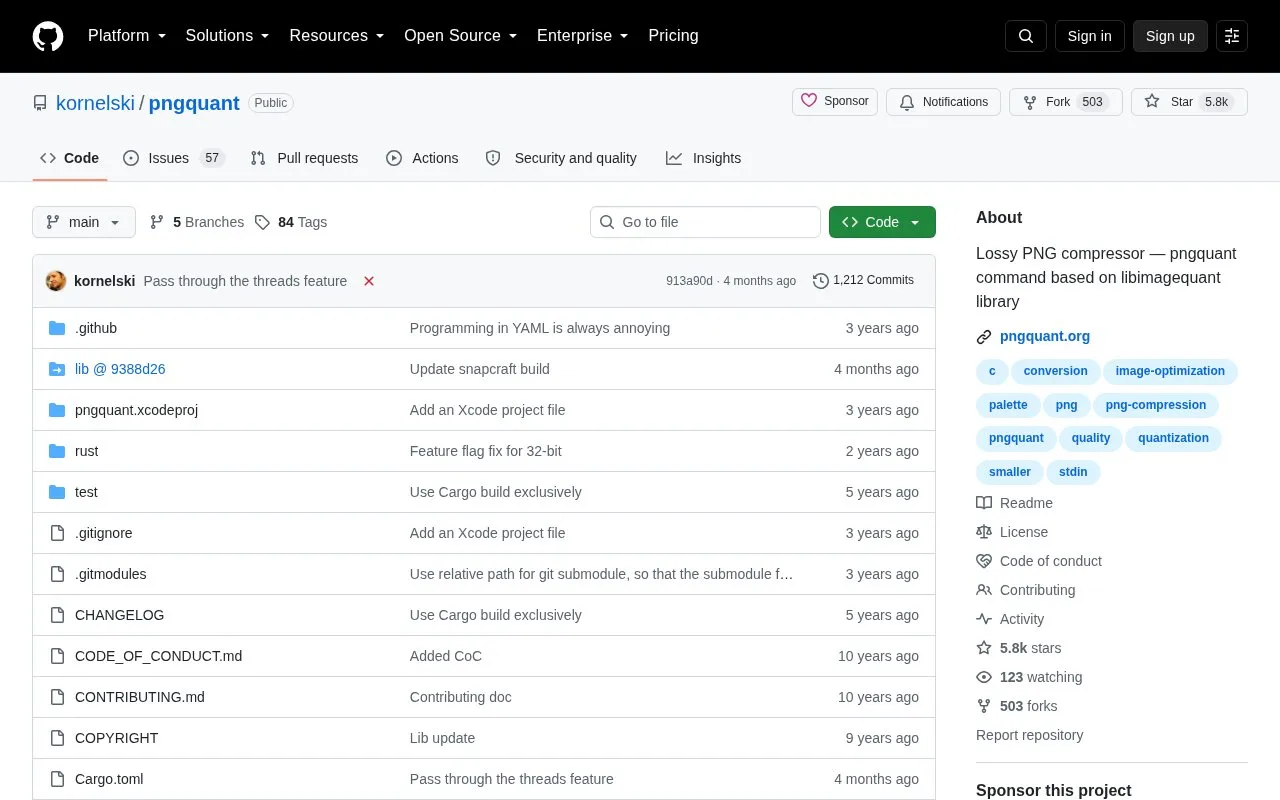
About Pngquant
pngquant is a lossy PNG compressor. It converts images to an 8-bit PNG format that keeps an alpha channel for transparency. The project's README says this often produces files 60-80% smaller than 24/32-bit PNG files, and that the output is standards-compliant and supported by web browsers and operating systems. This is the official repository, and the compression engine is also available as an embeddable library.
The tool is run from the command line. It supports batch conversion of several files, and it can read from and write to standard input and output for use in Unix-style pipelines. Quality is set with a minimum and maximum value. If a conversion cannot reach the minimum quality, the image is not saved. The project is dual-licensed under GPL v3 or later, and a commercial license is required for use in non-GPL software, such as closed-source or App Store distribution.
Key features
- Converts PNG images to an 8-bit format with alpha channel support
- Batch conversion of multiple files from the command line
- Configurable quality range from 0 to 100
- Speed setting from 1 (highest quality) to 11 (fastest)
- Adjustable Floyd-Steinberg dithering, with an option to disable it
- Option to skip writing output when conversion is not worth it
Best for: Users who need to reduce PNG file sizes from the command line or in scripts, and developers who want to embed the compression engine.
Good for
- Output is standards-compliant and supported by all web browsers and operating systems, according to the README.
- Works in Unix-style pipelines through standard input and output.
- The compression engine is available as an embeddable library.
Watch out for
- Higher speed settings do not handle lower color counts well.
- If a conversion falls below the minimum quality, the image is not saved and the program exits with status code 99.
- Use in non-GPL software, such as closed-source or App Store distribution, requires a commercial license.
Pngquant at a glance
- Category
- Online Tools › Image Tools
- Type
- Open-source project
- Pricing
- Not confirmed. Check the site
- Open source
- Not stated
- Language
- English
- Last checked
- Oct 6, 2026 · Online when checked
- Listed
- Oct 5, 2026
Guides for Image Tools

Pngquant alternatives
Tools and sites you could use instead, ranked by how closely they match.

Compress PNG files with pngquant, a command-line utility and library that preserves alpha transparency.
This generator converts images to favicon and app icon formats including ICO, iOS, and Android icons.

Raw.pics.io converts and displays camera raw image formats, including CR2, NEF, ARW, ORF, PEF, RAF, and DNG files.

Konvert converts image formats such as HEIC, WebP, and AVIF in the browser without uploading files.
Popular in Image Tools
Well-known listings from the same topic.
CamScannerapps.apple.com/us/app/camscanner-pdf-scanner-a…BeeRefbeeref.orgGreenshotgetgreenshot.orgLightshotapp.prntscr.comnomacsnomacs.orgConverseenconverseen.fasterland.net


Pngquant FAQ
Can pngquant overwrite the original files?
Yes. Using --ext=.png with --force overwrites input files in place. The README advises using this option with caution.
Under what license is pngquant distributed?
It is dual-licensed under GPL v3 or later, with an additional copyright notice that must be kept for older parts of the code. A commercial license is available for use in non-GPL software. Questions can be sent to [email protected].
Are there other tools for further reducing PNG file size?
The README suggests oxipng, ImageOptim, or zopflipng for further size reduction.
Is something wrong or out of date?
Tell us and an editor will check it.
Own this website?
Claim this listing
Claim the listing and suggest updates yourself. An editor checks every claim first.