

qimgv
qimgv provides image viewing with optional support for playing video files.
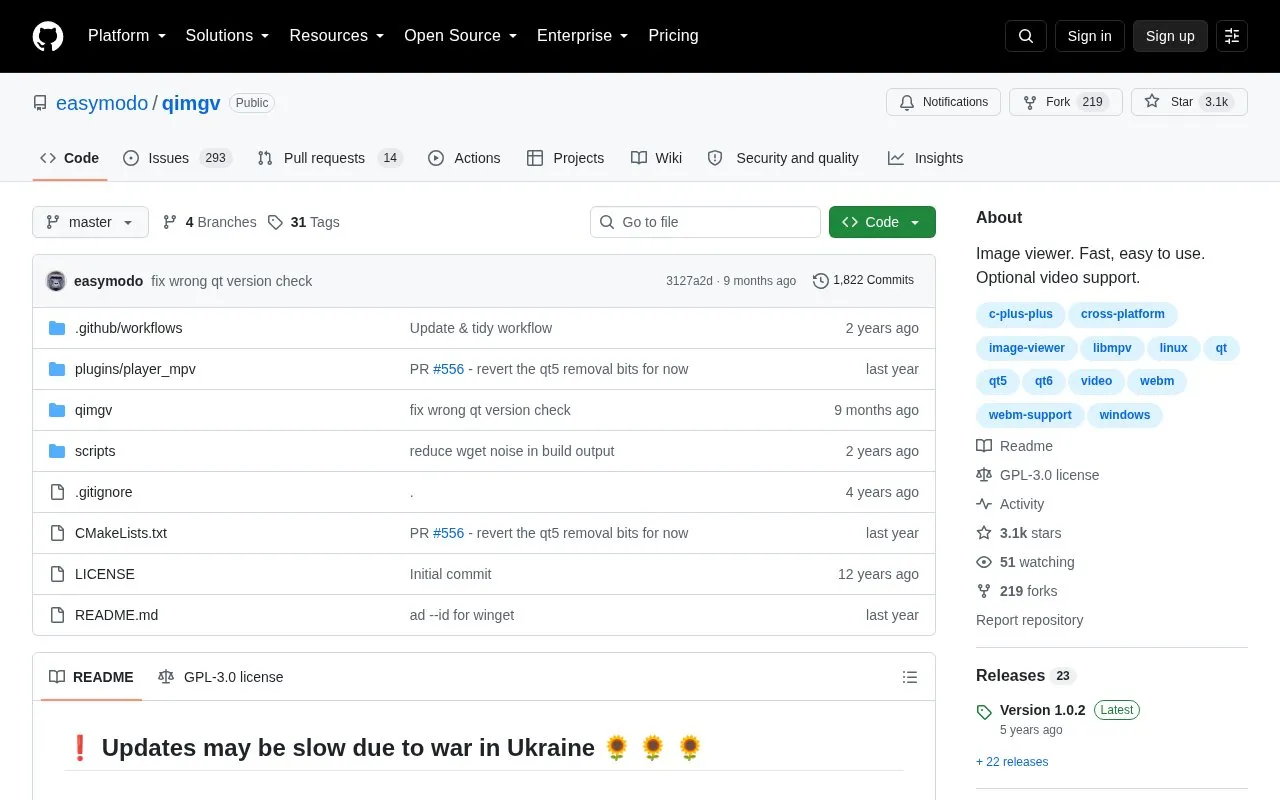
About qimgv
qimgv is an open source image viewer for Windows and Linux, with optional video playback. It is designed to be simple and fast, with an interface that shows elements only when needed. Users can view images in a folder view or a thumbnail panel, change fit modes and zoom, and rotate, crop, or resize images. Quick copy and quick move let users send the current image to one of nine chosen folders.
Video playback is marked experimental and uses libmpv. Higher quality scaling depends on the program being compiled with OpenCV support, which is on by default but may vary by Linux distribution. Some additional formats, such as JPEG-XL, AVIF, APNG, HEIF/HEIC, and RAW, need third-party plugins. The homepage also notes that updates may be slow due to the war in Ukraine.
Key features
- Fully configurable themes and keyboard shortcuts
- Basic image editing: crop, rotate, and resize
- Quick copy and quick move to nine destination folders
- Folder view mode and thumbnail pull-down panel
- Experimental video playback via libmpv
- Ability to run custom shell scripts on the current image
Best for: Windows and Linux users who want a fast, lightly interface image viewer that can sort photos into folders from the keyboard.
Good for
- Described as fast and easy to use
- Interface, themes, and shortcuts can be configured
- Open source, with the source code available on GitHub
Watch out for
- Video playback is experimental
- Some image formats require separate third-party plugins
- Updates may be slow, as stated on the homepage
qimgv at a glance
- Website
- github.com/easymodo/qimgv
- Category
- Online Tools › Image Tools
- Type
- Open-source project
- Pricing
- Not confirmed. Check the site
- Open source
- Yes · Source code
- Language
- English
- Last checked
- Oct 6, 2026 · Online when checked
- Listed
- Oct 5, 2026
Guides for Image Tools

qimgv alternatives
Tools and sites you could use instead, ranked by how closely they match.

View and edit images across multiple operating systems with oculante, an image viewer and editor.
Open source
24 alternatives
nomacs views common image formats such as RAW and PSD across platforms, and includes crop and resize tools.
FreeOpen source
24 alternatives
ImageFan Reloaded is a tabbed image viewer for Linux and Windows, written in C# and targeting .NET 10.
Open source
24 alternatives
Oxipng optimizes PNG and APNG files with lossless compression, and offers both a command-line interface and a library.
Open source
24 alternatives
Up1 encrypts images, text, and other data in the browser before hosting them, and can display short videos and downloadable files.
Open source
24 alternatives
Caesium Image Compressor compresses JPG, PNG, WebP, and TIFF pictures for storage, sending, and sharing.
Open source
24 alternativesPopular in Image Tools
Well-known listings from the same topic.
CamScannerapps.apple.com/us/app/camscanner-pdf-scanner-a…BeeRefbeeref.orgGreenshotgetgreenshot.orgLightshotapp.prntscr.comConverseenconverseen.fasterland.netStorage Serverpixelunion.eu


qimgv FAQ
How do I copy or move an image to another folder?
Press C for quick copy or M for quick move to show the panel. Use the 1 to 9 keys to send the current image to the matching destination folder. Press C or M again to hide the panel.
How do I run my own script on an image?
Open Settings > Scripts and add a shell command or shell script. A script file must be executable and include a shebang line such as #!/bin/bash. Then assign a shortcut under Settings > Controls.
Is something wrong or out of date?
Tell us and an editor will check it.
Own this website?
Claim this listing
Claim the listing and suggest updates yourself. An editor checks every claim first.