

KSnip
Capture and annotate screenshots across platforms with ksnip, a dedicated screenshot utility.
About KSnip
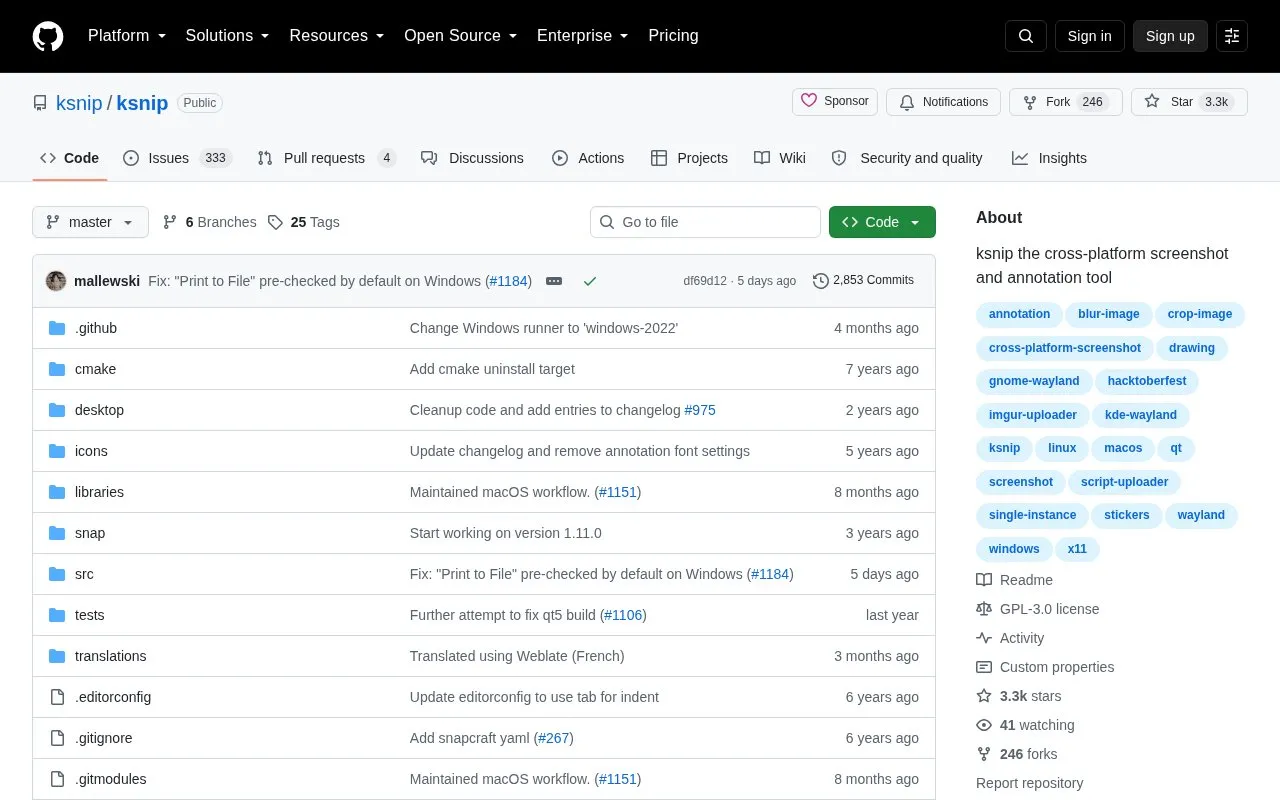
ksnip is a Qt-based, open source screenshot tool for Linux, Windows, and macOS. It captures rectangular areas, full screens, the current screen, and windows, and includes annotation tools such as pen, marker, shapes, text, stickers, cropping, blur and pixelate obfuscation, effects, and watermarks. It can open existing images and supports uploads via Imgur, FTP, or custom scripts, plus command-line capture and filename wildcards.
Global hotkeys are currently only for Windows and X11. On Snaps and GNOME Wayland 41 and newer, captures use xdg-desktop-portal, which requires extra confirmation in a popup dialog.
Key features
- Capture rectangular area, full screen, current screen, or specific windows
- Annotate with pen, marker, rectangles, ellipses, text, and stickers
- Blur or pixelate regions to obfuscate parts of an image
- Upload screenshots to Imgur, via FTP, or custom scripts
- Crop images and cut vertical or horizontal slices
- Use command-line capture, filename wildcards, and user-defined actions
Best for: Users on Linux, Windows, or macOS who need to capture screenshots and add annotations.
Good for
- Works on Linux, Windows, and macOS
- Offers multiple capture modes and annotation tools
- Distributed in multiple formats including DEB, RPM, Snap, Flatpak, and AppImage
Watch out for
- Global hotkeys for capture are currently only for Windows and X11
- On Snaps and GNOME Wayland 41 and newer, captures use xdg-desktop-portal with extra confirmation
- OCR plugin support is listed for Windows and Linux/Unix only
KSnip at a glance
- Website
- github.com/ksnip/ksnip
- Category
- Online Tools › Image Tools
- Type
- Open-source project
- Pricing
- Not confirmed. Check the site
- Open source
- Yes · Source code
- Language
- English
- Last checked
- Oct 6, 2026 · Online when checked
- Listed
- Oct 5, 2026
Guides for Image Tools

KSnip alternatives
Tools and sites you could use instead, ranked by how closely they match.

HDRView supports examining and comparing high-dynamic-range images through a dedicated viewer.
Open source
24 alternatives
Greenshot provides screenshot capture tools for Windows, according to its project page.
Open source
24 alternatives
Capture and save screenshots with Flameshot, a cross-platform tool that includes built-in screenshot features.
Open source
24 alternatives
Screenshot Studio lets users create and edit screenshots in a browser without account signup or watermarks.
FreeOpen source
24 alternatives
Capture and annotate screen images with Greenshot, a free screenshot tool designed for productivity.
Free
5 alternatives
Lap runs as an offline-first desktop photo manager on macOS, Windows, and Linux, for albums and large local libraries.
FreeOpen source
24 alternativesFeatured in
 8 sites


Best of
Best Free Screenshot Tools for Clear Captures and Markup
The best free screenshot tools save more than a picture: they help the recipient see the exact button, error, or…
Popular in Image Tools
Well-known listings from the same topic.
CamScannerapps.apple.com/us/app/camscanner-pdf-scanner-a…BeeRefbeeref.orgLightshotapp.prntscr.comnomacsnomacs.orgConverseenconverseen.fasterland.netStorage Serverpixelunion.eu


KSnip FAQ
Which operating systems does ksnip support?
Linux (X11, Plasma Wayland, GNOME Wayland and xdg-desktop-portal Wayland), Windows, and macOS.
How are binary releases provided?
Binaries are available from the Releases page as RPM, DEB, APT, Snap, Flatpak and AppImage for Linux, zipped EXE for Windows, and APP for macOS in a DMG package.
Why does capturing on GNOME Wayland 41 and newer require additional confirmation?
Snaps and GNOME Wayland 41 and newer only support xdg-desktop-portal screenshots, where the compositor takes the screenshot and passes it to ksnip after confirmation in a popup dialog.
Is something wrong or out of date?
Tell us and an editor will check it.
Own this website?
Claim this listing
Claim the listing and suggest updates yourself. An editor checks every claim first.