

Screenshot Studio
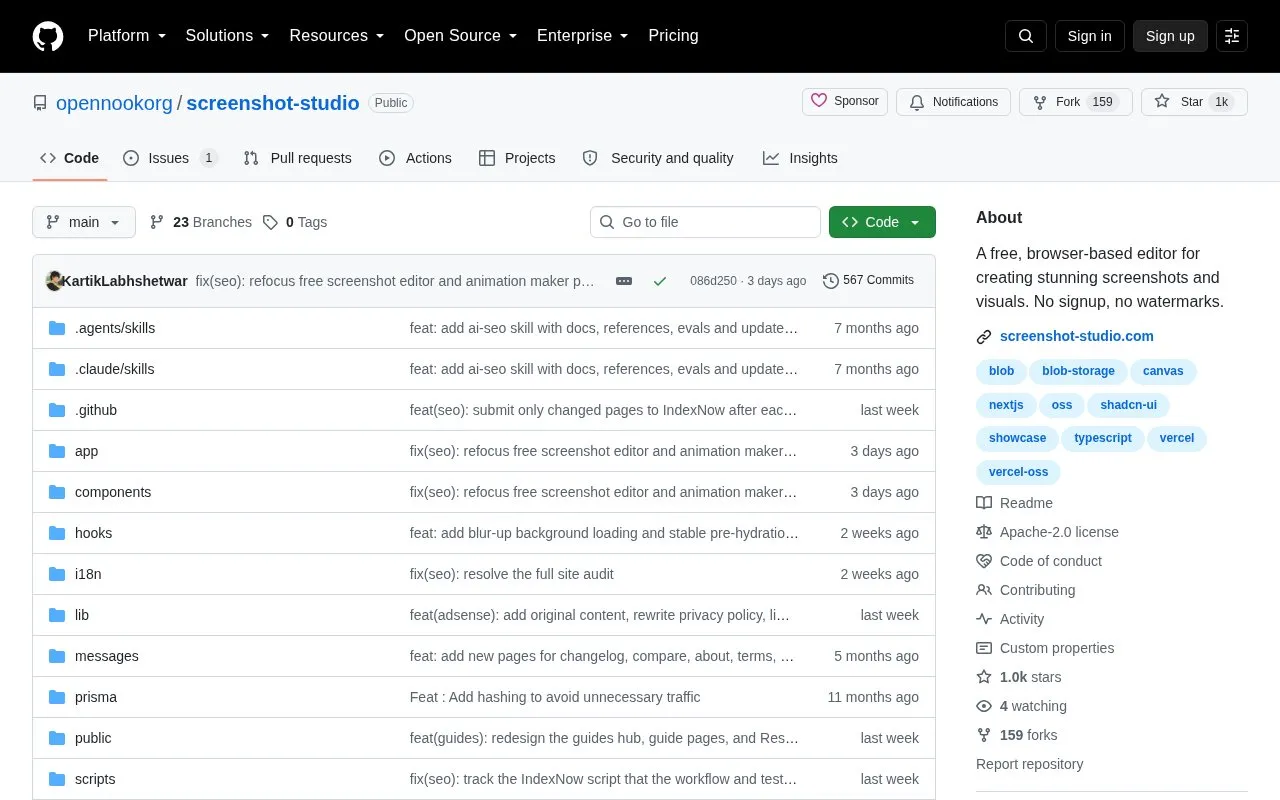
Screenshot Studio lets users create and edit screenshots in a browser without account signup or watermarks.
About Screenshot Studio
Screenshot Studio is a free, open-source browser-based editor for creating and editing screenshots, mockups, and social graphics. It does not require users to sign up for an account, and no watermarks are added to any exported content. The tool is designed for users who need to produce visual assets quickly without paying for dedicated software or dealing with account requirements.
Users can build a wide range of visuals with the tool, including screenshot designs with custom backgrounds, browser and device frames, shadows, and 3D perspective effects. It also supports text-only graphics with multiple font options, layered compositions combining text, images, annotations, and blur regions, and preset layouts for app store and social media assets with exact export sizes. Quick image editing features like resizing, cropping, background removal, and compression are also included, with exports available in PNG, JPEG, WebP, MP4, WebM, GIF, and batch ZIP formats.
Key features
- No account signup or watermarks on any exports
- Create screenshot designs with device frames and 3D effects
- Make text-only graphics with Inter, Geist, and other fonts
- Build layered compositions with text, images, and annotations
- Preset layouts for app store and social media assets
- Export in PNG, JPEG, WebP, MP4, WebM, GIF, and ZIP
Best for: It is best suited for designers, content creators, and developers who need to produce screenshots, mockups, and social graphics without account requirements or watermarks.
Good for
- Free, open-source tool with no usage costs
- No account signup or watermarks on any exports
- Wide range of export formats including video and batch ZIP
- Combines screenshot creation and quick image editing features
Watch out for
- Local deployment requires Node.js 20.9+, npm, and PostgreSQL setup
- Full server-side caching requires additional PostgreSQL and R2 credentials
Screenshot Studio at a glance
- Category
- Online Tools › Image Tools
- Type
- Open-source project
- Pricing
- Free
- Open source
- Yes · Source code
- Language
- English
- Last checked
- Oct 5, 2026 · Online when checked
- Listed
- Oct 5, 2026
Guides for Image Tools

Screenshot Studio alternatives
Tools and sites you could use instead, ranked by how closely they match.

Watermarkly adds custom watermarks to batches of photos in a browser, with no signup required according to its site.

Capture and annotate screenshots across platforms with ksnip, a dedicated screenshot utility.
Open source
24 alternatives
Greenshot provides screenshot capture tools for Windows, according to its project page.
Open source
24 alternatives
Screenshot.rocks turns screenshots into mobile and browser mockups through an online tool.
Open source
24 alternatives
BooruDatasetTagManager edits image datasets for training hypernetworks, embeddings, and LoRA, including booru-style tagged data.
Open source
24 alternatives
Up1 encrypts images, text, and other data in the browser before hosting them, and can display short videos and downloadable files.
Open source
24 alternativesPopular in Image Tools
Well-known listings from the same topic.
CamScannerapps.apple.com/us/app/camscanner-pdf-scanner-a…BeeRefbeeref.orgGreenshotgetgreenshot.orgLightshotapp.prntscr.comnomacsnomacs.orgConverseenconverseen.fasterland.net


Screenshot Studio FAQ
Does Screenshot Studio require an account to use?
No, the tool is fully browser-based and does not require any account signup to create or edit visuals.
Are there watermarks on exports from Screenshot Studio?
No, all exports from the tool are free of watermarks, with no paid tier to remove them.
Can I run Screenshot Studio locally on my own machine?
Yes, you can deploy it locally using Node.js 20.9+, npm, and a configured PostgreSQL database for full features.
What file formats can I export my work in?
The tool supports exports in PNG, JPEG, WebP, MP4, WebM, GIF, and batch ZIP archives.
Is something wrong or out of date?
Tell us and an editor will check it.
Own this website?
Claim this listing
Claim the listing and suggest updates yourself. An editor checks every claim first.