

Screenshot.rocks
Screenshot.rocks turns screenshots into mobile and browser mockups through an online tool.
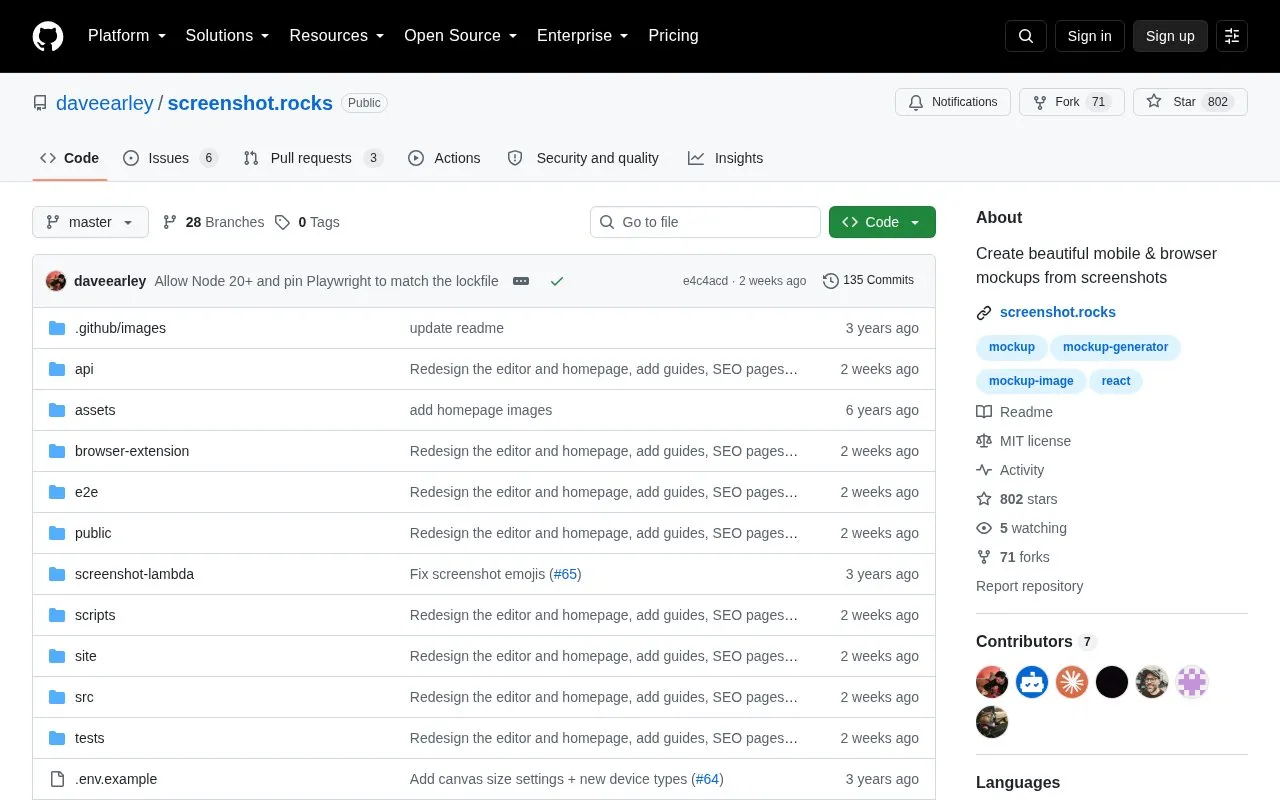
About Screenshot.rocks
Screenshot.rocks is an online tool that turns screenshots into mobile and browser mockups. This entry points to its public GitHub repository, which contains the source code for the tool and is released under the MIT License.
The repository includes browser extension sections for Firefox, Chrome, and Edge. It also gives basic local setup steps: clone the repository, run yarn install, then run yarn start. Contributions are welcome, and the repository asks contributors to open an issue before proposing a new feature. Bugs should also be reported as issues.
Key features
- Creates mobile device mockups from screenshots
- Creates browser window mockups from screenshots
- Lists browser extensions for Firefox, Chrome, and Edge
- Source code released under the MIT License
- Local setup using git clone, yarn install, and yarn start
- Bug reports and feature proposals handled through GitHub issues
Best for: People who want to turn screenshots into mobile or browser mockups, and developers who want to run, modify, or contribute to the open-source code.
Good for
- Open source under the MIT License
- Browser extensions listed for Firefox, Chrome, and Edge
- The repository states that contributions are welcome
Screenshot.rocks at a glance
- Category
- Online Tools › Image Tools
- Type
- Open-source project
- Pricing
- Not confirmed. Check the site
- Open source
- Yes · Source code
- Language
- English
- Last checked
- Oct 6, 2026 · Online when checked
- Listed
- Oct 5, 2026
Guides for Image Tools

Screenshot.rocks alternatives
Tools and sites you could use instead, ranked by how closely they match.

The Google Photos Deduper Chrome extension finds and removes duplicate images in a Google Photos library.
Open source
24 alternatives
Up1 encrypts images, text, and other data in the browser before hosting them, and can display short videos and downloadable files.
Open source
24 alternatives
AntiDupl searches image collections for similar or defective pictures, helping users locate duplicates across large sets of files.
Open source
24 alternatives
tev displays HDR images and color profiles across operating systems, including HDR output.
Open source
24 alternatives
Oxipng optimizes PNG and APNG files with lossless compression, and offers both a command-line interface and a library.
Open source
24 alternatives
tint recolors images using palettes, with command-line controls for applying a chosen theme palette.
Open source
24 alternativesPopular in Image Tools
Well-known listings from the same topic.
CamScannerapps.apple.com/us/app/camscanner-pdf-scanner-a…BeeRefbeeref.orgGreenshotgetgreenshot.orgLightshotapp.prntscr.comnomacsnomacs.orgConverseenconverseen.fasterland.net


Screenshot.rocks FAQ
Is Screenshot.rocks open source?
Yes. The repository states that Screenshot.rocks is licensed under the MIT License.
How can I run the code locally?
The repository lists the steps: clone the repository with git, change into the folder, run yarn install, and then run yarn start.
How do I report a bug or suggest a feature?
Create an issue in the GitHub repository. For new features, the repository asks contributors to create an issue first.
Is something wrong or out of date?
Tell us and an editor will check it.
Own this website?
Claim this listing
Claim the listing and suggest updates yourself. An editor checks every claim first.