

Google Photos Deduper
The Google Photos Deduper Chrome extension finds and removes duplicate images in a Google Photos library.
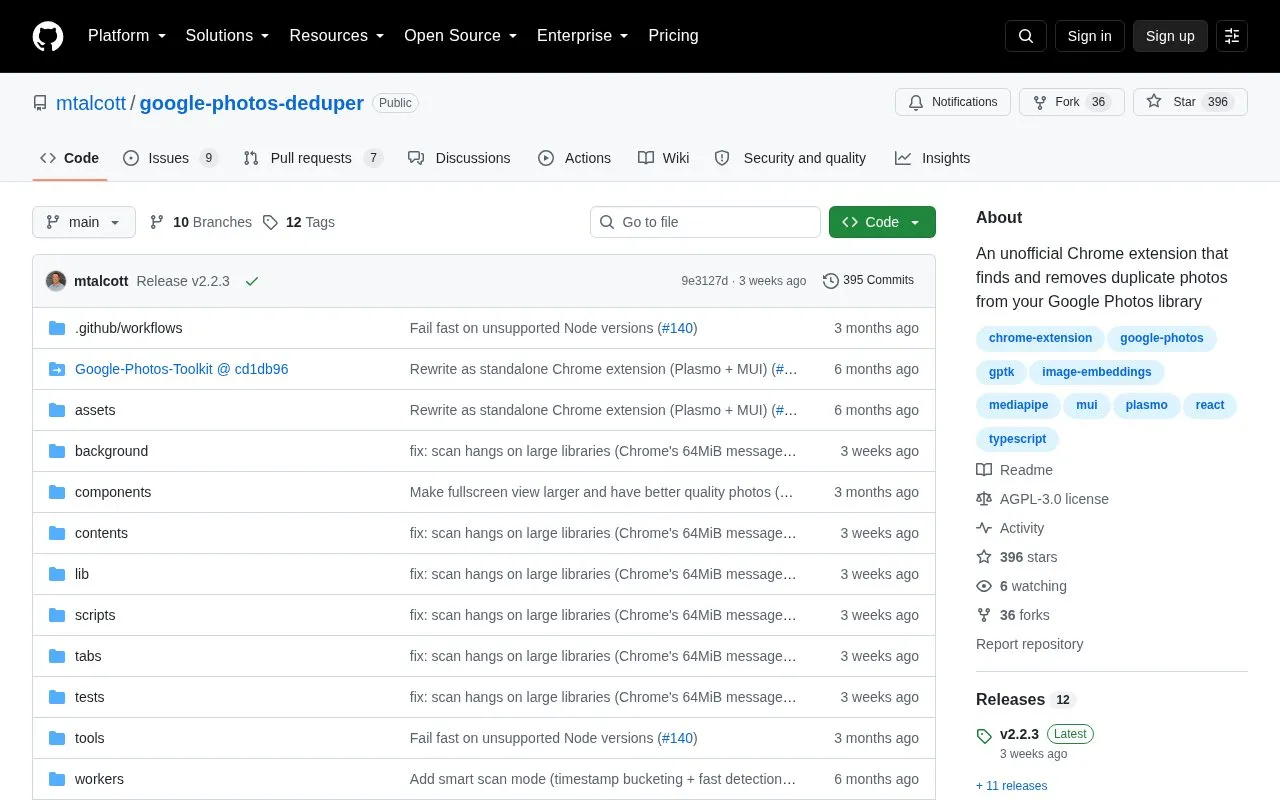
About Google Photos Deduper
Google Photos Deduper is an unofficial Chrome extension that finds and removes duplicate photos from a Google Photos library. It accesses the library through the Google Photos web interface using Google Photos Toolkit, without OAuth setup or a Google Cloud project.
Clicking Scan Library fetches media items and uses MediaPipe image embeddings locally to identify visually identical photos. Users review duplicate groups, choose which to keep, and move the rest to Trash. It is unofficial and relies on an undocumented web API.
Key features
- Scan Google Photos library for duplicates
- Find visually identical photos using local MediaPipe image embeddings
- Review duplicate groups before taking action
- Choose which photo to keep in each group
- Move selected duplicates to Trash
- Access library without OAuth or Google Cloud project
Best for: People using Google Photos in Chrome who want to find and remove visually identical photos.
Good for
- No OAuth setup or Google Cloud project is required
- Duplicate detection is described as running locally with no data leaving the browser
- Source code is available under an AGPL-3.0 license
Watch out for
- Unofficial extension that relies on Google Photos' undocumented web API
- Must be installed manually with Developer mode and Load unpacked
- Unzipped folder must remain in place for Chrome to keep it loaded
Google Photos Deduper at a glance
- Category
- Online Tools › Image Tools
- Type
- Open-source project
- Pricing
- Not confirmed. Check the site
- Platforms
- Browser extension
- Open source
- Yes · Source code
- Language
- English
- Last checked
- Oct 5, 2026 · Online when checked
- Listed
- Oct 5, 2026
Guides for Image Tools

Google Photos Deduper alternatives
Tools and sites you could use instead, ranked by how closely they match.

Screenshot.rocks turns screenshots into mobile and browser mockups through an online tool.
Open source
24 alternatives
Picviewer CE+ lets users zoom, scale, edit, and rotate images, batch-save them, or load pictures from later pages.

Capture screenshots and record video from a desktop or selected browser tabs with the FuseBase Capture extension.

Resize JPG, PNG, WebP, and HEIC images online with Simple Image Resizer.

Screenshot.Rocks places screenshots into browser or phone frames, adds a background or markup, and exports the result.

Screenshot Guru captures full-length, high-resolution screenshots of websites and public web pages.
Popular in Image Tools
Well-known listings from the same topic.
CamScannerapps.apple.com/us/app/camscanner-pdf-scanner-a…BeeRefbeeref.orgGreenshotgetgreenshot.orgLightshotapp.prntscr.comnomacsnomacs.orgConverseenconverseen.fasterland.net


Google Photos Deduper FAQ
Does it need OAuth or a Google Cloud project?
No. It accesses the library via the Google Photos web interface without OAuth setup or a Google Cloud project.
How does it identify duplicates?
It fetches media items and uses MediaPipe image embeddings locally to find visually identical photos.
How is it installed in Chrome?
Download and unzip the latest release to a permanent folder, enable Developer mode at chrome://extensions, then choose Load unpacked and select the folder.
Is something wrong or out of date?
Tell us and an editor will check it.
Own this website?
Claim this listing
Claim the listing and suggest updates yourself. An editor checks every claim first.