

Google Photos Toolkit
The Google Photos Toolkit userscript can filter, search, organize, or delete items in a Google Photos library.
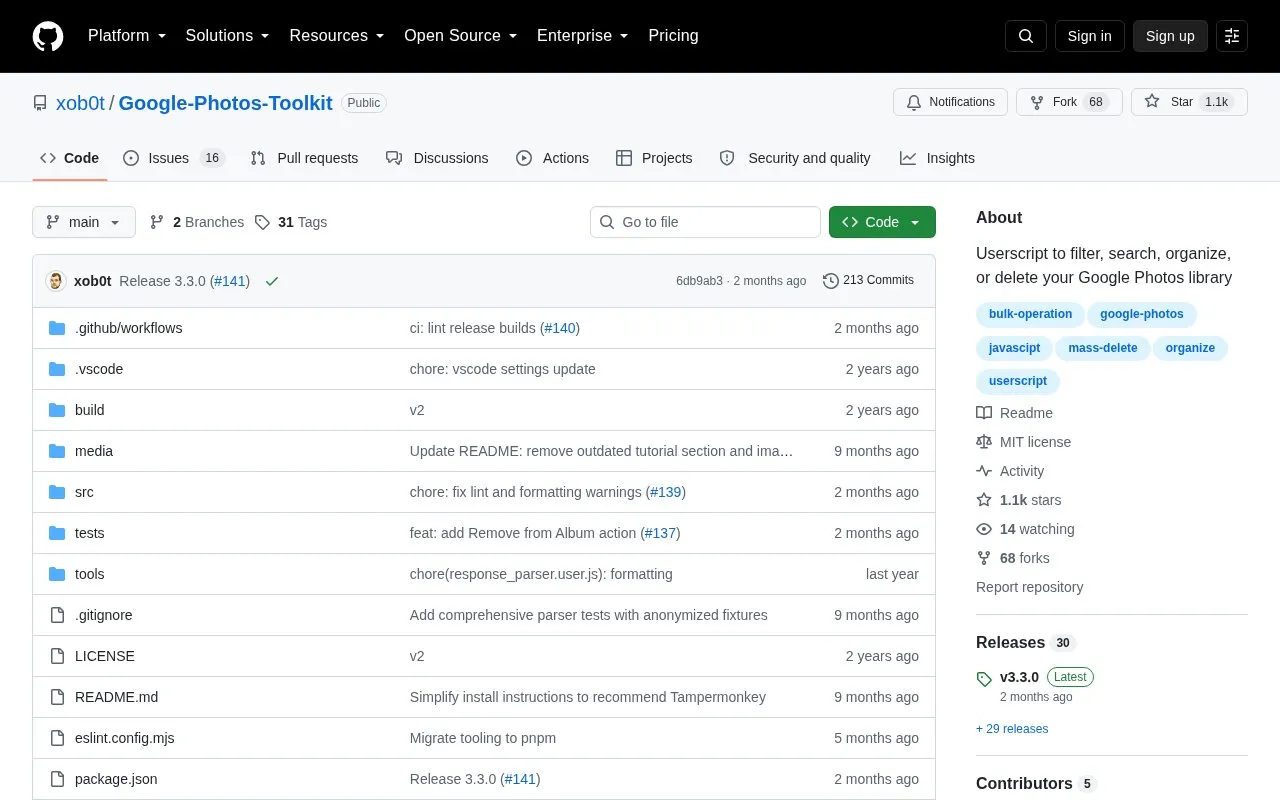
About Google Photos Toolkit
Google Photos Toolkit is a userscript for filtering, searching, organizing, or deleting items in a Google Photos library. It runs in the browser using Google Photos' undocumented web API and requires the Tampermonkey userscript manager, with Firefox suggested for Android.
It can group space-consuming media into a new album, find media not in any album, group images with similar thumbnails, and move library items to trash. It also exposes an API class in the browser console for custom scripts.
Key features
- Filter library by space usage and group results into new album
- Find media not in any album using Exclude albums filter
- Group similar-thumbnail images using Similarity filter
- Move library items to trash and clear trash from UI
- Access exported API class in browser console for custom scripts
- Install via Tampermonkey, including Firefox on Android
Best for: People with large Google Photos libraries who need to bulk filter, organize, or delete media.
Good for
- Open source under MIT license
- Offers UI actions and a console API for custom operations
- Documents use on Android via Firefox with Tampermonkey
Watch out for
- Uses Google Photos' undocumented web API
- Requires installing the Tampermonkey userscript manager
Google Photos Toolkit at a glance
- Category
- Online Tools › Image Tools
- Type
- Open-source project
- Pricing
- Not confirmed. Check the site
- Platforms
- Android
- Open source
- Yes · Source code
- Language
- English
- Last checked
- Oct 6, 2026 · Online when checked
- Listed
- Oct 5, 2026
Guides for Image Tools

Google Photos Toolkit alternatives
Tools and sites you could use instead, ranked by how closely they match.

The Google Photos Deduper Chrome extension finds and removes duplicate images in a Google Photos library.
Open source
24 alternatives
Immich-Go imports large Google Photos Takeout archives into a self-hosted Immich server as an alternative to the Immich CLI.
Open source
24 alternatives
Google Photos Migrate repairs EXIF data and filenames in Takeout archives, handles duplicates, and preserves albums in folders.
Open source
24 alternatives
GooglePhotosTakeoutHelper Neo organizes a Google Takeout archive into one chronological folder.
Open source
24 alternatives
This repository collects Google Colaboratory notebooks for fast experiments, with examples spanning machine learning and related topics.
Open source
24 alternatives
LibrePhotos provides self-hosted photo management with face recognition, object detection, and semantic search.
Open source
24 alternativesPopular in Image Tools
Well-known listings from the same topic.
CamScannerapps.apple.com/us/app/camscanner-pdf-scanner-a…BeeRefbeeref.orgGreenshotgetgreenshot.orgLightshotapp.prntscr.comnomacsnomacs.orgConverseenconverseen.fasterland.net


Google Photos Toolkit FAQ
How do I group space-consuming media into one album?
Select "Library" as the source, select SPACE-CONSUMING in the Space filter, then select Add to new album.
How do I find similar images?
Use the Similarity filter with Add to new album; media with similar thumbnails will be added to the album.
How do I delete all media in the library?
Select "Library" as the source, click Move to trash, then clear it.
Is something wrong or out of date?
Tell us and an editor will check it.
Own this website?
Claim this listing
Claim the listing and suggest updates yourself. An editor checks every claim first.