

tint
tint recolors images using palettes, with command-line controls for applying a chosen theme palette.
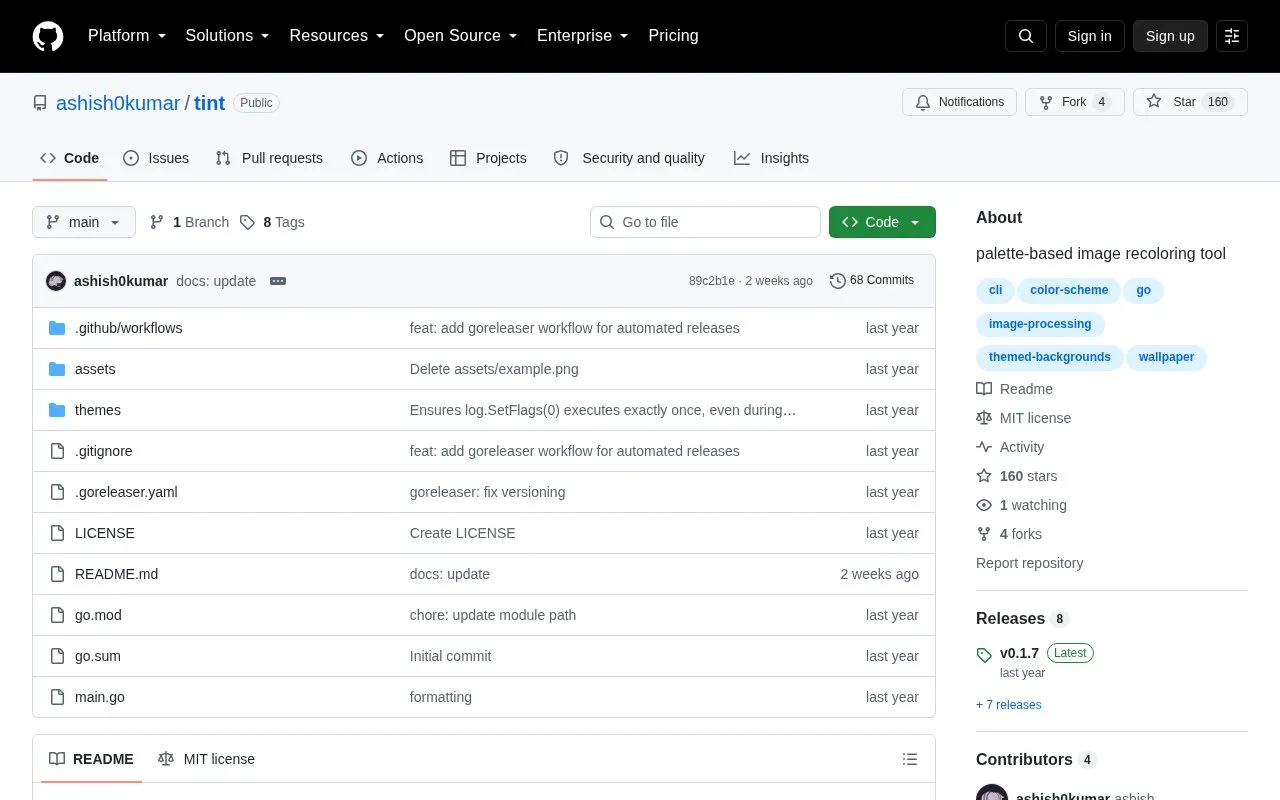
About tint
tint is a command-line program that recolors JPEG and PNG images using theme palettes such as Catppuccin, Nord, and Gruvbox. Users provide an input image and a theme flavor, and can adjust luminosity, interpolation settings, and the output file path.
It is distributed as a self-contained Go binary with installation options for Arch Linux, Nix, Void Linux, and via Go. Input is limited to JPEG and PNG, and processing large images can use significant memory.
Key features
- Recolor JPEG and PNG images using theme palettes
- Select theme flavors with --theme, such as catppuccin-latte
- Adjust brightness with --luminosity factor
- Adjust interpolation with --nearest and --power options
- Set output path with --output option
- List available themes and flavors with --list-themes
Best for: Linux command-line users who want to recolor images with theme palettes.
Good for
- Single self-contained Go binary with no external dependencies
- Includes multiple themes with flavors, such as Catppuccin, Nord, and Gruvbox
- Provides controls for luminosity and interpolation settings
Watch out for
- Supports only JPEG and PNG input formats
- Processing large images can use significant RAM; 50MP may use over 500 MiB
tint at a glance
- Website
- github.com/ashish0kumar/tint
- Category
- Online Tools › Image Tools
- Type
- Website
- Pricing
- Not confirmed. Check the site
- Platforms
- Linux
- Open source
- Yes · Source code
- Language
- English
- Last checked
- Oct 6, 2026 · Online when checked
- Listed
- Oct 5, 2026
Guides for Image Tools

tint alternatives
Tools and sites you could use instead, ranked by how closely they match.

Oxipng optimizes PNG and APNG files with lossless compression, and offers both a command-line interface and a library.
Open source
24 alternatives
Caesium Command Line Tools compresses images with lossy or lossless options.

tev displays HDR images and color profiles across operating systems, including HDR output.
Open source
24 alternatives
Up1 encrypts images, text, and other data in the browser before hosting them, and can display short videos and downloadable files.
Open source
24 alternatives
AntiDupl searches image collections for similar or defective pictures, helping users locate duplicates across large sets of files.
Open source
24 alternatives
Screenshot.rocks turns screenshots into mobile and browser mockups through an online tool.
Open source
24 alternativesPopular in Image Tools
Well-known listings from the same topic.
CamScannerapps.apple.com/us/app/camscanner-pdf-scanner-a…BeeRefbeeref.orgGreenshotgetgreenshot.orgLightshotapp.prntscr.comnomacsnomacs.orgConverseenconverseen.fasterland.net


tint FAQ
What image formats can tint process?
JPEG and PNG files, supplied with the --image option.
How do I choose a theme?
Use --theme with a theme-flavor name, such as catppuccin-latte, and use --list-themes to see all available themes and flavors.
Does tint need a lot of memory for large images?
Yes. A 50MP image in RGBA format may consume over 500 MiB of memory, so ensure enough free memory before running.
Is something wrong or out of date?
Tell us and an editor will check it.
Own this website?
Claim this listing
Claim the listing and suggest updates yourself. An editor checks every claim first.