

Greenshot
Greenshot provides screenshot capture tools for Windows, according to its project page.
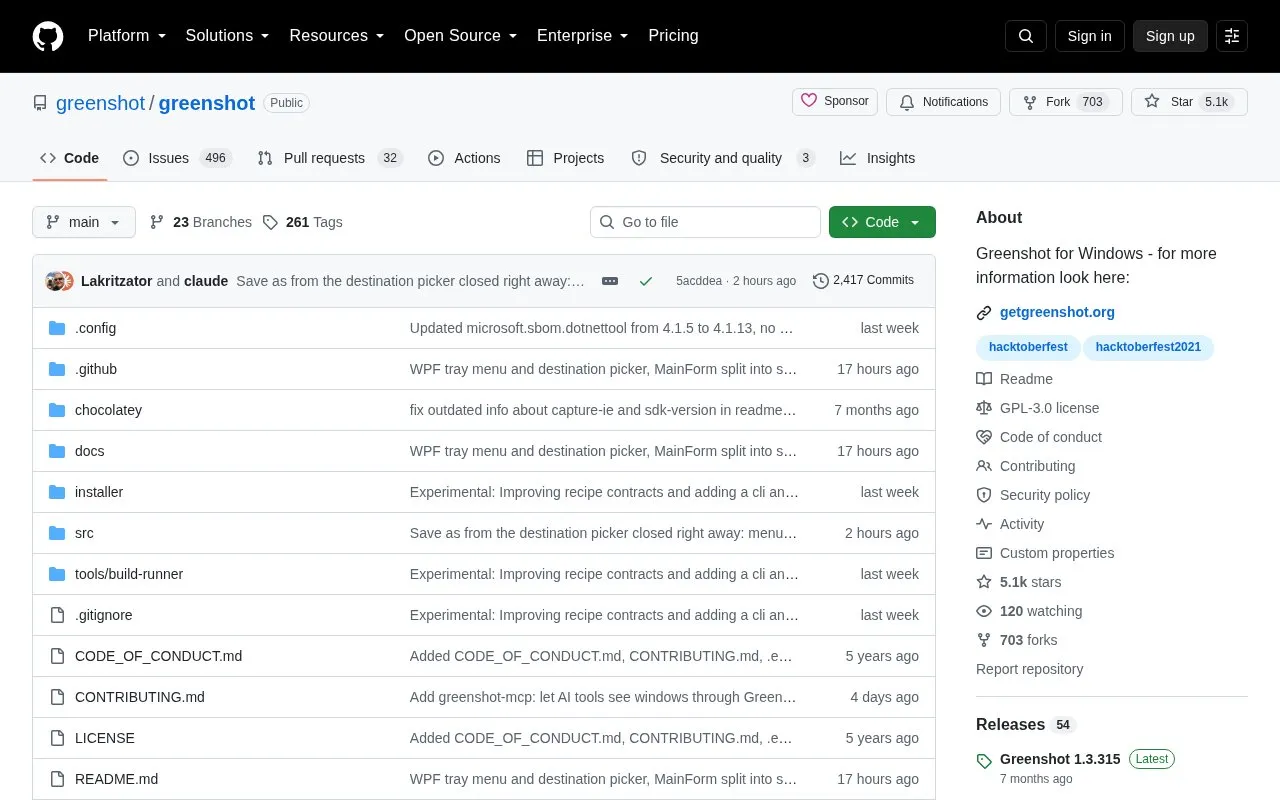
About Greenshot
Greenshot is a lightweight screenshot tool for Windows. Its source repository is hosted on GitHub, and the project describes capabilities for capturing a selected region, a window, or the full screen, then annotating, highlighting, or obfuscating parts of the image. Screenshots can be saved to file, sent to a printer, copied to the clipboard, attached to email, sent to Office programs, or uploaded to photo sites such as Flickr or Picasa. The project says it is intended for project managers, software developers, technical writers, testers, and others who create screenshots regularly.
Key features
- Capture selected region, window or fullscreen on Windows
- Annotate, highlight or obfuscate parts of screenshots
- Save screenshots to file or copy to clipboard
- Send screenshots to printer, email or Office programs
- Upload screenshots to photo sites such as Flickr or Picasa
- Open-source repository with stable and unstable releases on GitHub
Best for: Windows users such as project managers, software developers, technical writers and testers who take screenshots often.
Good for
- Open-source project with source code available on GitHub
- Lightweight and configurable screenshot tool for Windows
- Supports multiple capture and export workflows
Watch out for
- Windows only
- Upload destinations such as Flickr or Picasa are external services
- The GitHub repository is the ongoing development branch for future releases
Greenshot at a glance
- Category
- Online Tools › Image Tools
- Type
- Open-source project
- Pricing
- Not confirmed. Check the site
- Platforms
- Windows
- Open source
- Yes · Source code
- Language
- English
- Last checked
- Oct 6, 2026 · Online when checked
- Listed
- Oct 5, 2026
Guides for Image Tools

Greenshot alternatives
Tools and sites you could use instead, ranked by how closely they match.

Capture and annotate screenshots across platforms with ksnip, a dedicated screenshot utility.
Open source
24 alternatives
Capture and save screenshots with Flameshot, a cross-platform tool that includes built-in screenshot features.
Open source
24 alternatives
Capture and annotate screen images with Greenshot, a free screenshot tool designed for productivity.
Free
5 alternatives
Screenshot Studio lets users create and edit screenshots in a browser without account signup or watermarks.
FreeOpen source
24 alternatives
QuickView displays JXL, AVIF, WebP, RAW, and QOI images in a Windows application using Direct2D.
Open source
24 alternatives
Lap runs as an offline-first desktop photo manager on macOS, Windows, and Linux, for albums and large local libraries.
FreeOpen source
24 alternativesPopular in Image Tools
Well-known listings from the same topic.
CamScannerapps.apple.com/us/app/camscanner-pdf-scanner-a…BeeRefbeeref.orgLightshotapp.prntscr.comnomacsnomacs.orgConverseenconverseen.fasterland.netStorage Serverpixelunion.eu


Greenshot FAQ
What platform does Greenshot support?
Greenshot is a screenshot software tool for Windows.
Where can I find Greenshot releases?
Releases are listed on GitHub or in the version history on the project website. The downloads page on the website links to the latest stable release.
Can Greenshot send screenshots to other services?
Yes, the project lists export options including attaching to email, sending to Office programs, and uploading to photo sites like Flickr or Picasa.
Is something wrong or out of date?
Tell us and an editor will check it.
Own this website?
Claim this listing
Claim the listing and suggest updates yourself. An editor checks every claim first.