

QuickTime Player
Play media and make movie, audio, and screen recordings on macOS using QuickTime Player and the system Screenshot controls.
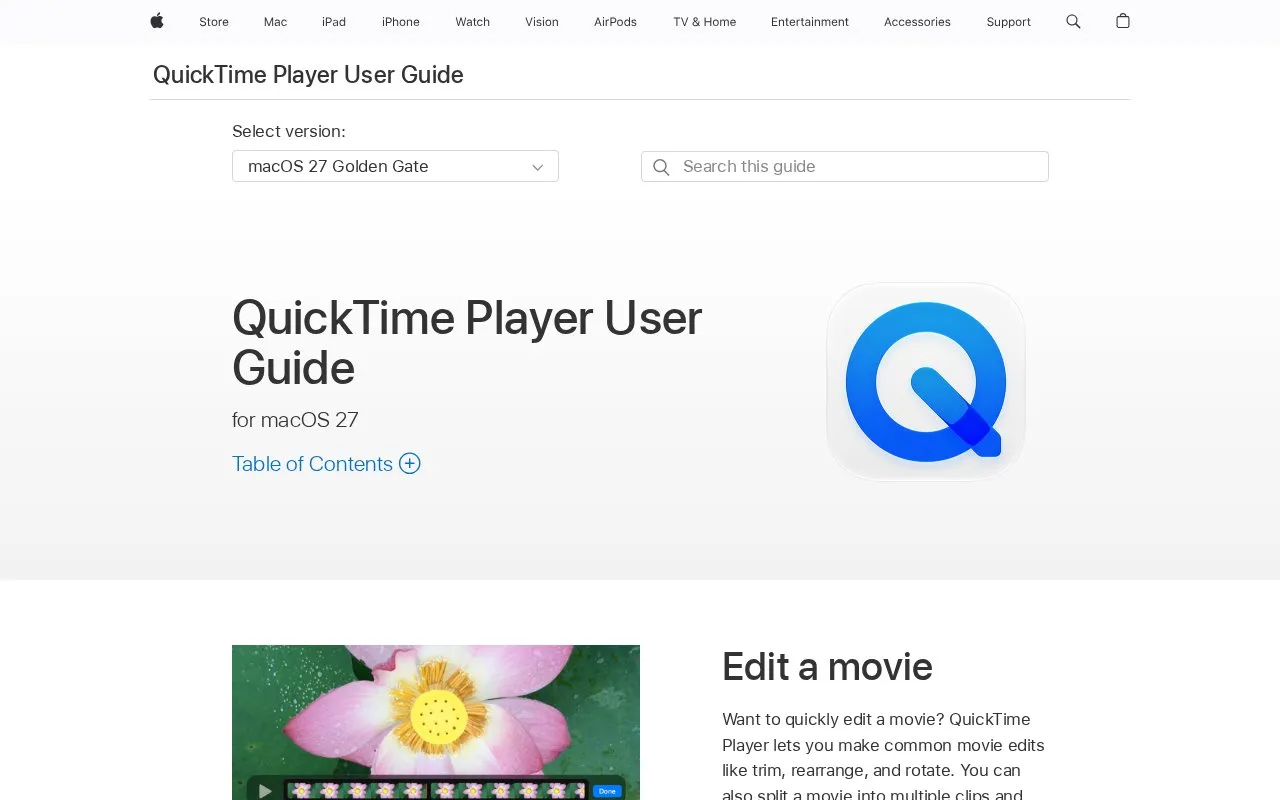
About QuickTime Player
QuickTime Player on macOS plays movie and audio files and creates screen, movie, and audio recordings. It can record the entire Mac screen or a selected portion, capture video from a Mac, iPhone, iPad, or iPod touch and save it as a movie file on the Mac, and create a movie from an image sequence. Playback options include screen size, subtitles or captions, soundtrack selection, and viewing file information.
It also provides basic movie editing such as trimming, splitting into clips, rearranging clips, adding clips, rotating or flipping, and removing audio or video. Recordings can be saved, renamed, shared, or exported.
Key features
- Play movie and audio files on Mac
- Record entire Mac screen or selected portion
- Record movie using Mac, iPhone, iPad, or iPod touch
- Record audio on Mac
- Trim, split, rearrange, rotate, or flip movie clips
- Show subtitles or captions and choose soundtrack
Best for: Mac users who need playback, screen and audio recording, and simple movie edits in one place.
Good for
- Combines playback, screen recording, and audio recording on Mac
- Supports capture from iPhone, iPad, and iPod touch to Mac
- Includes basic edits such as trim, split, rearrange, and rotate
Watch out for
- Only available on macOS
QuickTime Player at a glance
- Type
- Online tool
- Pricing
- Free
- Platforms
- macOS
- Open source
- Not stated
- Last checked
- Oct 7, 2026 · Online when checked
- Listed
- Oct 7, 2026
Guides for Screen Recording & Streaming Tools
QuickTime Player alternatives
Tools and sites you could use instead, ranked by how closely they match.

OBS Blade uses the OBS WebSocket plugin to control streams and recordings from a separate app built with Flutter.
Open source
24 alternatives
The Cap project offers open source screen recording as a Loom alternative, with recordings designed for sharing.

ScreenREC offers browser-based screen recording with controls to select a video type, record, review, and download the result.
Featured in
 8 sites


Best of
Best Free Screen Recorders for Tutorials and Quick Updates
The best free screen recorders fall into two groups: apps that save a video you control and services that make sharing…
Popular in Screen Recording & Streaming Tools
Well-known listings from the same topic.
StreamElementsstreamelements.comStreamlabsstreamlabs.comStreamer.botstreamer.botAwesome Streaminggithub.com/juancarlospaco/awesome-streaming-to…VDO.Ninjavdo.ninjaStreamrecorderstreamrecorder.io


QuickTime Player FAQ
Can I record my Mac screen with QuickTime Player?
Yes. You can record the entire screen or select just a portion of it.
Can I use QuickTime Player to capture an iPhone or iPad screen?
Yes. You can capture what is on your iPhone, iPad, or iPod touch and save it as a movie file on your Mac.
Can I edit a movie in QuickTime Player?
Yes. You can trim, rearrange, rotate, split a movie into clips, add clips, and remove audio or video.
Is something wrong or out of date?
Tell us and an editor will check it.
Own this website?
Claim this listing
Claim the listing and suggest updates yourself. An editor checks every claim first.