

qView
View images with qView, a lightweight viewer for Windows, macOS, and Linux with a minimal interface.
About qView
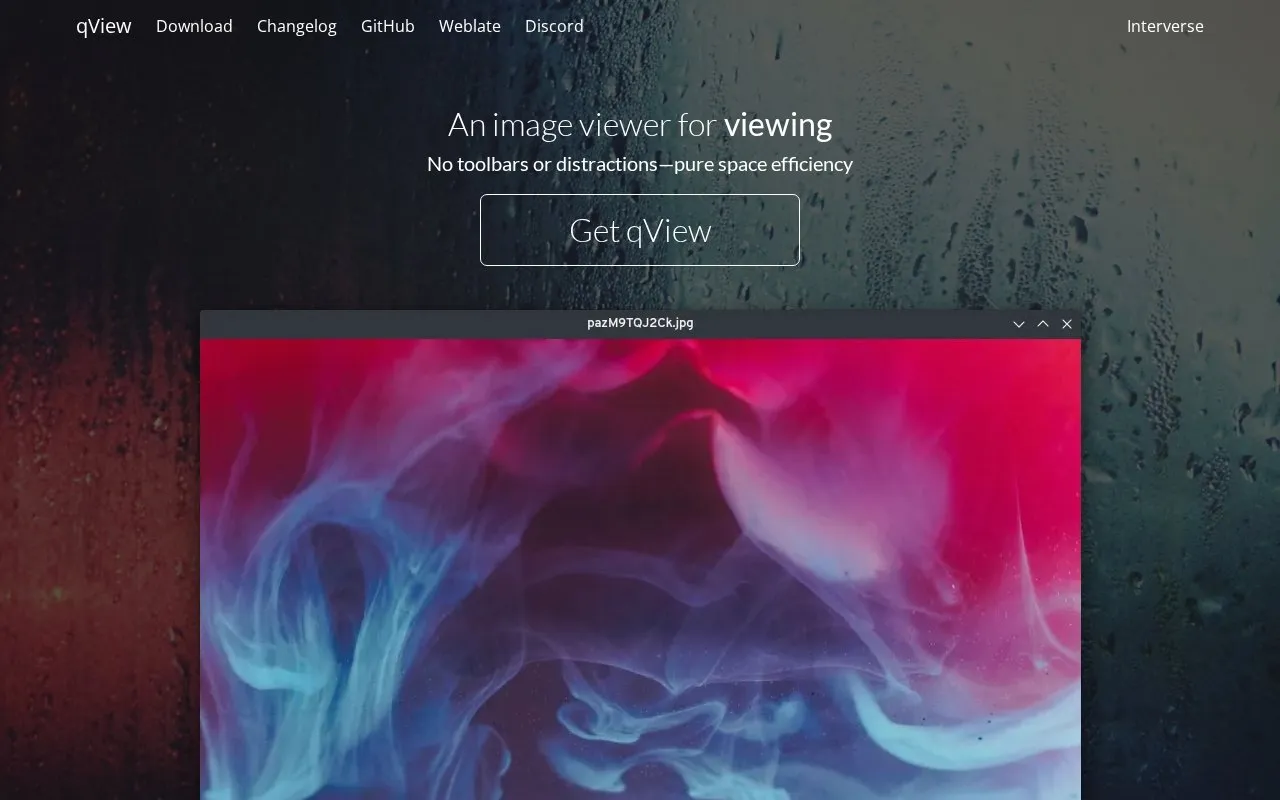
qView is an image viewer for Windows, macOS, and Linux with a minimal interface that shows the image and a titlebar without toolbars. It includes animated GIF controls, file history, rotation and mirroring, multithreaded preloading, and configurable preferences, and supports bmp, gif, jpg, png, tiff, and webp.
Key features
- Shows image with titlebar and no toolbars
- Animated GIF controls
- Keeps file history
- Rotation and mirroring of images
- Multithreaded preloading when switching images
- Supports bmp, gif, jpg, png, tiff, and webp
Best for: People using Windows, macOS, or Linux who need a minimal viewer for common image formats.
Good for
- Minimal interface without toolbars
- Described as using low memory and CPU
- Available for Windows, macOS, and Linux
qView at a glance
- Website
- interversehq.com/qview
- Category
- Online Tools › Image Tools
- Type
- Online tool
- Pricing
- Free
- Platforms
- Linux, macOS, Web, Windows
- Open source
- Not stated
- Language
- English
- Last checked
- Oct 5, 2026 · Online when checked
- Listed
- Oct 5, 2026
Guides for Image Tools

qView alternatives
Tools and sites you could use instead, ranked by how closely they match.

View graphics with IrfanView, a compact Windows image viewer with multilingual support and 32-bit and 64-bit downloads.
FastStone Image Viewer includes image viewing, screen capture, and photo resizing tools.
Freemium
7 alternatives
Practical and minimal image viewer designed with minimalism and usability in mind.
Open source
24 alternatives
View and edit images across multiple operating systems with oculante, an image viewer and editor.
Open source
24 alternativesPopular in Image Tools
Well-known listings from the same topic.
CamScannerapps.apple.com/us/app/camscanner-pdf-scanner-a…BeeRefbeeref.orgGreenshotgetgreenshot.orgLightshotapp.prntscr.comnomacsnomacs.orgConverseenconverseen.fasterland.net


qView FAQ
Which operating systems does qView support?
Windows, macOS, and Linux.
Which image formats does qView support?
bmp, gif, jpg, png, tiff, and webp.
Is qView free?
Yes, it is listed as free.
Is something wrong or out of date?
Tell us and an editor will check it.
Own this website?
Claim this listing
Claim the listing and suggest updates yourself. An editor checks every claim first.