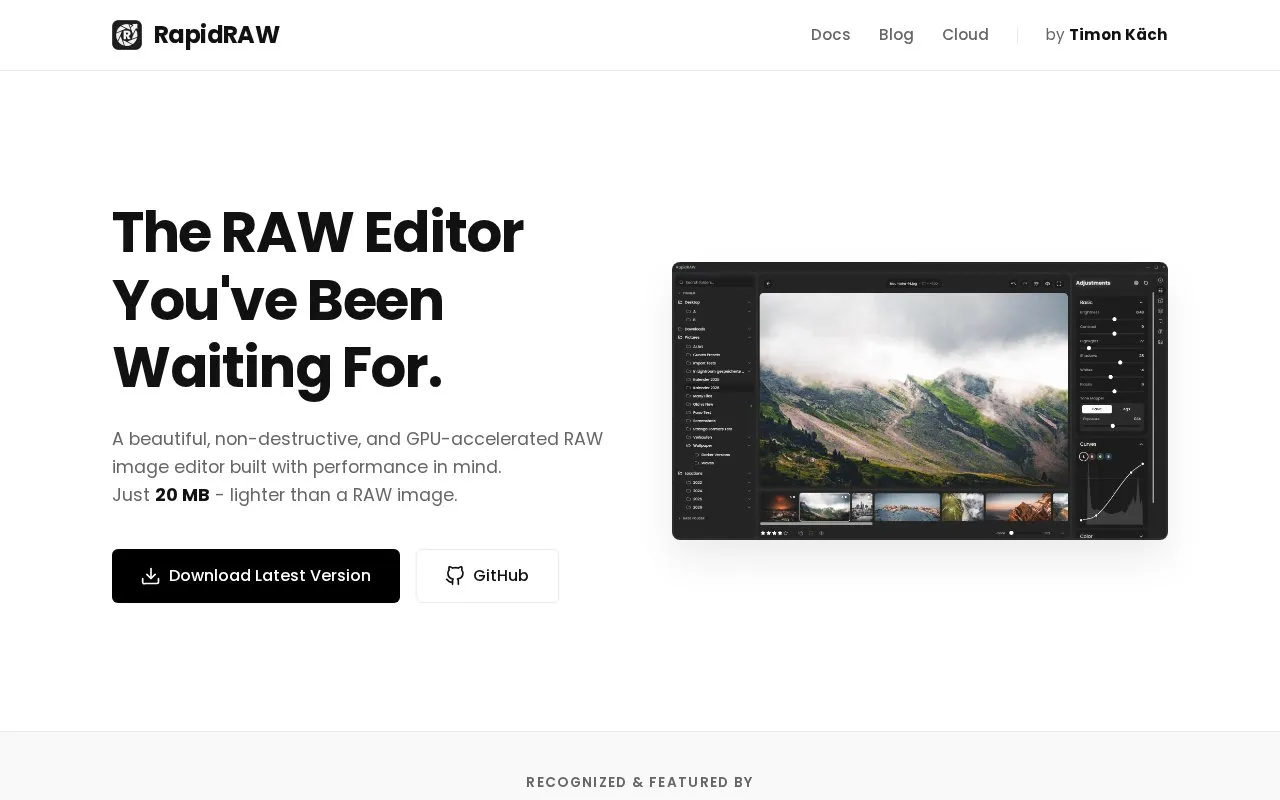
RapidRAW is a non-destructive RAW photo editor for Windows, macOS, and Linux. Edits are stored in sidecar files so original images remain unchanged, and image adjustments are processed on the GPU. It includes photo library management, a preset system, batch operations, and controls for tone curves, HSL color mixer, detail enhancement, and effects. Built-in tools provide AI subject, sky and foreground masking, automatic image tagging, and simple object removal. Further generative edits use an optional local ComfyUI connection or RapidRAW Cloud subscription.
Key features
Edits stored in sidecar files, originals unchanged
GPU processing of image adjustments
AI masks for subject, sky and foreground
Automatic image tagging on local computer
Batch application of adjustments to multiple images
Tone curves, HSL mixer, detail and effects controls
Best for: Photographers on Windows, macOS, or Linux who need non-destructive RAW editing with local AI masking and tagging.
Good for
20 MB application size stated on homepage
Sidecar workflow leaves original images untouched
Built-in AI masking and tagging run locally with no setup
Watch out for
Generative edits need a local ComfyUI server or Cloud subscription
Self-hosted workflow is described for users with a capable GPU
Blog notes camera tethering limitation for Windows users