ReZygisk

github.com/PerformanC/ReZygisk Android Apps Open-source projectOpen source

ReZygisk provides a transparent implementation of Zygisk, a framework component used in Android modification setups.

github.com/PerformanC/ReZygisk
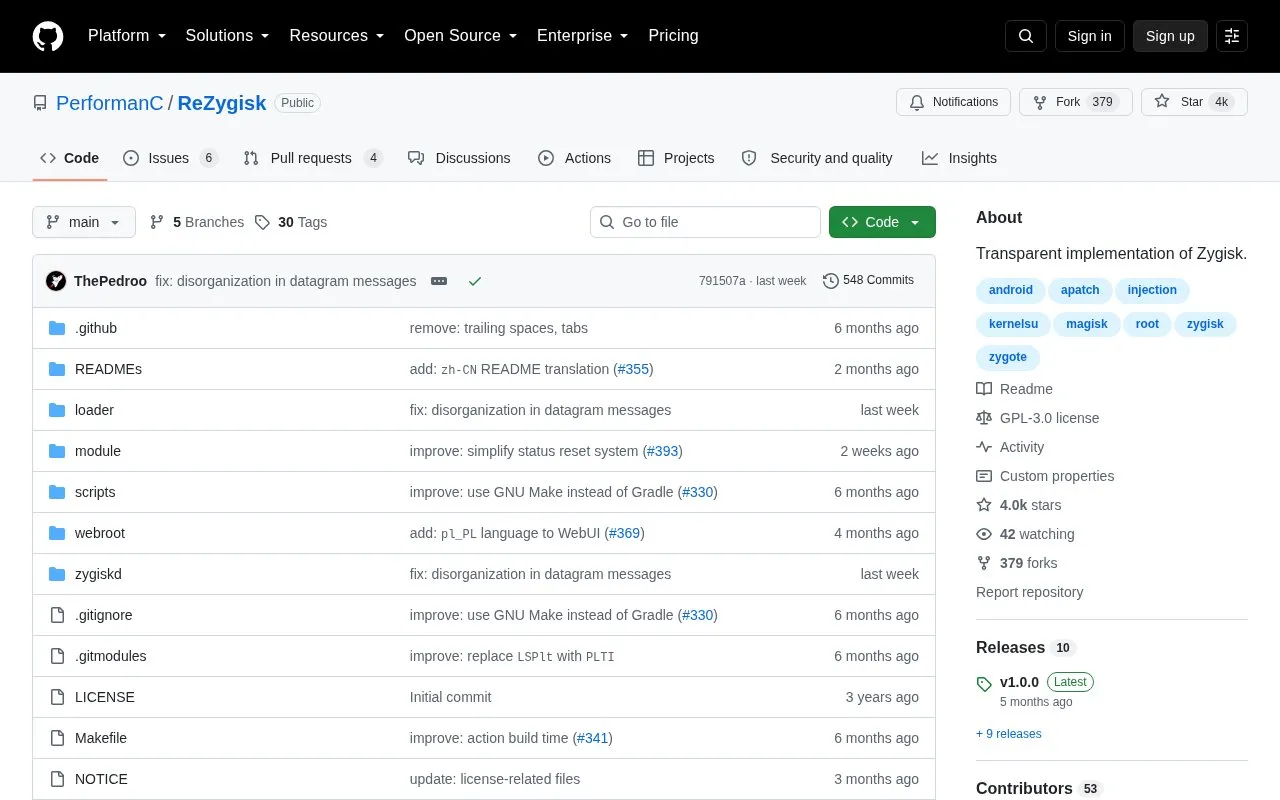
ReZygisk homepage screenshot

About ReZygisk

ReZygisk is an open-source fork of Zygisk Next that provides Zygisk API support for KernelSU, APatch and Magisk. Its codebase is written in C and uses custom linkers rather than the system linker in normal circumstances.

Installation involves flashing a release or debug zip through a root manager, then rebooting and checking daemon status in the module description. Magisk users need to disable the built-in Zygisk option to avoid a conflict.

Key features

  • Provides Zygisk API support for KernelSU, APatch and Magisk
  • Codebase written entirely in C
  • Uses custom linkers instead of system linker in normal use
  • Offers release builds without app-level logging
  • Offers debug builds with heavy logging for troubleshooting
  • Shows daemon status in root manager module description
Best for: People using KernelSU, APatch, or Magisk who need an open-source Zygisk implementation.
Good for
  • Open-source code allows audit of a root-privileged component
  • Supports KernelSU, APatch and Magisk environments
  • Separate release and debug builds for normal use and troubleshooting
Watch out for
  • Magisk users must disable built-in Zygisk to avoid conflict
  • Installation requires flashing through a root manager and rebooting
  • Debug builds have no optimizations and heavy logging for debugging only

ReZygisk at a glance

Type
Open-source project
Pricing
Not confirmed. Check the site
Platforms
Android, Linux
Open source
Yes · Source code
Language
English
Good for
Developers
Last checked
Oct 5, 2026 · Online when checked
Listed
Oct 5, 2026

ReZygisk alternatives

Tools and sites you could use instead, ranked by how closely they match.

All 24 alternatives

Popular in Android Apps

Well-known listings from the same topic.

All 367

ReZygisk FAQ

Which zip should I install?
Use a release build from the main branch for normal use. Use a debug build only to obtain logs for an issue.
How do I install ReZygisk?
Flash the selected zip in the Modules section of Magisk or KernelSU, check the installation logs for errors, then reboot.
How do I check if it is working?
After rebooting, check the module description in the root manager for indicators that the necessary daemons are running.
Is something wrong or out of date?

Tell us and an editor will check it.

Own this website?

Claim the listing and suggest updates yourself. An editor checks every claim first.

Claim this listing