

USB HID Client lets an Android phone act as a keyboard or mouse over USB HID, providing input device functions through the phone.
Open source
24 alternativesMousedroid turns an Android phone into a mouse and keyboard for another device.
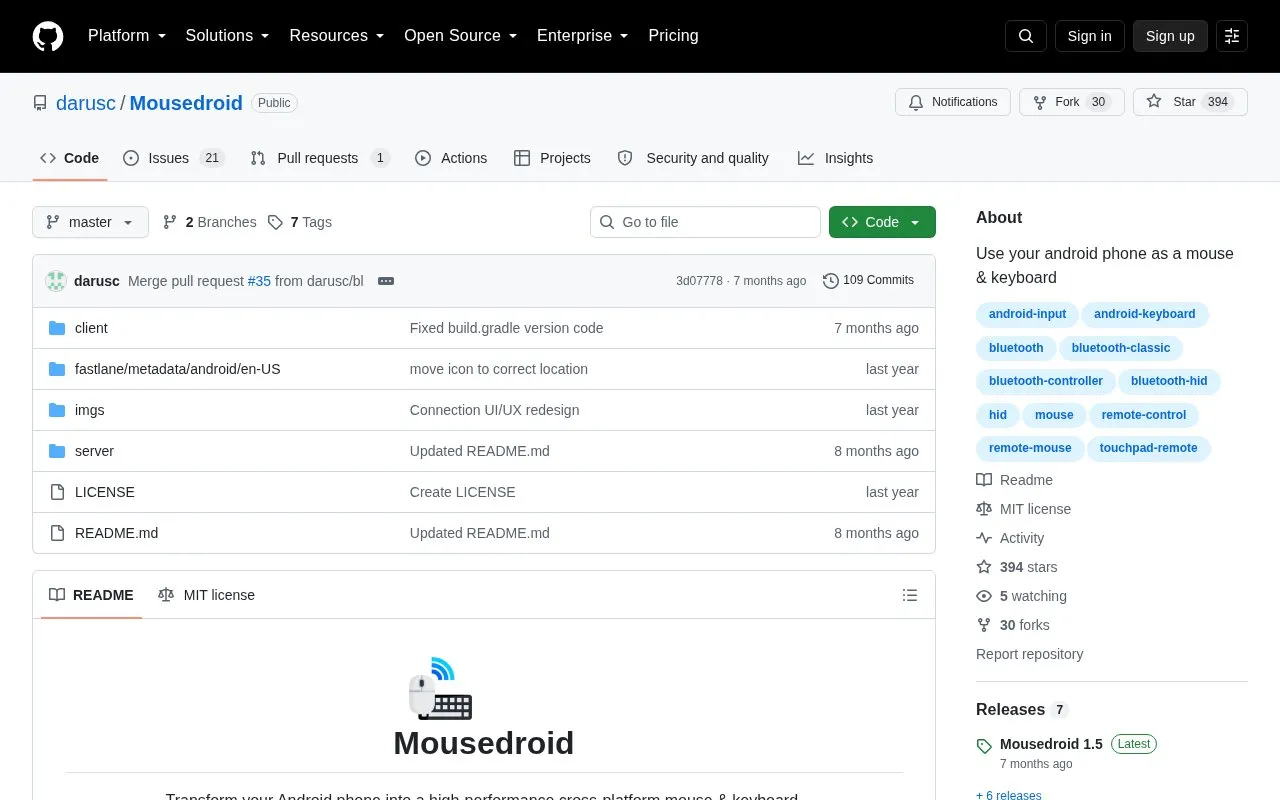
Mousedroid is an open-source Android app that turns an Android phone into a remote mouse and keyboard for a Windows or Linux computer. It provides a touchpad, full keyboard, and numpad, with multi-touch gestures for right-click, scrolling, zooming, and drag-and-drop. The phone connects over Bluetooth, Wi-Fi, or USB (wired via ADB). Desktop support covers Windows 10/11 and Linux (Ubuntu 22.04+ recommended); the phone must run Android 9.0 or newer.
Setup requires installing a server on the PC and an APK on Android. Wi-Fi mode needs both devices on the same network, USB mode requires USB debugging, and some Linux features may need Xorg or a permissions script. Bluetooth name display on modern Android may require granting requested permissions.
Tools and sites you could use instead, ranked by how closely they match.
USB HID Client lets an Android phone act as a keyboard or mouse over USB HID, providing input device functions through the phone.
AndroidMic turns an Android phone into a microphone for a computer and lists support for Linux, Windows, and macOS.
Codec2 Talkie turns an Android phone into an amateur radio digital voice transceiver with APRS support and wired or wireless connections.
TouchDroid turns an Android device into a touchpad for controlling a laptop over a Wi-Fi connection.
Scrcpy for Android mirrors a device’s display and touch controls onto another Android device.
ScreenStream streams an Android device display through an open source app, making the screen viewable from another device.
Well-known listings from the same topic.
Tell us and an editor will check it.
Claim the listing and suggest updates yourself. An editor checks every claim first.


