

Codec2 Talkie turns an Android phone into an amateur radio digital voice transceiver with APRS support and wired or wireless connections.
Open source
24 alternativesTouchDroid turns an Android device into a touchpad for controlling a laptop over a Wi-Fi connection.
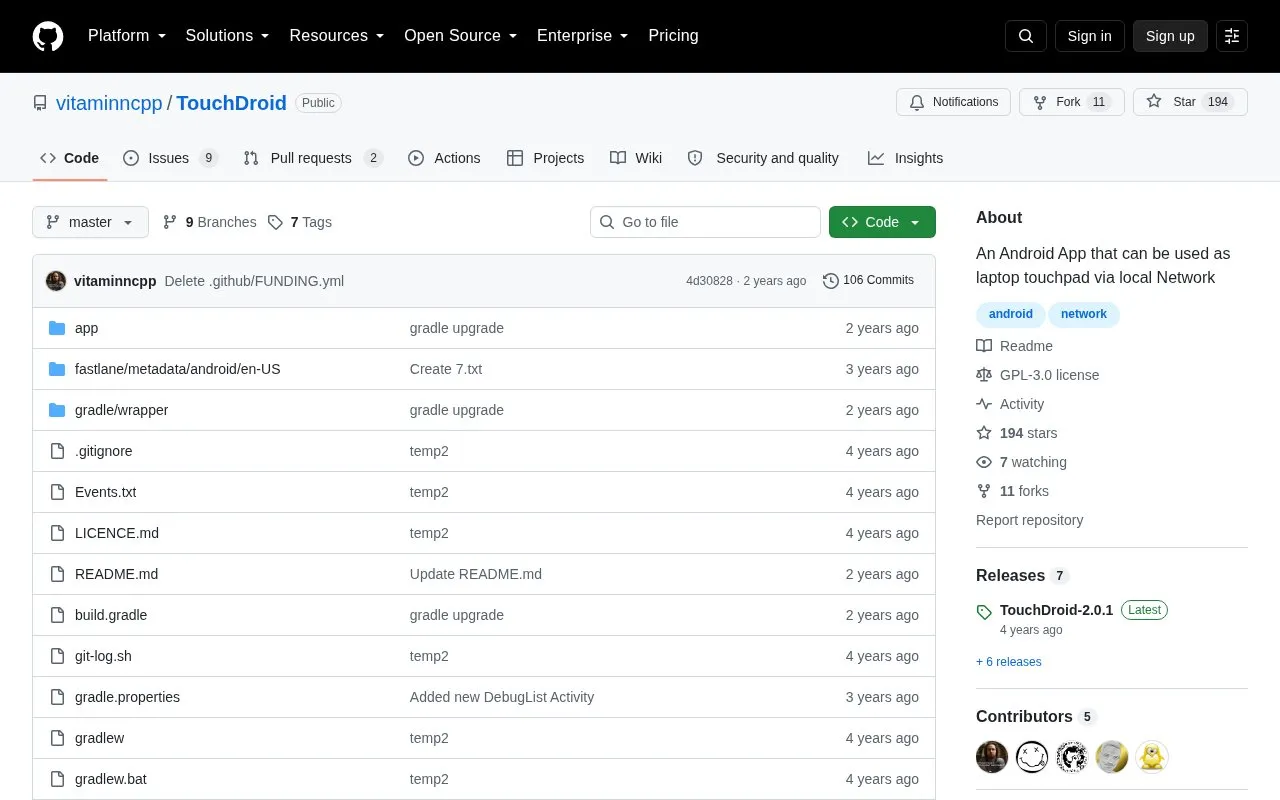
TouchDroid is an Android app that controls a Windows computer over a local network. It emulates touchpad and keyboard input, with a touch area, left and right buttons, and a wheel in the Android interface.
Use requires the TouchServer app installed and running on the Windows PC, controlled from its desktop interface. The Android device and the PC must be on the same network.
Tools and sites you could use instead, ranked by how closely they match.
Codec2 Talkie turns an Android phone into an amateur radio digital voice transceiver with APRS support and wired or wireless connections.
Mousedroid turns an Android phone into a mouse and keyboard for another device.
AndroidMic turns an Android phone into a microphone for a computer and lists support for Linux, Windows, and macOS.
Tetherfi shares an internet connection from Android without root, providing tethering through the TetherFuseNet project.
Alpi Maps provides offline maps on iOS and Android, allowing users to access maps without a continuous internet connection.
Nuvio turns user-provided media sources into a library with artwork, ratings, and subtitles.
Well-known listings from the same topic.
Tell us and an editor will check it.
Claim the listing and suggest updates yourself. An editor checks every claim first.


