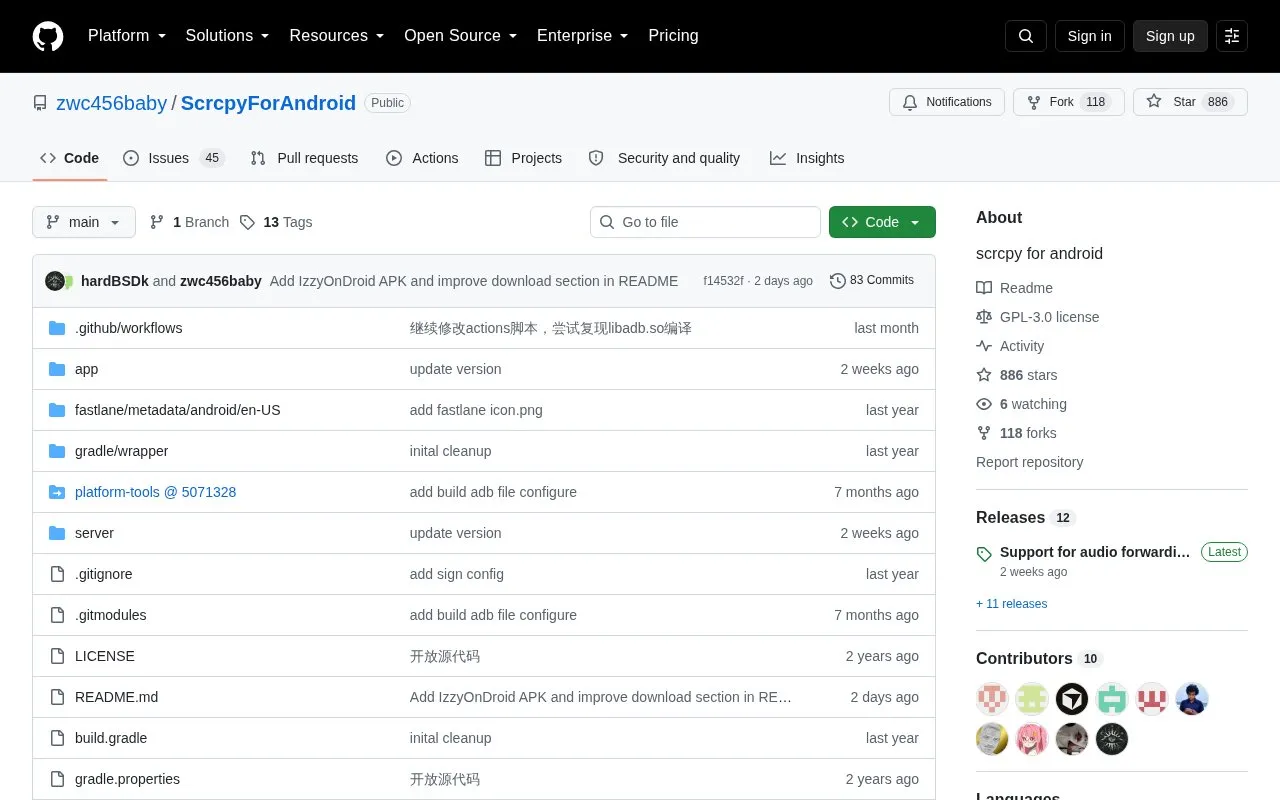
Scrcpy for Android is an open-source Android application that ports the functionality of the desktop Scrcpy screen mirroring tool to mobile devices. It is hosted as a public GitHub repository and released under the GPL-3.0 license.
The app mirrors the full display and touch controls of a remote Android device to the Android device running the app, using the Android Debug Bridge (ADB) interface. Connections can be established either over a USB cable (with an OTG adapter if needed) or over a local WiFi network, with configurable display resolution and bitrate settings to adjust performance based on network or hardware constraints.
It is designed for Android users who need to control a secondary Android device remotely without access to a desktop computer, such as developers testing app behavior, users managing IoT or dedicated devices, or anyone needing to access a phone’s interface from another Android handset.
Key features
Mirrors display and touch controls of a remote Android device.
Supports ADB connections via USB cable or local WiFi.
Provides configurable display resolution and bitrate settings.
Includes toggle for devices with hardware navigation buttons.
Supports on-screen gestures to wake or sleep the remote device.
Released as open-source under the GPL-3.0 license.
Best for: It is best for Android users who need to remotely control a secondary Android device without a desktop computer, such as app developers or users managing dedicated mobile devices.
Good for
Open-source under the GPL-3.0 license.
Supports both USB and WiFi ADB connection methods.
Includes configurable display and bitrate settings for performance tuning.
Watch out for
Requires ADB debugging enabled on the target device.
WiFi connections require both devices on the same local network by default.
Some custom ROMs may not display the required ADB trust prompt.
It is an open-source Android app that mirrors the display and touch controls of a remote Android device to a local Android device, using ADB over USB or WiFi.
How do I set up a WiFi connection with Scrcpy for Android?
Ensure both devices are on the same local network, enable ADB over network on the target device, enter its IP address in the app, and start the mirroring session.
Are there compatibility issues with custom ROMs?
Some custom ROMs do not show the ADB trust prompt required to establish a connection, which may prevent mirroring from working.
Do I need a computer to use Scrcpy for Android?
No, the app runs entirely on Android devices, with no desktop computer required for mirroring once set up.
Is something wrong or out of date?
Tell us and an editor will check it.
Own this website?
Claim the listing and suggest updates yourself. An editor checks every claim first.