

TapTap brings double-tap-on-the-back gestures to Android, letting users trigger actions by tapping the rear of the device.
Open source
24 alternativesKeyMapper remaps physical buttons on Android devices, letting users assign different actions to device controls.
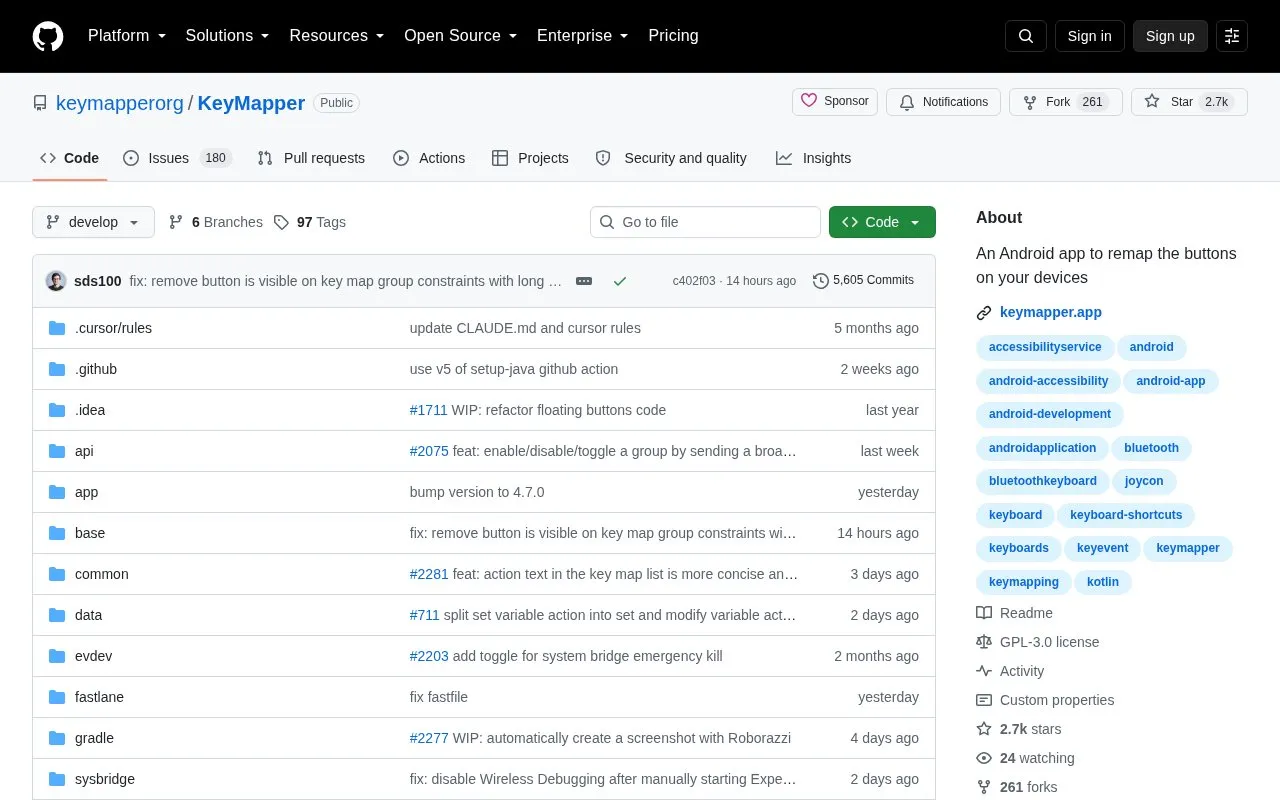
KeyMapper is an Android app that remaps physical buttons to different actions. It works with phone volume and side keys, game controllers, keyboards, mouse buttons, headsets and headphones, and fingerprint sensors, and users can create custom on-screen buttons to remap.
It supports triggers such as long press and double press, macros using over 100 actions including screen taps and gestures, keyboard inputs, opening apps, media control and intents, and constraints based on app or device state. Joysticks and gamepad triggers (LT, RT) are not currently supported.
Tools and sites you could use instead, ranked by how closely they match.
TapTap brings double-tap-on-the-back gestures to Android, letting users trigger actions by tapping the rear of the device.
DualWallpaper lets users assign separate wallpapers for light and dark device themes and switch them when the theme changes.
FlashDim adds dimming controls to an Android flashlight on devices running Android 13 and later.
scrcpy displays and controls an Android device from a computer, using a desktop window to mirror the device and send user input.
Scrcpy for Android mirrors a device’s display and touch controls onto another Android device.
VolumeLockr controls Android device volume levels and can lock them to prevent unwanted changes.
Well-known listings from the same topic.
Tell us and an editor will check it.
Claim the listing and suggest updates yourself. An editor checks every claim first.


