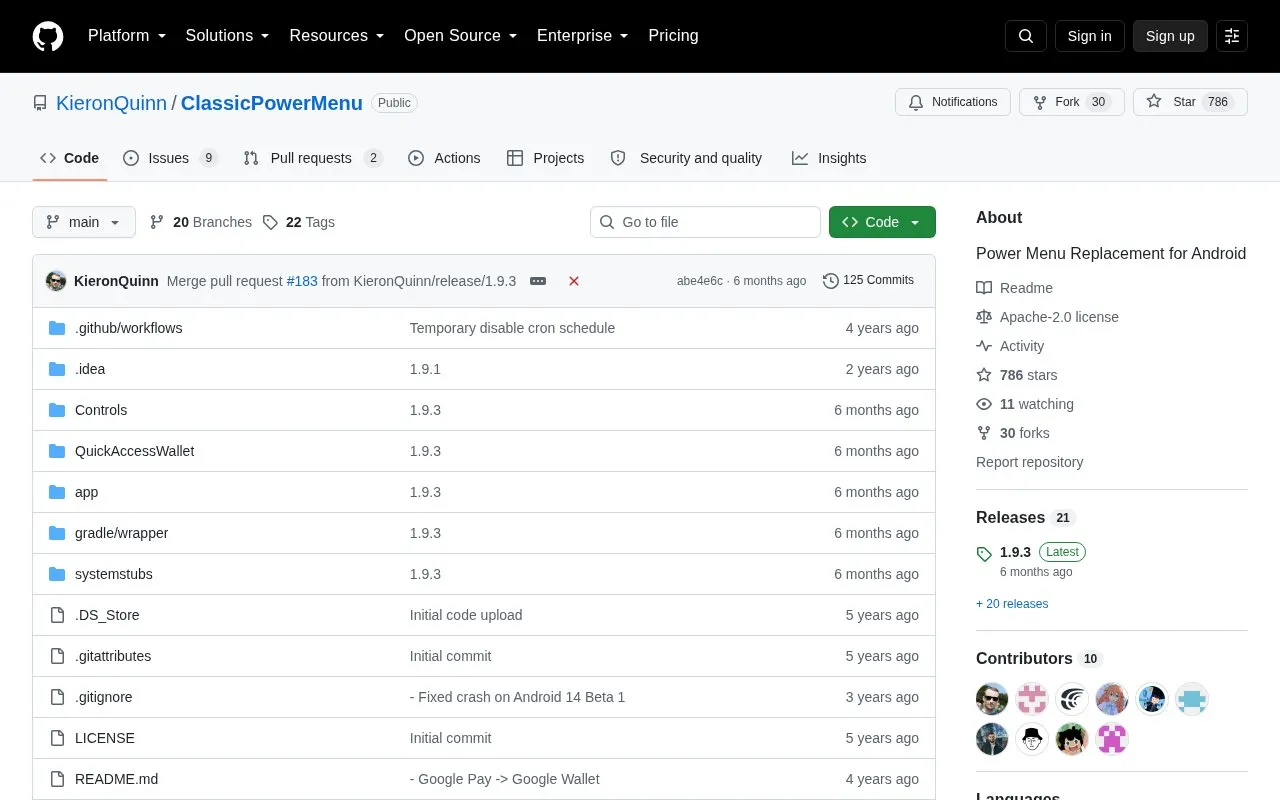
ClassicPowerMenu is a replacement for the Android power menu for Android 11 and later. Its stated aim is to restore Device Controls and Quick Access Wallet in the power menu on Android 12, with access while locked or unlocked.
It provides up to 10 power options, including Screenshot, Reboot Recovery and Reboot Bootloader, and allows rearranging or hiding buttons. It requires root access to function and intercepts the power button through an Accessibility Service, with an optional Xposed module included.
Key features
Up to 10 power options including Screenshot, Reboot Recovery and Bootloader
Rearrange and hide unused power menu buttons
Quick Access Wallet accessible while locked or unlocked
Display loyalty card codes without opening Google Wallet
Device Controls accessible while locked or unlocked
Power button interception via Accessibility Service without Xposed
Best for: Rooted Android 11+ users who want Device Controls and Quick Access Wallet in the power menu.
Good for
Restores Device Controls and Quick Access Wallet on Android 12
Operates without Xposed, using Accessibility Service with root
Root access is required to function. Xposed is not required; the power button is intercepted via an Accessibility Service, with an optional Xposed module included.
Which Android versions are supported?
It is a power menu replacement for Android 11 and later, with the aim of restoring Device Controls and Quick Access Wallet on Android 12.
How can content creators hide card details in videos or articles?
Triple tap the About option to enable developer options, then enable Content Creator Mode to blur card numbers and show a fake QR code for loyalty cards.
Is something wrong or out of date?
Tell us and an editor will check it.
Own this website?
Claim the listing and suggest updates yourself. An editor checks every claim first.