

Mousedroid turns an Android phone into a mouse and keyboard for another device.
Open source
24 alternativesUSB HID Client lets an Android phone act as a keyboard or mouse over USB HID, providing input device functions through the phone.
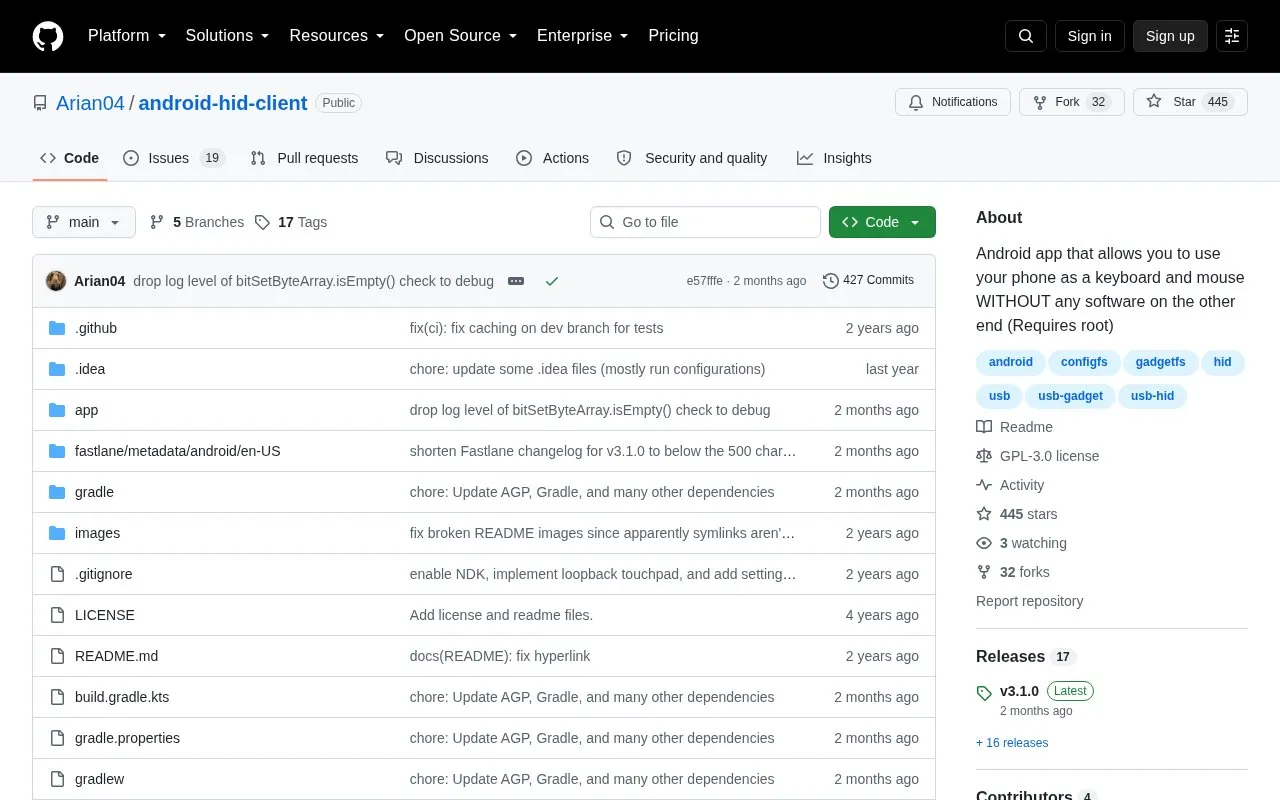
USB HID Client is an Android app that lets a phone present itself as a USB keyboard and mouse to a connected device. The connected computer sees it as normal input hardware, so no software is needed on that computer, and input can work in BIOS/UEFI. It also supports multimedia keys such as volume up and down. It provides real-time key relay through the Android keyboard and a Manual Input box that sends typed text when the send button is pressed. Use requires a rooted Android device with a supported method for live-patching SELinux policy, listed as Magisk or KernelSU. Testing is described as primarily on Linux as host and Pixel 5 running Android 14.
Tools and sites you could use instead, ranked by how closely they match.
Mousedroid turns an Android phone into a mouse and keyboard for another device.
Transdroid manages torrents from an Android device, providing a mobile client for monitoring torrent downloads.
SensorServer streams data from a phone’s sensors, exposing measurements from an Android device to connected clients.
Outspoke offers privacy-focused speech-to-text input as an Android keyboard, converting spoken words into text.
Thumb-Key supports thumb-based text input through an Android keyboard designed with privacy-conscious handling.
scrcpy displays and controls an Android device from a computer, using a desktop window to mirror the device and send user input.
Well-known listings from the same topic.
Tell us and an editor will check it.
Claim the listing and suggest updates yourself. An editor checks every claim first.


