

Scrcpy for Android mirrors a device’s display and touch controls onto another Android device.
Open source
24 alternativesscrcpy displays and controls an Android device from a computer, using a desktop window to mirror the device and send user input.
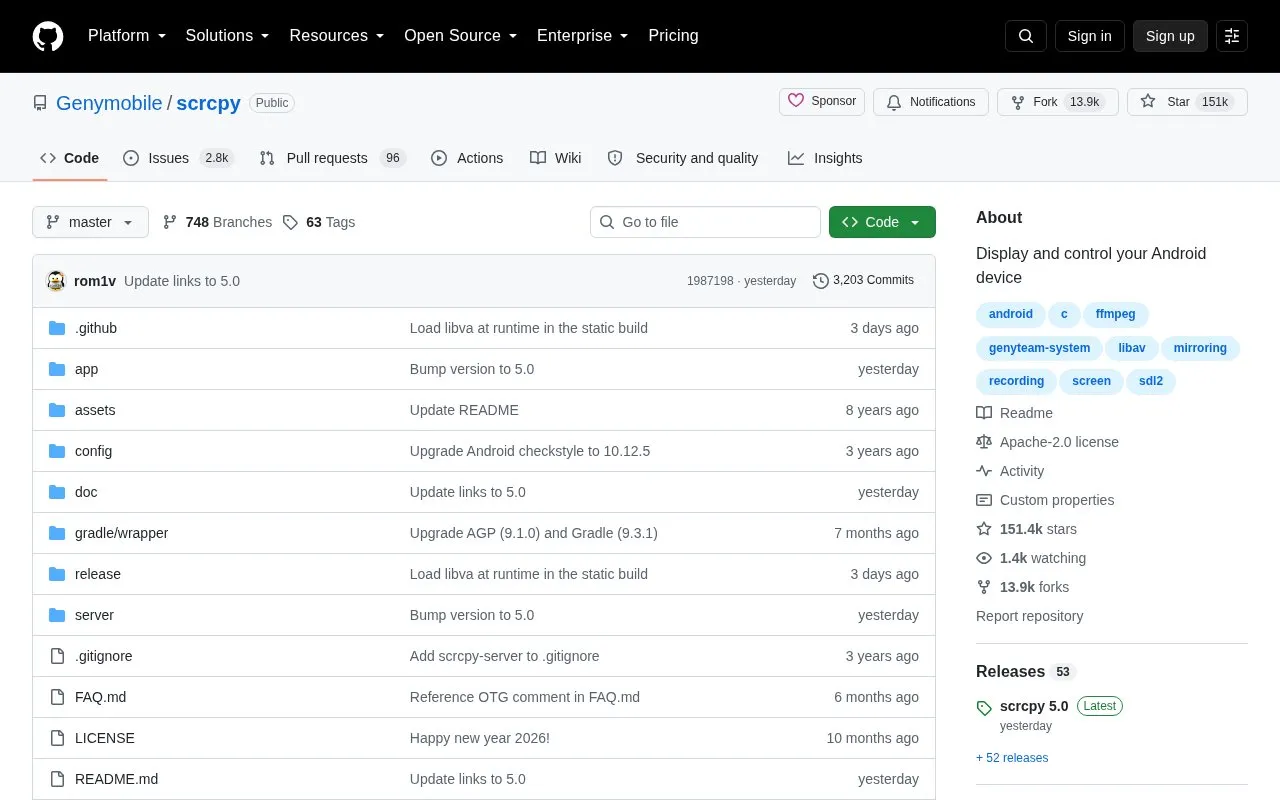
scrcpy displays and controls an Android device from a desktop computer. It mirrors the device's video and audio over a USB or TCP/IP connection, and the user controls the device with the computer's keyboard and mouse. According to the project, it does not require root access or an app installed on the device, and it works on Linux, Windows, and macOS. It is free and open source software.
Several features depend on the Android version. The device must run at least Android 5.0 (API 21). Audio forwarding requires Android 11 or later, and camera mirroring requires Android 12 or later. USB debugging must be enabled on the device. On some devices, such as certain Xiaomi models, an additional security setting is needed before keyboard and mouse control works. Mirroring the device as a webcam through V4L2 is available on Linux only. The project states that the GitHub repository is its only official source and warns against downloading releases from other websites.
Tools and sites you could use instead, ranked by how closely they match.
Scrcpy for Android mirrors a device’s display and touch controls onto another Android device.
USB HID Client lets an Android phone act as a keyboard or mouse over USB HID, providing input device functions through the phone.
ScreenStream streams an Android device display through an open source app, making the screen viewable from another device.
KeyMapper remaps physical buttons on Android devices, letting users assign different actions to device controls.
VolumeLockr controls Android device volume levels and can lock them to prevent unwanted changes.
AndroidMic turns an Android phone into a microphone for a computer and lists support for Linux, Windows, and macOS.
Well-known listings from the same topic.
Tell us and an editor will check it.
Claim the listing and suggest updates yourself. An editor checks every claim first.


