

Mousedroid turns an Android phone into a mouse and keyboard for another device.
Open source
24 alternativesAndroidMic turns an Android phone into a microphone for a computer and lists support for Linux, Windows, and macOS.
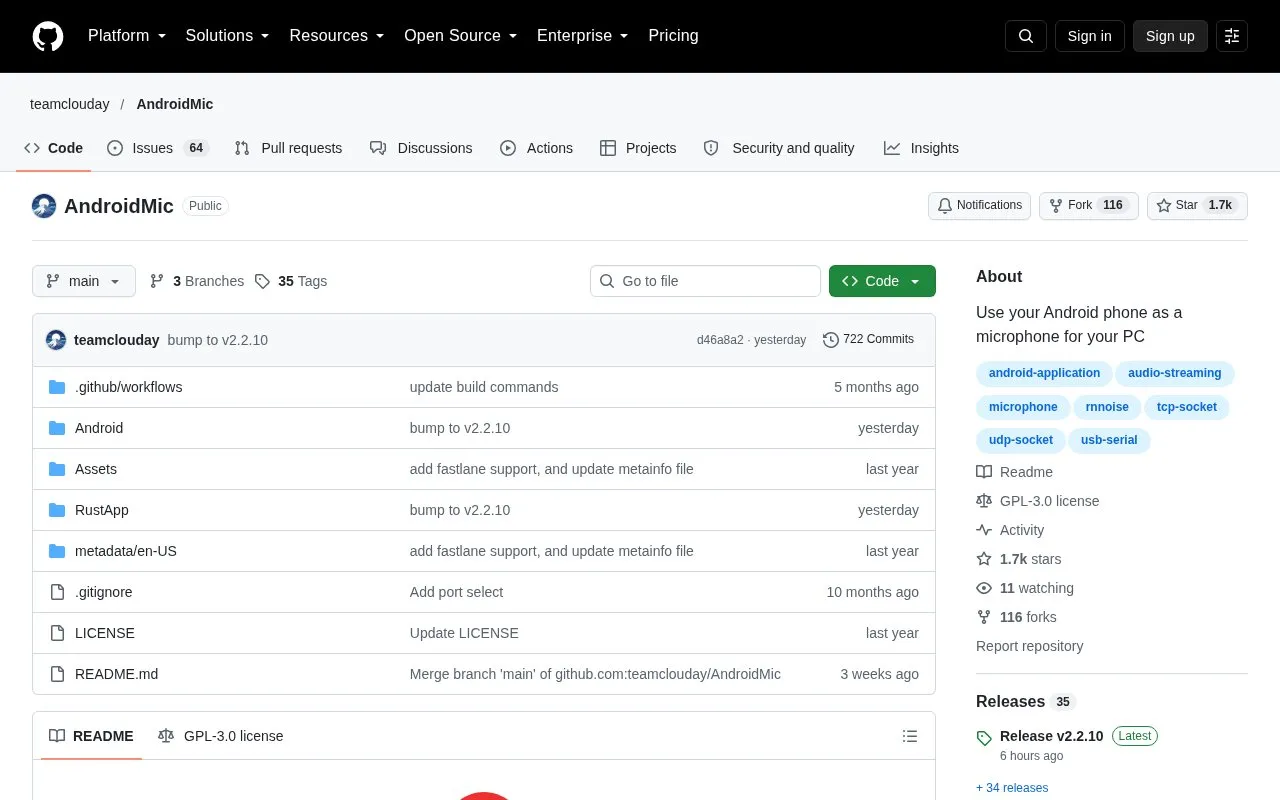
AndroidMic is an open source tool that converts an Android smartphone into a microphone input for a computer. It supports Linux, Windows, and macOS, and offers three connection methods between the phone and PC: WiFi (TCP/UDP), USB ADB, and USB Serial. The tool includes built-in audio processing features like noise cancellation and audio wave visualization, plus adjustable audio settings for sample rate, channel count, and bit depth. A virtual audio cable driver must be installed on the PC for the system to recognize the phone's audio stream as a microphone input, with specific setup steps provided for each supported operating system.
Tools and sites you could use instead, ranked by how closely they match.
Mousedroid turns an Android phone into a mouse and keyboard for another device.
Codec2 Talkie turns an Android phone into an amateur radio digital voice transceiver with APRS support and wired or wireless connections.
MicYou turns an Android phone into a PC microphone, supporting cross-platform audio transmission over Wi-Fi and USB.
Iriun turns a phone camera into a wireless webcam for use with a computer.
Screen Recorder captures an Android screen with microphone audio in a Material You interface.
scrcpy displays and controls an Android device from a computer, using a desktop window to mirror the device and send user input.
Well-known listings from the same topic.
Tell us and an editor will check it.
Claim the listing and suggest updates yourself. An editor checks every claim first.


