

robocopy
Microsoft Learn documents Robocopy, a Windows command for copying file data between locations.
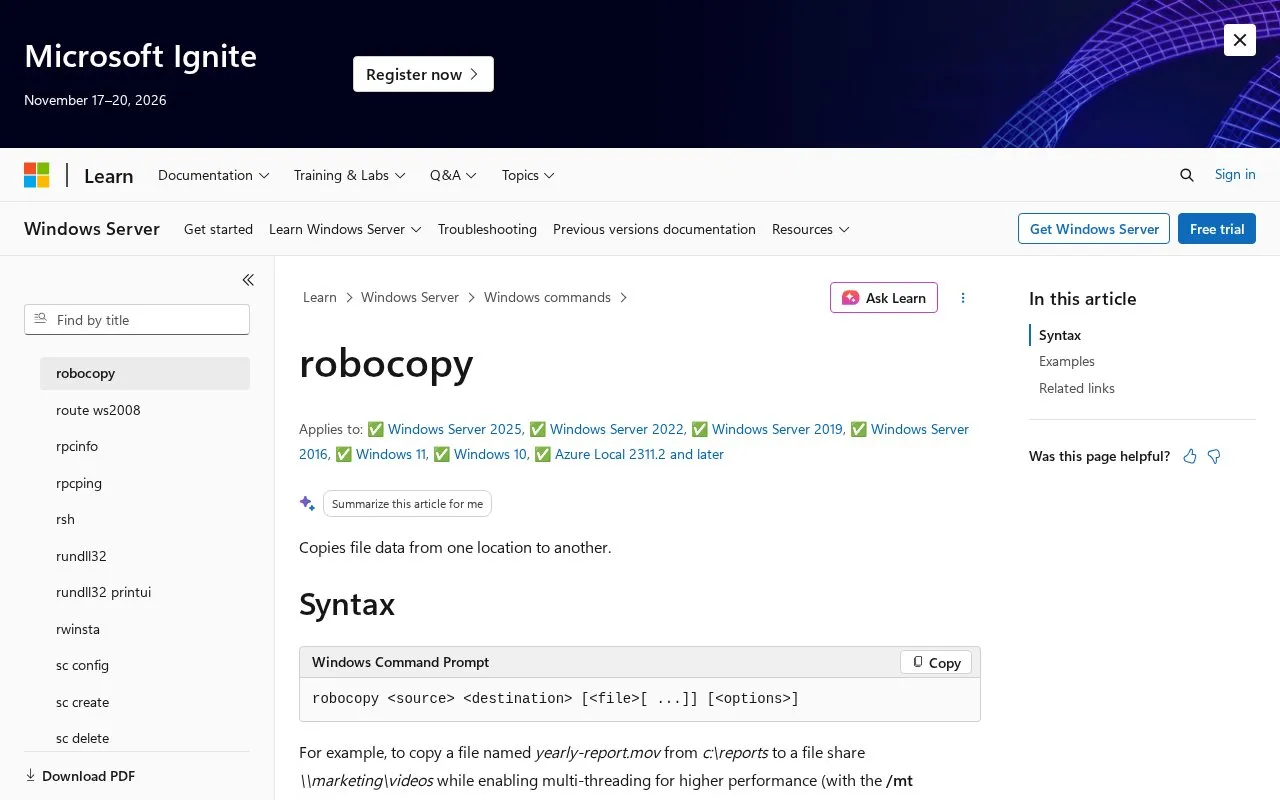
About robocopy
This page on Microsoft Learn is reference documentation for Robocopy, a Windows command that copies file data from one location to another. It applies to Windows 10, Windows 11, Windows Server 2016 through 2025, and Azure Local 2311.2 and later.
It explains the syntax robocopy [ [...]] [] and defines each part. It documents options for copying subdirectories, limiting directory levels, mirroring a directory tree, moving files and directories, copying in restartable or backup mode, copying file properties and security information, and monitoring a source for changes. File names can use wildcards, with . as the default.
The page suits Windows users who copy files from the command line and need a list of parameters and examples. An example shows copying a file to a network share with multi-threading and restartable mode.
Key features
- Copy file data between source and destination directories
- Copy subdirectories with or without empty directories
- Mirror directory tree with /e plus /purge
- Move files and directories, deleting from source
- Copy in restartable mode after interrupted transfer
- Monitor source and rerun when changes detected
Best for: Windows users who need command-line options for copying files and directories.
Good for
- Lists syntax, parameters, and a copy example
- Documents copy, file, retry, logging, and job options
- Covers Windows 10, Windows 11, Server, and Azure Local
Watch out for
- Command-line use only, no graphical interface described
- Copying from device root sets hidden and system attributes
robocopy at a glance
- Category
- Software & Utilities › File Utilities
- Type
- Online tool
- Pricing
- Not confirmed. Check the site
- Platforms
- Web, Windows
- Open source
- Not stated
- Language
- English
- Last checked
- Oct 6, 2026 · Online when checked
- Listed
- Oct 5, 2026
Guides for File Utilities
robocopy alternatives
Tools and sites you could use instead, ranked by how closely they match.

SDelete securely overwrites files and cleans free disk space of previously deleted data, according to the Microsoft Sysinternals page.
Pick

Deark analyzes file formats and metadata, extracts data, decompresses content, and decodes image formats through a command-line utility.
Popular in File Utilities
Well-known listings from the same topic.
PowerRenamelearn.microsoft.com/en-us/windows/powertoys/po…VERTvert.shNanaZipnanazip.orgPhotonphotondev.netlify.appFree Commanderfreecommander.comQ-Dirsoftwareok.com?seite=Freeware%2FQ-Dir


robocopy FAQ
What is Robocopy?
It is a Windows command that copies file data from one location to another.
What is the basic Robocopy syntax?
The syntax is robocopy [ [...]] [], where source and destination are directory paths.
What Windows versions does this documentation cover?
It applies to Windows 10, Windows 11, Windows Server 2016 through 2025, and Azure Local 2311.2 and later.
Does Robocopy support wildcards?
Yes, file names support * and ?. If no file is specified, *.* is used.
Is something wrong or out of date?
Tell us and an editor will check it.
Own this website?
Claim this listing
Claim the listing and suggest updates yourself. An editor checks every claim first.