

PowerRename
Bulk rename Windows files with PowerRename, which supports regular expressions and previews the proposed changes.
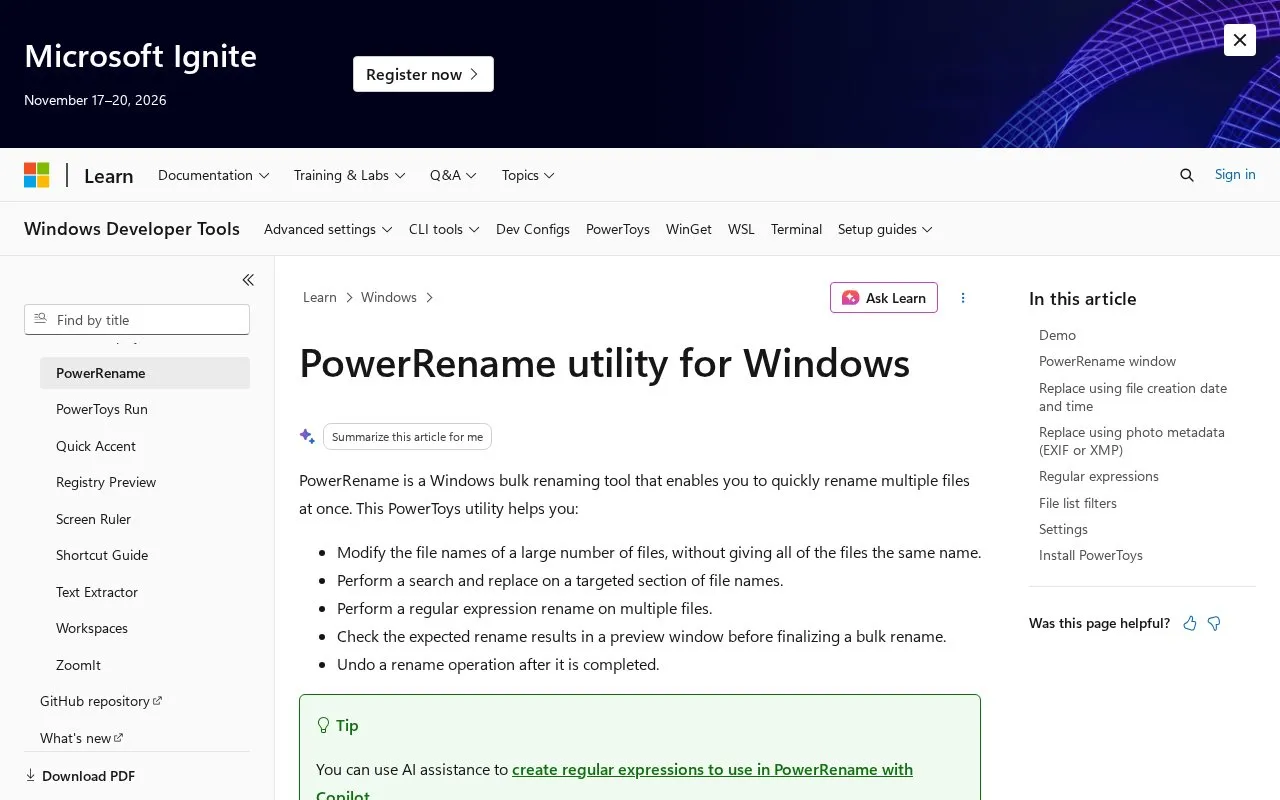
About PowerRename
PowerRename is a Windows bulk renaming tool that is part of PowerToys. It is documented on Microsoft Learn and is used from Windows File Explorer after it is enabled in PowerToys.
To use it, you select files in File Explorer, right-click, and choose Rename with PowerRename. You enter text or a regular expression in the Search for field and replacement text in the Replace with field. A preview pane shows the original and new file names before you apply the change. Options include matching all occurrences, case-sensitive matching, applying changes to file names or extensions only, and including files, folders, and subfolders. It also supports text formatting, numbered enumeration, and random string values. Rename operations can be undone after completion.
It suits Windows users who need to rename many files at once without renaming them one by one, including those working with organized file collections.
Key features
- Bulk rename multiple files from File Explorer
- Search and replace with plain text or regex
- Preview original and new names before applying
- Undo rename operation after completion
- Apply to filename, extension, files and subfolders
- Format text case and add numbered counters
Best for: Windows users who need to rename large sets of files at once.
Good for
- Shows preview before renaming
- Supports regular expressions for targeted changes
- Allows undo after rename
- Includes options for case, scope and numbering
Watch out for
- Works only on Windows
- Requires enabling in PowerToys
PowerRename at a glance
- Category
- Software & Utilities › File Utilities
- Type
- Website
- Pricing
- Not confirmed. Check the site
- Platforms
- Web, Windows
- Open source
- Not stated
- Language
- English
- Last checked
- Oct 5, 2026 · Online when checked
- Listed
- Oct 5, 2026
Guides for File Utilities
PowerRename alternatives
Tools and sites you could use instead, ranked by how closely they match.
Bulk Rename Utility batch-renames files and folders on Windows, with a downloadable utility listed on its site.
Free
10 alternatives
grepWin searches and replaces text on Windows using regular expressions.
Open source
24 alternativesPopular in File Utilities
Well-known listings from the same topic.
SDeletelearn.microsoft.com/en-us/sysinternals/downloa…robocopylearn.microsoft.com/windows-server/administrat…VERTvert.shNanaZipnanazip.orgPhotonphotondev.netlify.appFree Commanderfreecommander.com


PowerRename FAQ
How do I open PowerRename?
Select files in Windows File Explorer, right-click and choose Rename with PowerRename, which appears when enabled in PowerToys.
Can I preview file names before renaming?
Yes, the PowerRename window shows the original and renamed file names in a preview pane before you apply changes.
Does PowerRename support regular expressions?
Yes, you can interpret the search value as a regular expression and use regex variables in the replacement text.
Can I undo a PowerRename operation?
Yes, a rename operation can be undone after it is completed, including with Explorer's Undo Rename command.
Is something wrong or out of date?
Tell us and an editor will check it.
Own this website?
Claim this listing
Claim the listing and suggest updates yourself. An editor checks every claim first.