

grepWin
grepWin searches and replaces text on Windows using regular expressions.
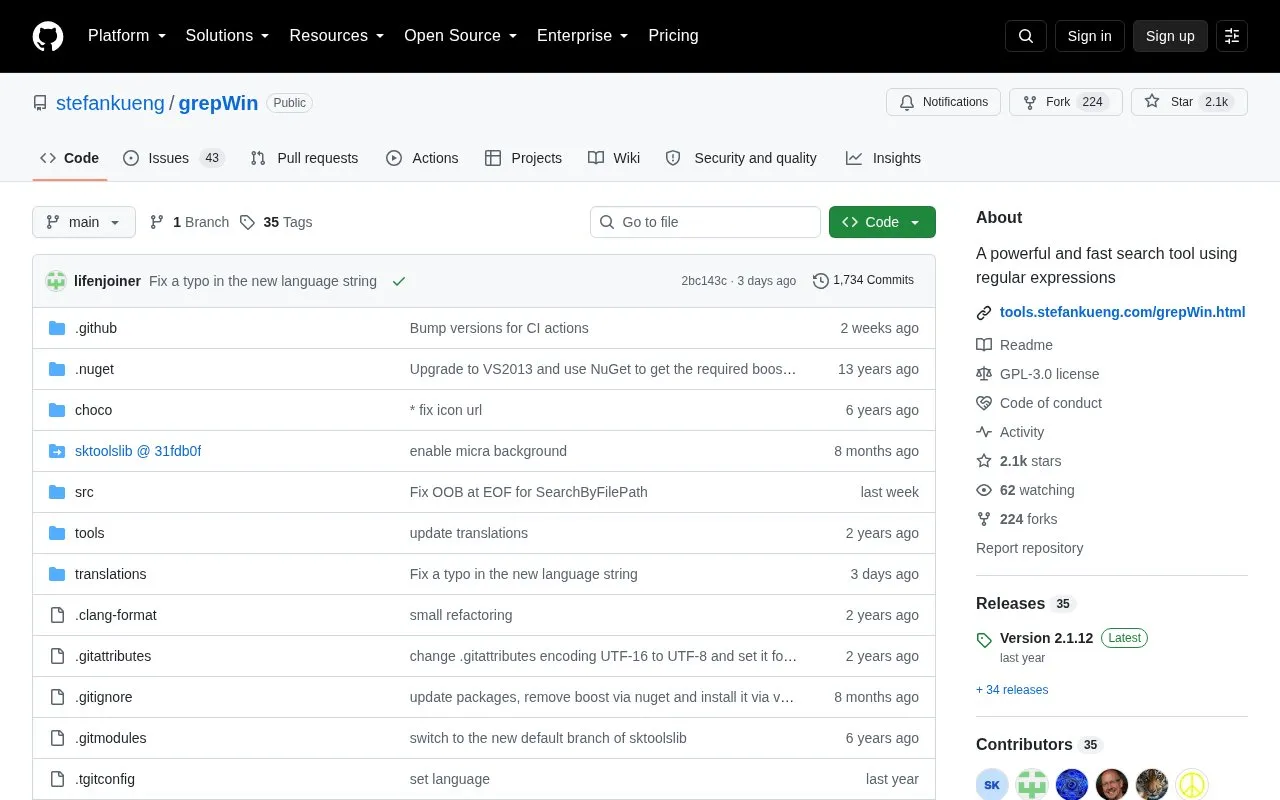
About grepWin
grepWin is an open-source search and replace tool for Windows that supports regular expressions. Its source code, documentation, and release history are published on GitHub, with additional information linked on its project homepage. It is licensed under GPL-3.0 and categorized as a file utility. The repository contains source and translation folders.
With grepWin, you can search for text and replace it using regular expressions, which allows pattern-based matching beyond plain text search. The project includes a short regular expression tutorial for users who are new to the syntax, and documents command line parameters on a separate page.
It suits Windows users who need to find and update text in files, including those learning regular expressions and those who already use them for routine search tasks.
Key features
- Search and replace text on Windows
- Supports regular expressions for search and replace
- Includes short tutorial for regular expression beginners
- Documents command line parameters on separate page
- Open-source code available under GPL-3.0 license
Best for: Windows users who need to search and replace text using regular expressions.
Good for
- Supports regular expression search and replace
- Includes tutorial for regex beginners
- Open source under GPL-3.0 license
Watch out for
- Limited to Windows
grepWin at a glance
- Category
- Software & Utilities › File Utilities
- Type
- Open-source project
- Pricing
- Not confirmed. Check the site
- Platforms
- Windows
- Open source
- Yes · Source code
- Language
- English
- Last checked
- Oct 5, 2026 · Online when checked
- Listed
- Oct 5, 2026
Guides for File Utilities
grepWin alternatives
Tools and sites you could use instead, ranked by how closely they match.

Szyszka renames files in bulk, with rules for replacing, trimming, adding, numbering, and removing text; the project lists Linux, Mac, and Windows support.
Open source
24 alternatives
Bulk rename Windows files with PowerRename, which supports regular expressions and previews the proposed changes.
Pick

sist2 indexes files and provides search tools, with its project page noting that development is in an early stage.
Open source
24 alternatives
Text Grab extracts text with OCR on Windows, with an optional background process and notifications.
Open source
24 alternatives
TextShot takes a screenshot and copies its text to the clipboard using Python, on Windows, macOS, and Linux.
Open source
24 alternatives
IPFS Desktop is an application for Windows, Mac, and Linux that provides a desktop interface for IPFS.
Open source
24 alternativesPopular in File Utilities
Well-known listings from the same topic.
SDeletelearn.microsoft.com/en-us/sysinternals/downloa…robocopylearn.microsoft.com/windows-server/administrat…VERTvert.shNanaZipnanazip.orgPhotonphotondev.netlify.appFree Commanderfreecommander.com


grepWin FAQ
What is grepWin used for?
It is used to search and replace text on Windows using regular expressions.
Is grepWin open source?
Yes, its source code is published on GitHub under the GPL-3.0 license.
Does grepWin work on operating systems other than Windows?
No, it is described as a search and replace tool for Windows.
Is something wrong or out of date?
Tell us and an editor will check it.
Own this website?
Claim this listing
Claim the listing and suggest updates yourself. An editor checks every claim first.