

File Converter
File Converter converts and compresses files through the Windows context menu, including operations on multiple files.
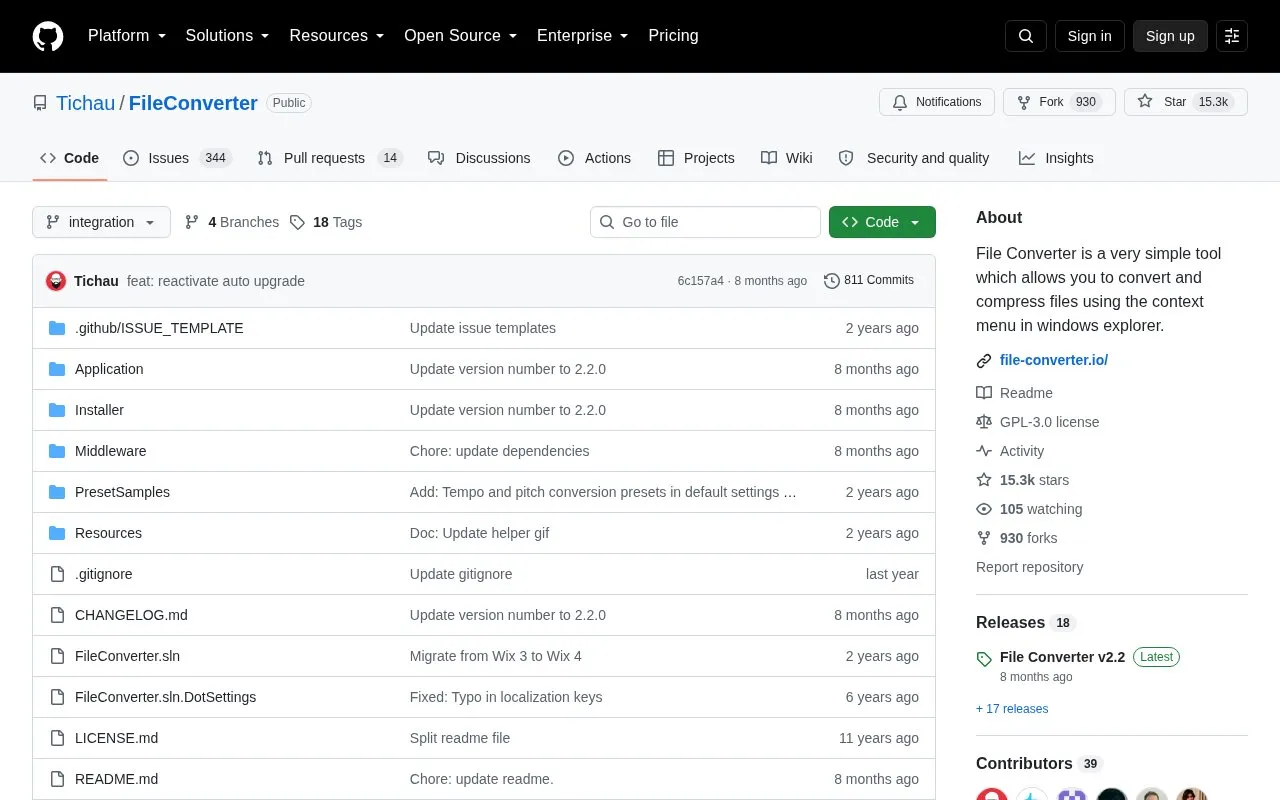
About File Converter
File Converter is a Windows tool that converts and compresses one or several files from the context menu in Windows Explorer. It is built on existing open source components: ffmpeg for file conversion, ImageMagick for image editing and conversion, and Ghostscript for PDF editing. It also uses SharpShell to create the Explorer context menu extension.
File Converter is a personal open source project started in 2014 and licensed under GPL version 3. The source lists Windows as its only platform. Support is provided through the project's documentation, its troubleshooting section, and its bug tracker.
Key features
- Converts one or several files from the Windows Explorer context menu
- Compresses one or several files from the Windows Explorer context menu
- Uses ffmpeg for file conversion
- Uses ImageMagick for image editing and conversion
- Uses Ghostscript for PDF editing
- Includes CD audio extraction using the Ripper and yeti.mmedia components
Best for: Windows users who want to convert or compress one or several files directly from Windows Explorer.
Good for
- Released as open source under the GPL version 3 license
- Built on established open source tools such as ffmpeg, ImageMagick and Ghostscript
- Interface translations are credited for many languages, including Spanish, German and Japanese
Watch out for
- The source lists Windows as the only supported platform
- Building from source requires Visual Studio 2022 and additional tools listed in the repository
File Converter at a glance
- Category
- Software & Utilities › File Utilities
- Type
- Open-source project
- Pricing
- Not confirmed. Check the site
- Platforms
- Windows
- Open source
- Yes · Source code
- Language
- English
- Last checked
- Oct 6, 2026 · Online when checked
- Listed
- Oct 5, 2026
Guides for File Utilities
File Converter alternatives
Tools and sites you could use instead, ranked by how closely they match.

Convert and compress files from the Windows context menu with File Converter, including multiple files in one action.

Umi-OCR processes screenshots, image batches, and PDF documents offline, with OCR support for multiple languages.
Open source
24 alternatives
VERT is a file conversion utility that uses WebAssembly to convert files on your device instead of a cloud.
FreeOpen source
24 alternatives
ConvertX offers a self-hosted file converter supporting more than 1,000 formats, according to its repository description.
Open source
24 alternatives
IPFS Desktop is an application for Windows, Mac, and Linux that provides a desktop interface for IPFS.
Open source
24 alternatives
RapidCRC Unicode creates and verifies file checksums on Windows, according to its repository description.
Open source
24 alternativesPopular in File Utilities
Well-known listings from the same topic.
SDeletelearn.microsoft.com/en-us/sysinternals/downloa…PowerRenamelearn.microsoft.com/en-us/windows/powertoys/po…robocopylearn.microsoft.com/windows-server/administrat…VERTvert.shNanaZipnanazip.orgPhotonphotondev.netlify.app


File Converter FAQ
Where can I report a problem with File Converter?
Known problems are listed in the troubleshooting section of the documentation. Other issues can be reported on the bug tracker.
What license is File Converter released under?
File Converter is licensed under the GPL version 3 License. The LICENSE.md file in the repository and the GNU website contain more information.
What is needed to set up a development environment?
The repository lists Visual Studio 2022 for File Converter and its Explorer extension. The installer requires Wix 5, which is installed by NuGet, along with the Community Visual Studio Extension and the Windows SDK Signing Tools for Desktop Apps.
Is something wrong or out of date?
Tell us and an editor will check it.
Own this website?
Claim this listing
Claim the listing and suggest updates yourself. An editor checks every claim first.