

Delapp
Delapp deletes files and folders on Windows, with Windows 7 or later listed as a requirement.
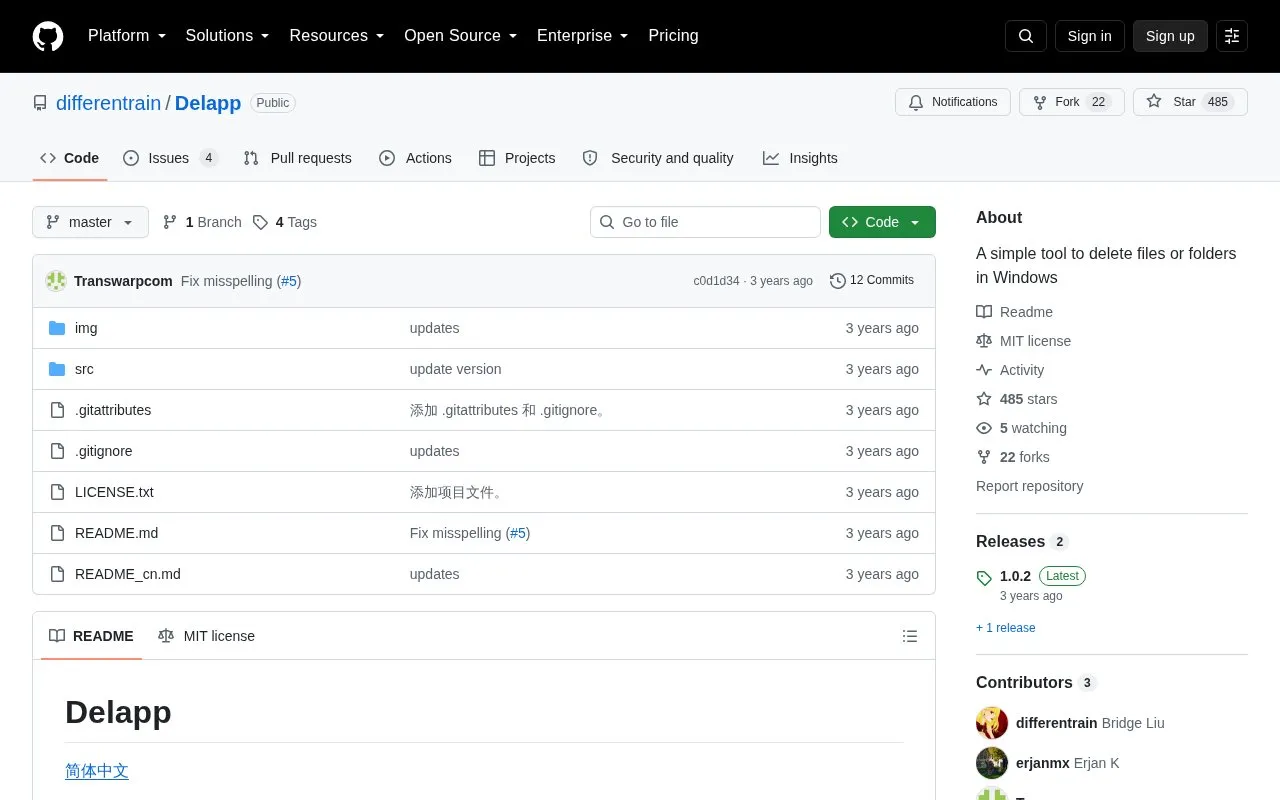
About Delapp
Delapp is an open-source Windows utility for deleting files and folders. It is distributed as a single-file app that does not require installation; users extract the release and run it. Items can be dragged into a delete-list or added through an Explorer right-click menu, then removed with either Fast delete or Delete. Deleted items are not moved to the Recycle Bin, so recovery depends on other software.
Fast delete uses Restart Manager to locate programs or services occupying target files, while Delete scans all processes for file occupancies and is slower. Delapp can also help with invalid paths, including folders that are difficult to delete through normal Windows methods. It requires Windows 7 or later and the .NET Framework 4.8 Runtime or later.
Key features
- Deletes files or folders directly without moving them to the Recycle Bin
- Single-file app; no installation required, just extract and run
- Drag-and-drop files/folders into a delete-list, including onto the app icon
- Fast delete uses Restart Manager to find occupying programs or services
- Delete mode scans all processes to find file occupancies
- Adds to Explorer right-click menu; can fix invalid paths
Best for: Windows users who need to remove files or folders that are difficult to delete through normal methods, including occupied items or invalid paths.
Good for
- Open source under the MIT license
- Can remove occupied files and folders using two deletion modes
- Handles invalid paths that are difficult to delete through normal methods
Watch out for
- Deleted items are not moved to the Recycle Bin; recovery relies on other software
- Fast delete may not handle folders opened by other programs or deep paths
- Requires Windows 7 or later and .NET Framework 4.8 Runtime or later
Delapp at a glance
- Category
- Software & Utilities › File Utilities
- Type
- Open-source project
- Pricing
- Not confirmed. Check the site
- Platforms
- Windows
- Open source
- Yes · Source code
- Language
- English
- Last checked
- Oct 6, 2026 · Online when checked
- Listed
- Oct 5, 2026
Guides for File Utilities
Delapp alternatives
Tools and sites you could use instead, ranked by how closely they match.

FoliCon customizes folder icons for movies, shows, games, anime, and music, with ratings and package-manager support listed.
Open source
24 alternatives
HFS shares folders or single files from a computer through a virtual file system and web server.
Open source
24 alternatives
Phockup sorts photos and videos from a camera into folders by year, month, and day.
Open source
24 alternatives
IPFS Desktop is an application for Windows, Mac, and Linux that provides a desktop interface for IPFS.
Open source
24 alternatives
Flut Renamer batch-renames files on Linux, Windows, Android, iOS, and macOS, according to its project description.
Open source
24 alternatives
File Converter converts and compresses files through the Windows context menu, including operations on multiple files.
Open source
24 alternativesPopular in File Utilities
Well-known listings from the same topic.
SDeletelearn.microsoft.com/en-us/sysinternals/downloa…PowerRenamelearn.microsoft.com/en-us/windows/powertoys/po…robocopylearn.microsoft.com/windows-server/administrat…VERTvert.shNanaZipnanazip.orgPhotonphotondev.netlify.app


Delapp FAQ
What are Delapp's system requirements?
Windows 7 or later and .NET Framework 4.8 Runtime or later.
Does Delapp move deleted files to the Recycle Bin?
No. The deleted items are not moved to the Recycle Bin, so restoring them requires other software.
What is the difference between Fast delete and Delete?
Fast delete is faster and uses Restart Manager to find occupying programs or services. Delete is slower but checks all processes for file occupancies and can be used when Fast delete has trouble with folders or stack overflow.
Is something wrong or out of date?
Tell us and an editor will check it.
Own this website?
Claim this listing
Claim the listing and suggest updates yourself. An editor checks every claim first.