

Phockup
Phockup sorts photos and videos from a camera into folders by year, month, and day.
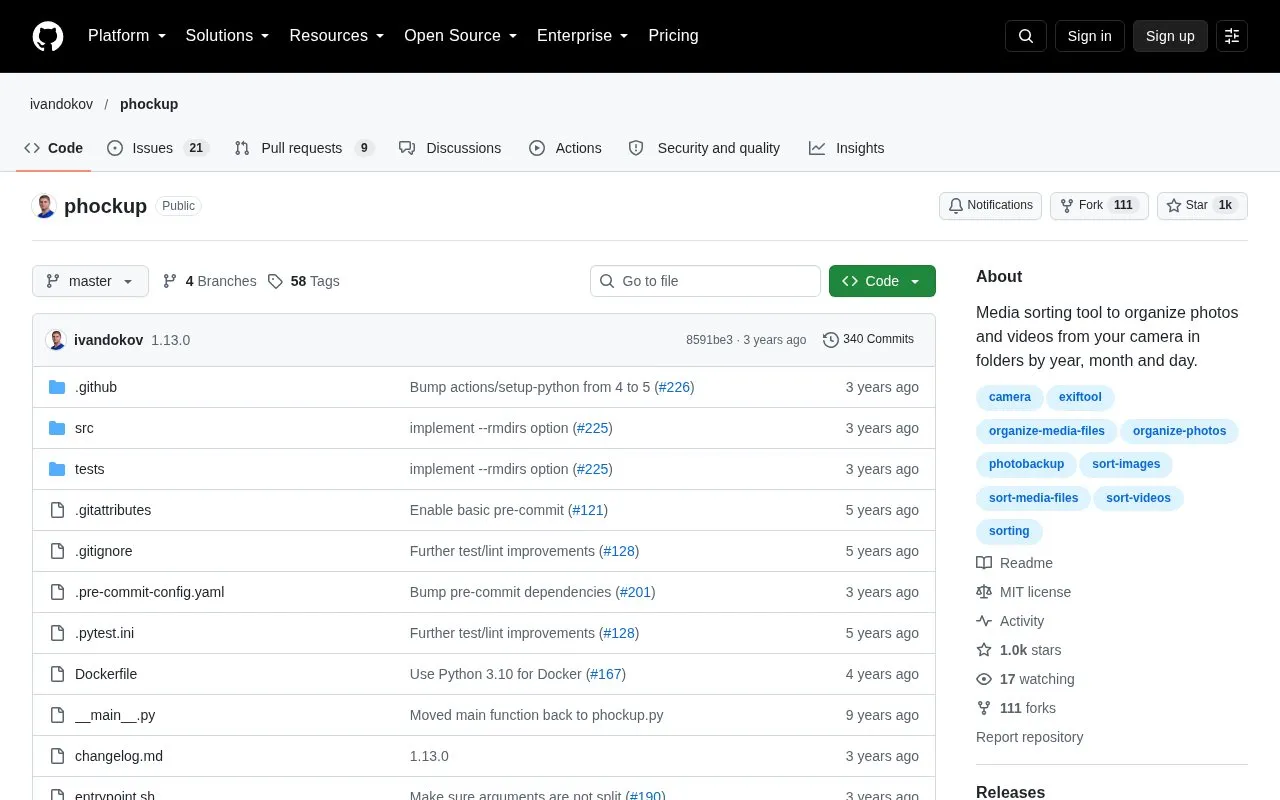
About Phockup
Phockup is an open source Python tool that sorts photos and videos from a camera into folders by year, month, and day. It collects files from an input directory and copies them to an output directory without changing their contents. Files are renamed and placed into the matching year, month, and day folder. Files that are not images or videos, or that lack creation date information, are placed in a folder named unknown without being renamed.
When a target file already exists, Phockup compares checksums. If the checksums differ, the new file is kept with a numeric suffix such as "-1". If they match, the copy is skipped. The project states that the input directory can be deleted after a successful run, because every input file has a copy in the output directory. Phockup can run in Docker, either once or at intervals set by a cron expression. It can also be installed with Homebrew on Mac or as a snap on Linux. Snap installs can only access files in the home and /media directories by default. In Docker's interval mode, the input and output folders are fixed at /mnt/input and /mnt/output inside the container.
Key features
- Sorts photos and videos into year, month, and day folders
- Copies files to an output directory without changing file content
- Places non-media files and files without creation dates in an unknown folder
- Compares checksums to detect duplicates and skip identical copies
- Adds a numeric suffix when a different file has the same target name
- Docker mode for single runs or scheduled runs using cron syntax
Best for: People who want to organize camera photos and videos by date and are comfortable with command-line tools, Docker, or cron scheduling.
Good for
- Open source, with the code published in a public GitHub repository
- Copies files rather than moving or altering their contents
- Uses checksum comparison to identify duplicate files
Watch out for
- Snap installations can only access files in the home and /media directories by default
- In Docker interval mode, input and output paths are fixed inside the container
- Files without image, video, or creation date information go to a single unknown folder
Phockup at a glance
- Website
- github.com/ivandokov/phockup
- Category
- Software & Utilities › File Utilities
- Type
- Open-source project
- Pricing
- Not confirmed. Check the site
- Open source
- Yes · Source code
- Language
- English
- Last checked
- Oct 6, 2026 · Online when checked
- Listed
- Oct 5, 2026
Guides for File Utilities
Phockup alternatives
Tools and sites you could use instead, ranked by how closely they match.

Magika detects file content types using an AI-based file identification tool, according to its repository description.
Open source
24 alternatives
Umi-OCR processes screenshots, image batches, and PDF documents offline, with OCR support for multiple languages.
Open source
24 alternatives
TextShot takes a screenshot and copies its text to the clipboard using Python, on Windows, macOS, and Linux.
Open source
24 alternatives
Docling prepares documents for generative AI applications, according to its project description.
Open source
24 alternatives
Transmute provides self-hosted file conversion and compression for images, video, audio, documents, spreadsheets, subtitles, and fonts.
Open source
24 alternatives
NormCap captures text from the screen using OCR, with downloads for Linux, macOS, and Windows.
Popular in File Utilities
Well-known listings from the same topic.
SDeletelearn.microsoft.com/en-us/sysinternals/downloa…PowerRenamelearn.microsoft.com/en-us/windows/powertoys/po…robocopylearn.microsoft.com/windows-server/administrat…VERTvert.shNanaZipnanazip.orgPhotonphotondev.netlify.app


Phockup FAQ
What happens to files that have no creation date?
They are placed in a directory called unknown without their file name being changed.
What happens if two files have the same name?
If the target file exists, its checksum is compared with the source. Different files are kept with a numeric suffix such as "-1". Identical files are skipped.
Can I delete the input folder after Phockup finishes?
The project states that the input directory can be safely deleted after a successful run, because all of its files have copies in the output directory.
Is something wrong or out of date?
Tell us and an editor will check it.
Own this website?
Claim this listing
Claim the listing and suggest updates yourself. An editor checks every claim first.