

Tools / Extensions
Catbox Tools provides a ShareX configuration file and setup instructions for uploading to Catbox.
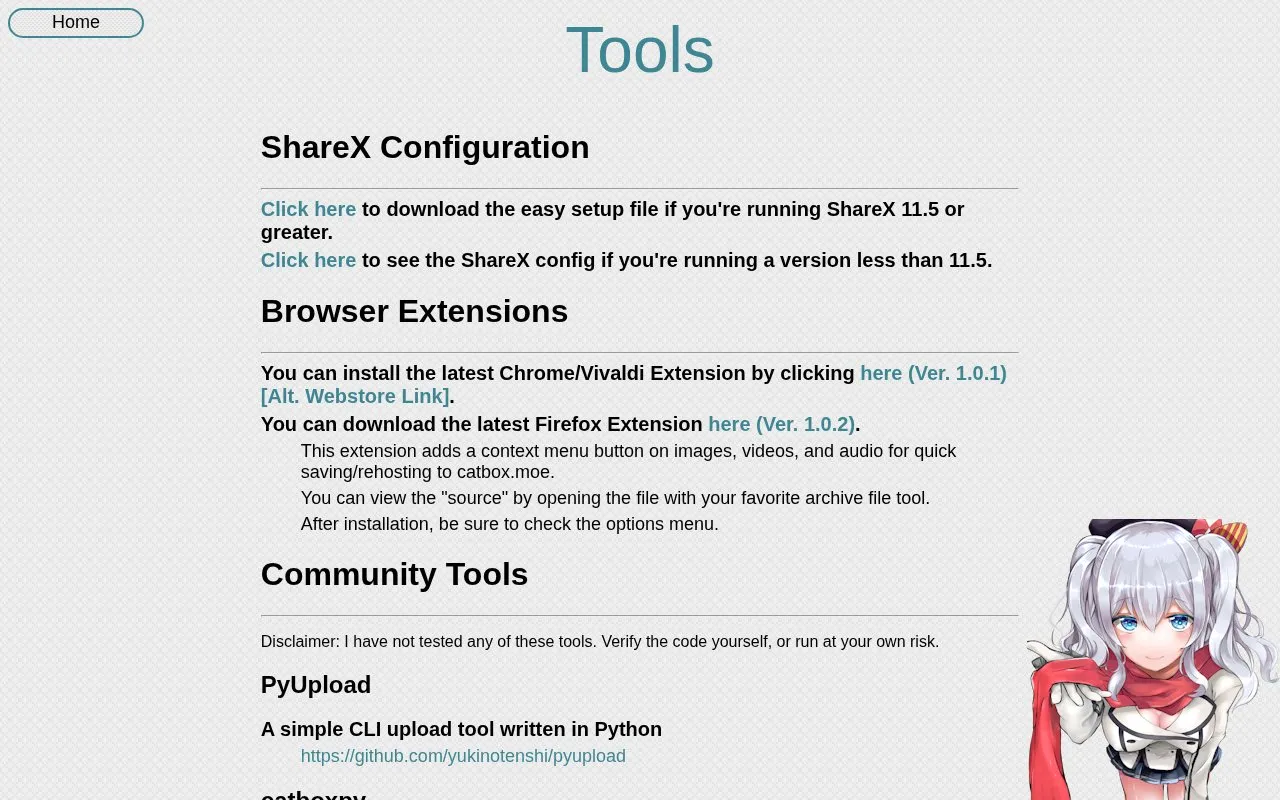
About Tools / Extensions
Catbox Tools is the utilities page for Catbox file hosting. It brings together ShareX setup files, browser extensions, community-built upload tools, and API documentation.
You can download a ShareX setup file for version 11.5 or greater, or view the configuration for older versions. Browser extensions for Chrome, Vivaldi, and Firefox add a context menu button to images, videos, and audio for saving or rehosting to catbox.moe. Developers can use the API at catbox.moe/user/api.php for file uploads, URL uploads, file deletion, and album creation and editing. The page also links to community tools such as Python, Go, Rust, Kotlin, C#, Bash, and Node.js implementations, plus a Windows context menu uploader.
It suits people who already use Catbox and want desktop, browser, or scripted uploads, as well as developers building scripts or integrations with the Catbox API.
Key features
- ShareX setup file for version 11.5 and greater
- ShareX configuration details for older versions
- Chrome, Vivaldi, and Firefox browser extensions
- Context menu upload for images, videos, and audio
- API documentation for files and albums
- Community tools in Python, Go, Rust, and others
Best for: People who use Catbox and want ShareX, browser, or API upload tools.
Good for
- Covers ShareX, browser extensions, API, and community tools
- Includes cURL examples for file and URL uploads
- Documents album creation, editing, and deletion
Watch out for
- Community tools are listed as untested by the site
- One listed Node.js package is marked as potentially abandoned
Tools / Extensions at a glance
- Website
- catbox.moe/tools.php
- Category
- Software & Utilities › File Utilities
- Type
- Online tool
- Pricing
- Not confirmed. Check the site
- Platforms
- Web
- Open source
- Not stated
- Last checked
- Oct 5, 2026 · Online when checked
- Listed
- Oct 5, 2026
Guides for File Utilities
Tools / Extensions alternatives
Tools and sites you could use instead, ranked by how closely they match.

This ShareX configuration file sets Catbox as an image and file upload destination.

dupeGuru finds duplicate files on Linux, macOS, and Windows through a graphical interface.

Tahoe-LAFS provides a least-authority file store, with documentation, source browsing, and issue tracking on its project site.

Magika detects file content types using an AI-based file identification tool, according to its repository description.
Open source
24 alternatives
NormCap captures text from the screen using OCR, with downloads for Linux, macOS, and Windows.

Tahoe-LAFS provides a decentralized secure filesystem, as described by its repository page.
Popular in File Utilities
Well-known listings from the same topic.
SDeletelearn.microsoft.com/en-us/sysinternals/downloa…PowerRenamelearn.microsoft.com/en-us/windows/powertoys/po…robocopylearn.microsoft.com/windows-server/administrat…VERTvert.shNanaZipnanazip.orgPhotonphotondev.netlify.app


Tools / Extensions FAQ
How do I use Catbox with ShareX?
Download the setup file if you use ShareX 11.5 or greater, or view the manual configuration if you use an older version.
What do the Catbox browser extensions do?
They add a context menu button on images, videos, and audio for quick saving or rehosting to catbox.moe.
Where is the Catbox API and what does it support?
The API is at https://catbox.moe/user/api.php. It supports file uploads, URL uploads, file deletion, and album management.
Are the community tools tested?
No. The page states they have not been tested and users should verify the code or run them at their own risk.
Is something wrong or out of date?
Tell us and an editor will check it.
Own this website?
Claim this listing
Claim the listing and suggest updates yourself. An editor checks every claim first.