

TextShot
TextShot takes a screenshot and copies its text to the clipboard using Python, on Windows, macOS, and Linux.
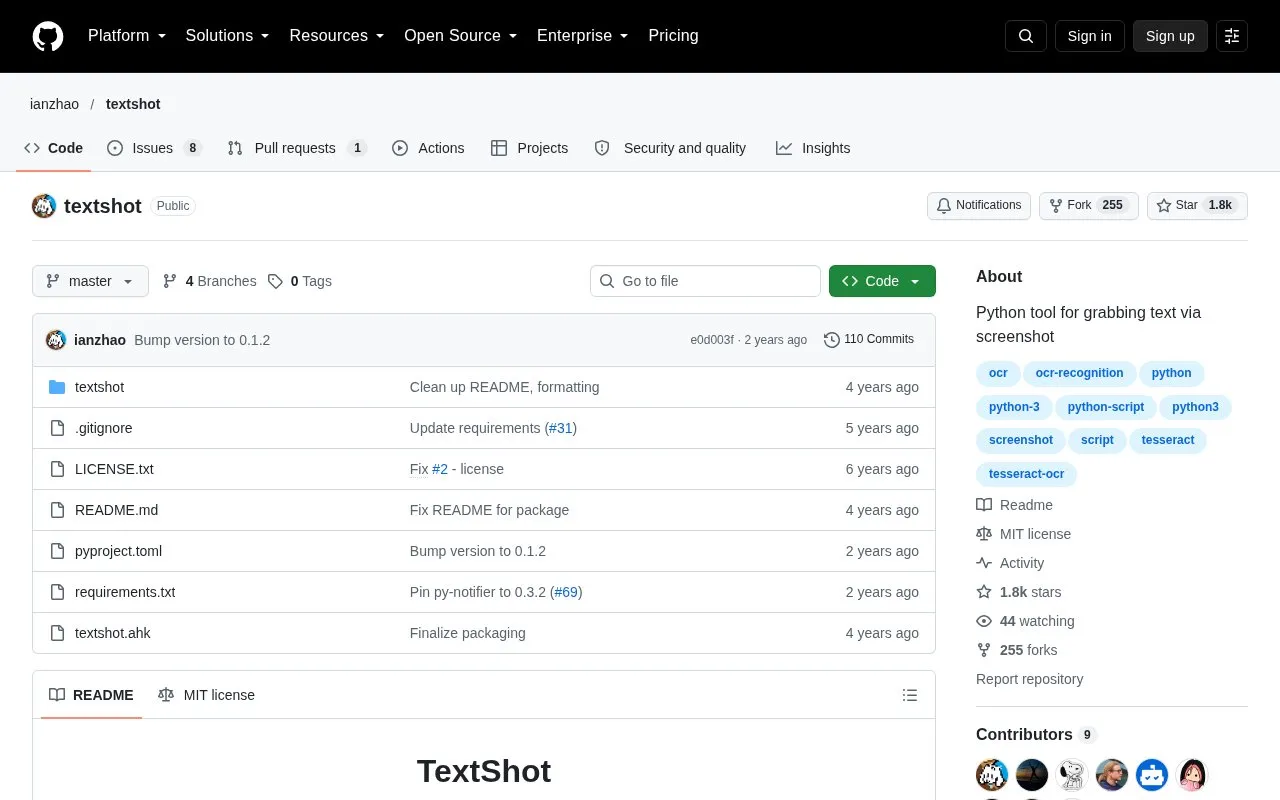
About TextShot
TextShot is an open source Python command-line tool that takes a screenshot of a selected screen area and copies the text it contains to the clipboard. It runs on Windows, macOS, and most modern Linux distributions, and is released under the MIT license. The text recognition is performed by Google's Tesseract OCR engine, which must be installed separately and added to the system path.
Running the command opens an overlay where the user draws a rectangle around the text to copy. An optional language argument, such as eng+fra, is passed to Tesseract, and the matching Tesseract language data files must be installed. A continuous mode copies text from a chosen region at a set interval in milliseconds. The project recommends assigning a global hotkey, and it includes a sample AutoHotkey script for Windows and notes how to set a shortcut on Ubuntu.
Key features
- Lets the user draw a rectangle over a screen area to select text
- Copies recognized text from the selected area to the clipboard
- Accepts a language argument, such as eng+fra, passed to Tesseract
- Continuous mode copies text from a region at a set millisecond interval
- Includes a sample AutoHotkey script for a Windows global hotkey
- Can be installed with pip or from source
Best for: Python users and people comfortable with command-line setup who regularly need to copy text from on-screen content or images.
Good for
- Open source and released under the MIT license
- Runs on Windows, macOS, and most modern Linux distributions
- Supports multiple recognition languages through Tesseract language data
Watch out for
- Requires Google's Tesseract OCR Engine to be installed separately and reachable from the command line
- On macOS, the user may need to grant screen recording permission to the terminal
- The Arch Linux AUR package may not be up to date, according to the project
TextShot at a glance
- Category
- Software & Utilities › File Utilities
- Type
- Open-source project
- Pricing
- Not confirmed. Check the site
- Platforms
- Linux, macOS, Windows
- Open source
- Yes · Source code
- Language
- English
- Last checked
- Oct 6, 2026 · Online when checked
- Listed
- Oct 5, 2026
Guides for File Utilities
TextShot alternatives
Tools and sites you could use instead, ranked by how closely they match.

Umi-OCR processes screenshots, image batches, and PDF documents offline, with OCR support for multiple languages.
Open source
24 alternatives
NormCap captures text from the screen using OCR, with downloads for Linux, macOS, and Windows.

Text Grab extracts text with OCR on Windows, with an optional background process and notifications.
Open source
24 alternatives
Anytxt Searcher searches file contents on desktop systems, including text, PDF, Office, code, ebook, and image files.

GeekLink OCR extracts burned-in video subtitles into time-synced SRT files, with local processing for Mac and Windows.
Free trial
7 alternatives
Magika detects file content types using an AI-based file identification tool, according to its repository description.
Open source
24 alternativesPopular in File Utilities
Well-known listings from the same topic.
SDeletelearn.microsoft.com/en-us/sysinternals/downloa…PowerRenamelearn.microsoft.com/en-us/windows/powertoys/po…robocopylearn.microsoft.com/windows-server/administrat…VERTvert.shNanaZipnanazip.orgPhotonphotondev.netlify.app


TextShot FAQ
What languages does TextShot recognize?
The language argument is passed to Tesseract, for example eng for English or eng+fra for English with French as a secondary language. The appropriate Tesseract data files must be installed for each language used.
What should I do if the text appears in the notification but cannot be pasted on Linux?
The project suggests installing xclip, for example with sudo apt install xclip.
Is something wrong or out of date?
Tell us and an editor will check it.
Own this website?
Claim this listing
Claim the listing and suggest updates yourself. An editor checks every claim first.