

Magika
Magika detects file content types using an AI-based file identification tool, according to its repository description.
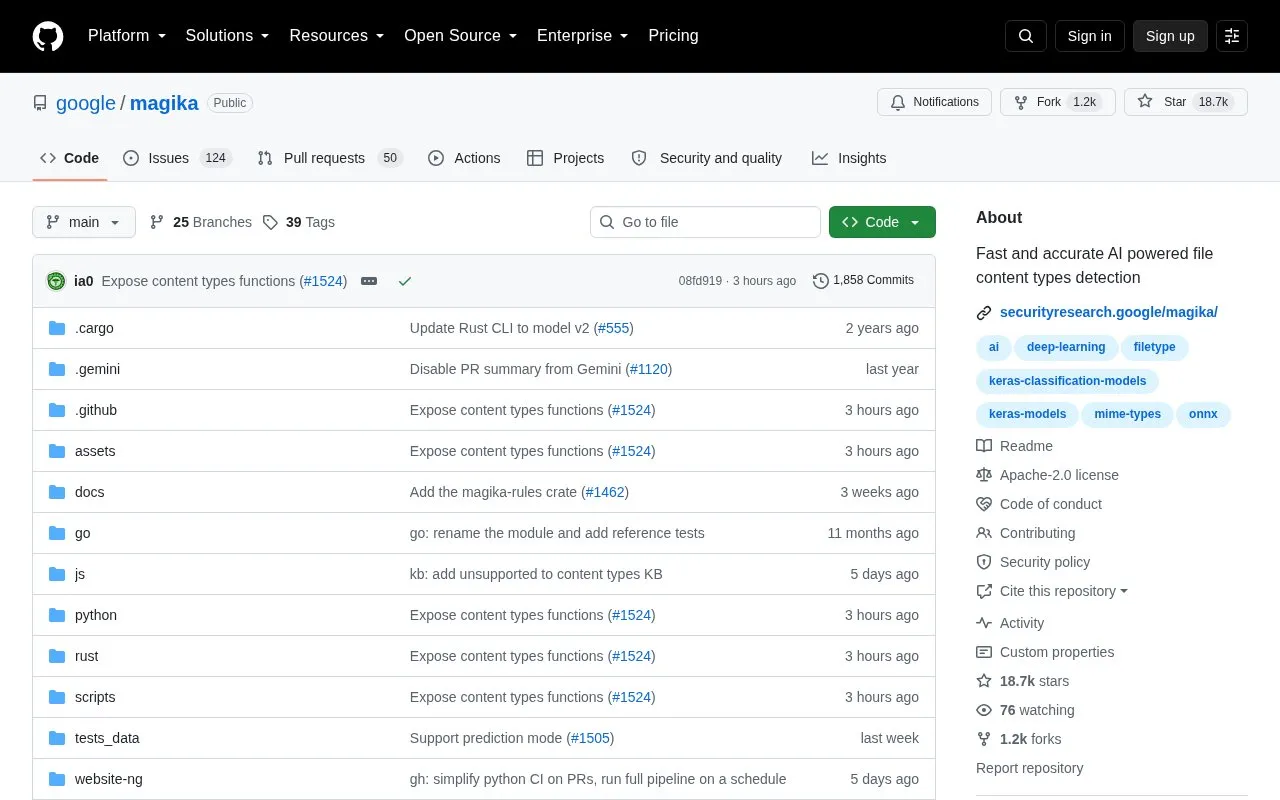
About Magika
Magika is an open-source, AI-powered file content type detection tool. Its model weighs a few megabytes and, after a one-off load, identifies a file in about 5 milliseconds on a single CPU, with near-constant inference time regardless of file size because only a limited subset of the file's content is used. It was trained and evaluated on roughly 100 million samples covering 200+ binary and textual content types, and the project reports about 99% average precision and recall on its test set.
It ships as a Rust-based command line tool with Python, Rust, JavaScript/TypeScript and Go bindings, and can process thousands of files at once or recurse through a directory. A per-content-type threshold system decides whether to trust a prediction or return a generic label such as "Generic text document" or "Unknown binary data", and prediction modes let users tune how confident a result must be.
Key features
- Detects 200+ binary and textual content types with a few-megabyte model
- About 5 ms inference per file after one-off model load
- Near-constant inference time regardless of file size
- CLI in Rust plus Python, Rust, JavaScript/TypeScript and Go bindings
- Recursive directory scanning and runs over thousands of files
- Prediction modes: high-confidence, medium-confidence and best-guess
Best for: Developers, security researchers and pipeline engineers who need fast local file type identification across large batches of files.
Good for
- Reports roughly 99% average precision and recall on the project's test set
- Runs on a single CPU, with inference around 5 ms per file once the model is loaded
- Open source, and used at Google to route Gmail, Drive and Safe Browsing files to security scanners
Watch out for
- GoLang bindings are marked work in progress and the npm package is described as experimental
- May return generic labels such as "Unknown binary data" rather than a specific type
- Accuracy figures come from the project's own test set, so individual files can still be mislabeled
Magika at a glance
- Website
- github.com/google/magika
- Category
- Software & Utilities › File Utilities
- Type
- Open-source project
- Pricing
- Not confirmed. Check the site
- Open source
- Yes · Source code
- Language
- English
- Last checked
- Oct 6, 2026 · Online when checked
- Listed
- Oct 5, 2026
Guides for File Utilities
Magika alternatives
Tools and sites you could use instead, ranked by how closely they match.

Umi-OCR processes screenshots, image batches, and PDF documents offline, with OCR support for multiple languages.
Open source
24 alternatives
Phockup sorts photos and videos from a camera into folders by year, month, and day.
Open source
24 alternatives
TextShot takes a screenshot and copies its text to the clipboard using Python, on Windows, macOS, and Linux.
Open source
24 alternatives
Docling prepares documents for generative AI applications, according to its project description.
Open source
24 alternatives
Transmute provides self-hosted file conversion and compression for images, video, audio, documents, spreadsheets, subtitles, and fonts.
Open source
24 alternatives
HashGuard checks file integrity and detects data tampering, according to its repository description.
Open source
24 alternativesPopular in File Utilities
Well-known listings from the same topic.
SDeletelearn.microsoft.com/en-us/sysinternals/downloa…PowerRenamelearn.microsoft.com/en-us/windows/powertoys/po…robocopylearn.microsoft.com/windows-server/administrat…VERTvert.shNanaZipnanazip.orgPhotonphotondev.netlify.app


Magika FAQ
Does Magika need a GPU to run?
No. After the model is loaded, inference takes about 5 ms per file even when running on a single CPU.
How can the command line tool be installed?
Installation options include the magika Python package via pipx, Homebrew for macOS/Linux, an installer script, or the magika-cli Rust package via cargo.
Can Magika scan an entire directory?
Yes. The -r option recursively scans a directory, and thousands of files can be passed at the same time.
Is something wrong or out of date?
Tell us and an editor will check it.
Own this website?
Claim this listing
Claim the listing and suggest updates yourself. An editor checks every claim first.