

Umi-OCR
Umi-OCR processes screenshots, image batches, and PDF documents offline, with OCR support for multiple languages.
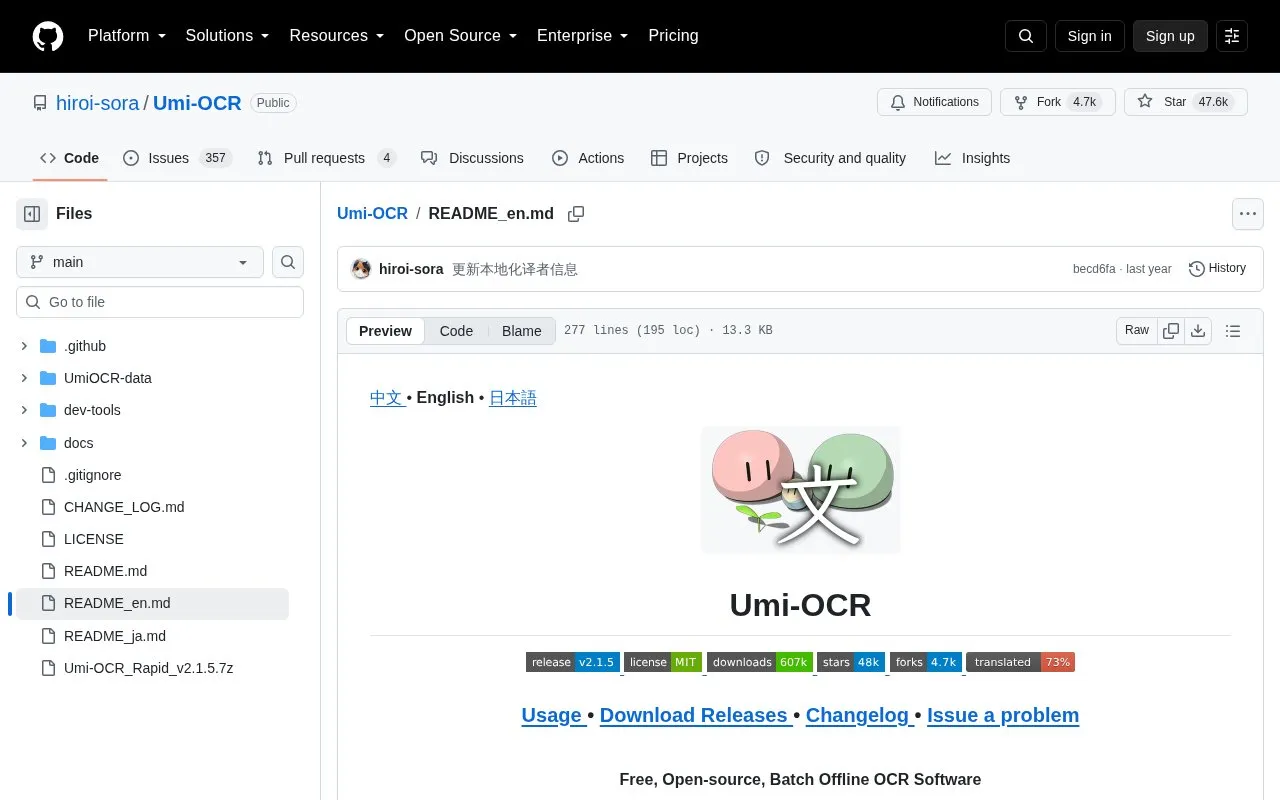
About Umi-OCR
Umi-OCR is a free, open-source optical character recognition (OCR) program that runs offline. It recognizes text from screenshots, batches of local images, and PDF documents, and it includes OCR support for multiple languages. The software is distributed as a Windows release package that is extracted and run as Umi-OCR.exe, without a separate installation step. The source states that it is compatible with Windows 7 x64 and later.
The program includes a screenshot OCR page, a batch OCR page, and paragraph merge options that control how recognized lines are arranged, including single lines, natural paragraphs, code blocks, and vertical layouts. Recognized text can be saved as txt, jsonl, md, or csv files. The project also describes command-line and HTTP API calling methods. The source says the offline engine's speed depends on the computer's performance. Pricing is unknown.
Key features
- Screenshot capture and text recognition through a keyboard shortcut
- Batch import of local images, with no stated limit on images per run
- Paragraph merge presets for single lines, natural paragraphs, code blocks, and vertical text
- Export of recognized text to txt, jsonl, md, or csv formats
- Command-line and HTTP API calling methods
- PDF document recognition, with built-in language libraries for multiple languages
Best for: Windows users who need free, offline OCR for screenshots, image batches, or PDFs, and developers who want to call OCR from scripts or through an HTTP API.
Good for
- All code is described as open source and free.
- Runs offline after extraction and does not need a network connection.
- Does not require installation; the program starts from the extracted package.
Watch out for
- The release package is for Windows, and the source describes it as compatible with Windows 7 x64 and above.
- The source states that OCR speed depends on the computer's performance.
- Vertical layout output requires a model library that also supports vertical recognition.
Umi-OCR at a glance
- Category
- Software & Utilities › File Utilities
- Type
- Open-source project
- Pricing
- Not confirmed. Check the site
- Open source
- Yes · Source code
- Language
- English
- Last checked
- Oct 6, 2026 · Online when checked
- Listed
- Oct 5, 2026
Guides for File Utilities
Umi-OCR alternatives
Tools and sites you could use instead, ranked by how closely they match.

TextShot takes a screenshot and copies its text to the clipboard using Python, on Windows, macOS, and Linux.
Open source
24 alternatives
NormCap captures text from the screen using OCR, with downloads for Linux, macOS, and Windows.

Text Grab extracts text with OCR on Windows, with an optional background process and notifications.
Open source
24 alternatives
GeekLink OCR extracts burned-in video subtitles into time-synced SRT files, with local processing for Mac and Windows.
Free trial
7 alternatives
Anytxt Searcher searches file contents on desktop systems, including text, PDF, Office, code, ebook, and image files.

Docling is an open-source document parsing and conversion project for preparing documents for generative AI.
Open source
24 alternativesPopular in File Utilities
Well-known listings from the same topic.
SDeletelearn.microsoft.com/en-us/sysinternals/downloa…PowerRenamelearn.microsoft.com/en-us/windows/powertoys/po…robocopylearn.microsoft.com/windows-server/administrat…VERTvert.shNanaZipnanazip.orgPhotonphotondev.netlify.app


Umi-OCR FAQ
Does Umi-OCR need an internet connection to recognize text?
The project describes the software as running offline with no need for a network connection.
Does Umi-OCR need to be installed?
No. The source says the software does not require installation. After extraction, the user runs Umi-OCR.exe.
What file formats can recognized text be saved in?
The batch OCR page can save recognized content as txt, jsonl, md, or csv (Excel) files.
Is something wrong or out of date?
Tell us and an editor will check it.
Own this website?
Claim this listing
Claim the listing and suggest updates yourself. An editor checks every claim first.